

💻 PC
📦 28.46GB
📅 2026
76 views
Total War - ROME Remastered
Total War: ROME Remastered revives the classic strategy masterpiece with enhanced visuals, modern controls, and epic real-time battles across the ancient world.
About This Game
Total War: ROME Remastered is the modernized edition of the legendary strategy game that defined a generation. Players command one of many ancient factions, managing cities, diplomacy, and armies on a vast campaign map while engaging in massive real-time battles across Europe, North Africa, and the Near East.
The remastered version features improved 4K visuals, updated UI, better camera controls, and quality-of-life enhancements while preserving the deep strategic gameplay of the original. Players must balance politics, economy, and military power to expand their empire and dominate rival civilizations.
With dozens of playable factions, historical units, and large-scale tactical warfare, Total War: ROME Remastered offers a rich and immersive experience for both longtime fans and new strategy players seeking a classic reborn.
Screenshots

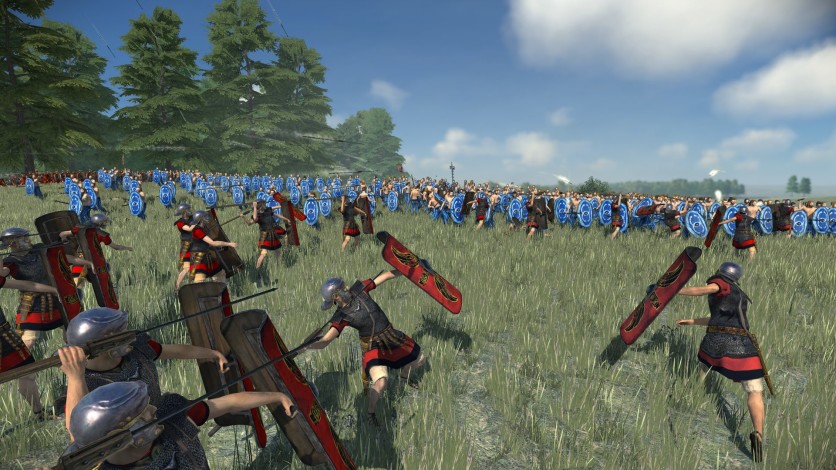
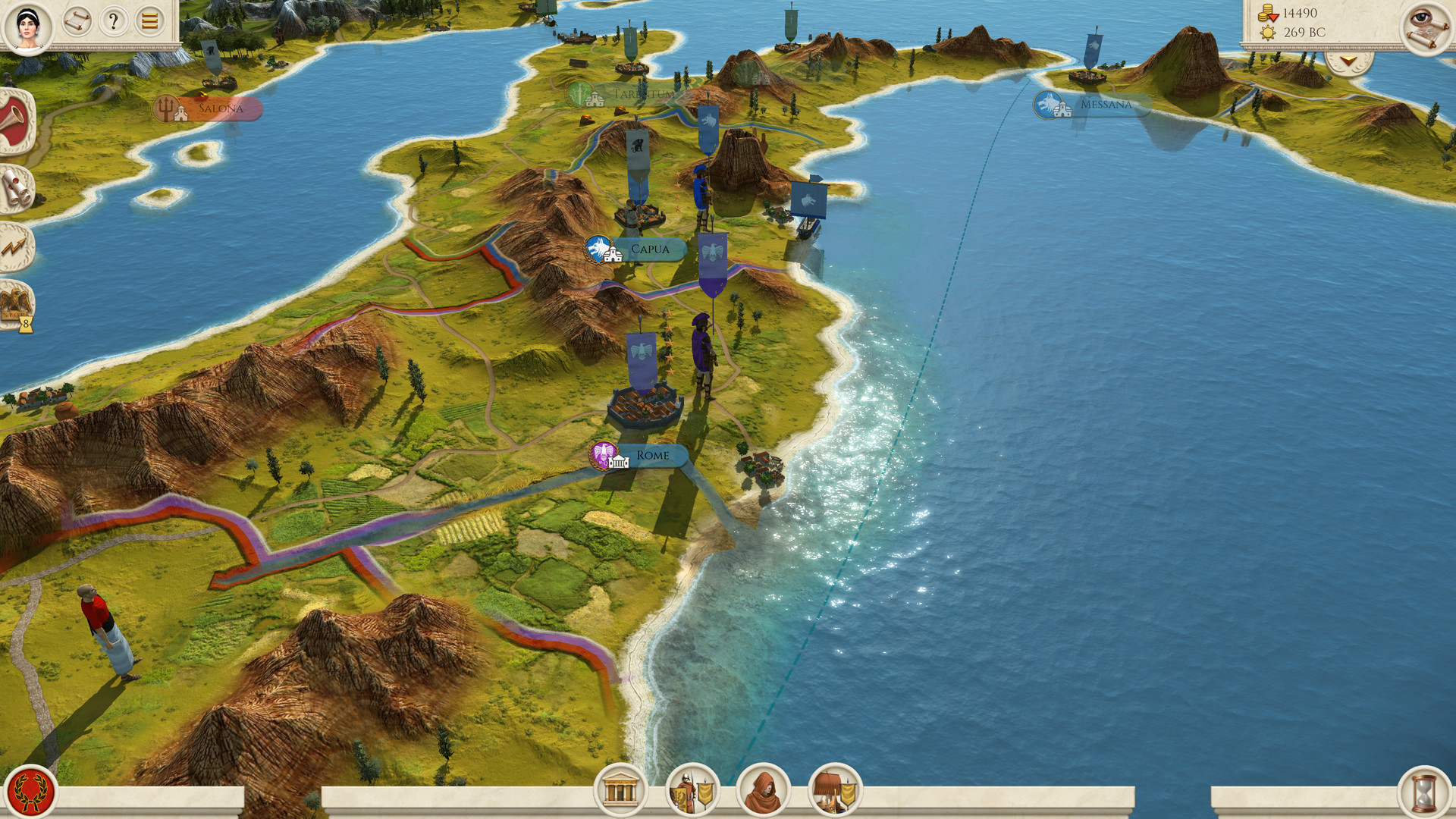
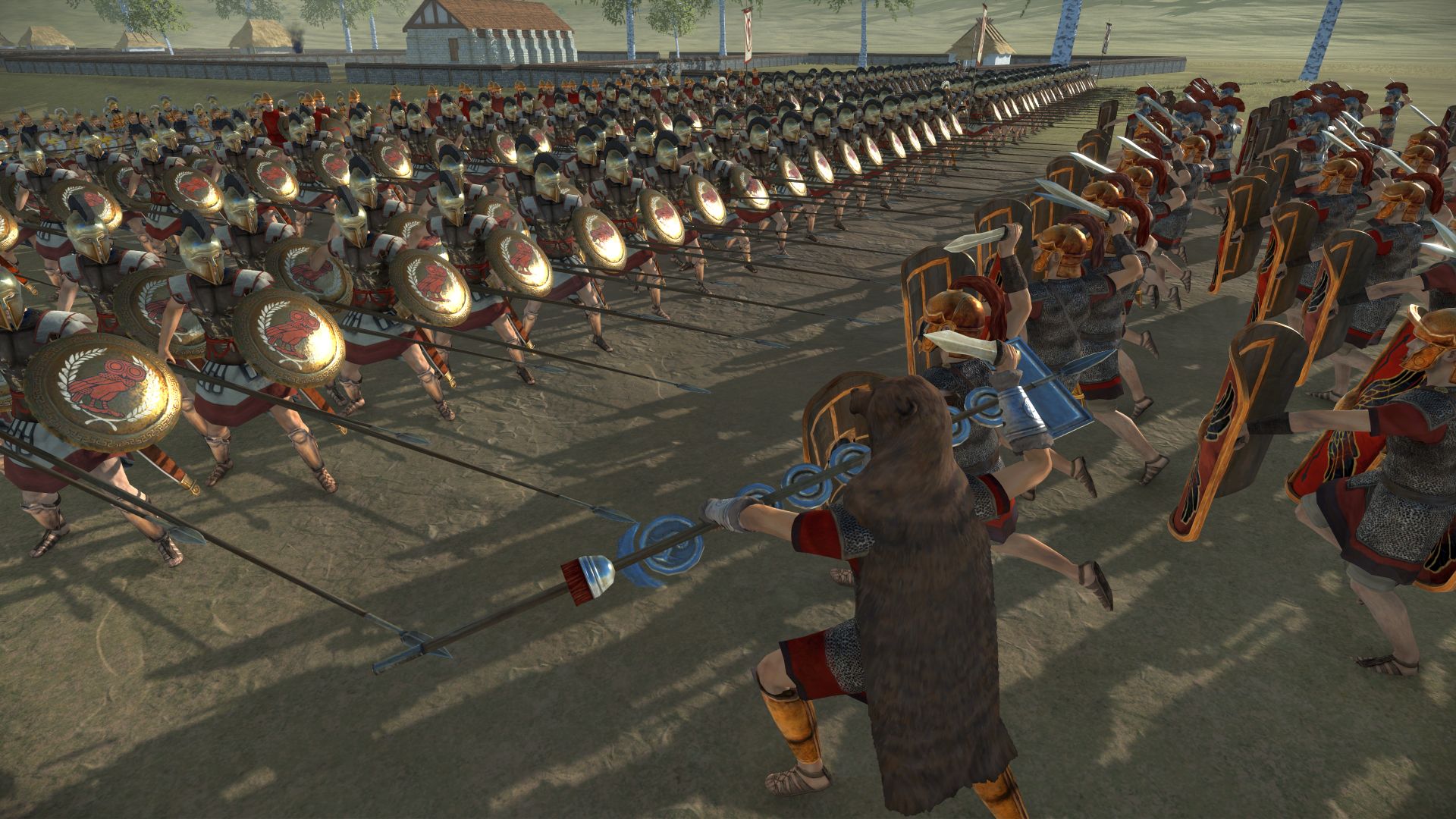
Official Trailer
System Requirements
OS: Windows 10 64-bit (version 1809)
Processor: Intel i3 series | AMD FX-4000 series
RAM: 6 GB (8 GB for integrated graphics like Intel UHD 620)
Graphics: NVIDIA GTX 600 series (1GB VRAM) | AMD HD 7000 series (1GB VRAM)
Storage: 45 GB available space (more for UHD textures)
API: DirectX 11, requires Vulkan-capable GPU
Processor: Intel i3 series | AMD FX-4000 series
RAM: 6 GB (8 GB for integrated graphics like Intel UHD 620)
Graphics: NVIDIA GTX 600 series (1GB VRAM) | AMD HD 7000 series (1GB VRAM)
Storage: 45 GB available space (more for UHD textures)
API: DirectX 11, requires Vulkan-capable GPU
OS: Windows 10 64-bit (version 20H2)
Processor: Intel Core i5-4570 | AMD Ryzen 5 1600
RAM: 8 GB
Graphics: NVIDIA GeForce GTX 770 4GB | AMD Radeon R9 290 4GB
Storage: 45 GB available space (75GB+ for UHD)
API: DirectX 11, requires Vulkan-capable GPU
Processor: Intel Core i5-4570 | AMD Ryzen 5 1600
RAM: 8 GB
Graphics: NVIDIA GeForce GTX 770 4GB | AMD Radeon R9 290 4GB
Storage: 45 GB available space (75GB+ for UHD)
API: DirectX 11, requires Vulkan-capable GPU
How to Install
1
Download all parts to the same folder
2
Extract using 7-Zip or WinRAR
3
Run setup.exe as Administrator
4
Follow the installation wizard
5
Launch the game from the desktop shortcut
Game Details
Category
Strategy
Size
28.46GB
Views
76
Downloads
239
Published
Jan 23, 2026
Updated
Oct 04, 2026
Comments (0)
to join the discussion