
💻 PC
📦 58.97GB
📅 2025
289 views
Age of Empires IV
Age of Empires IV is a real-time strategy game where you build civilizations, command armies, and shape history through strategic warfare and empire management.
About This Game
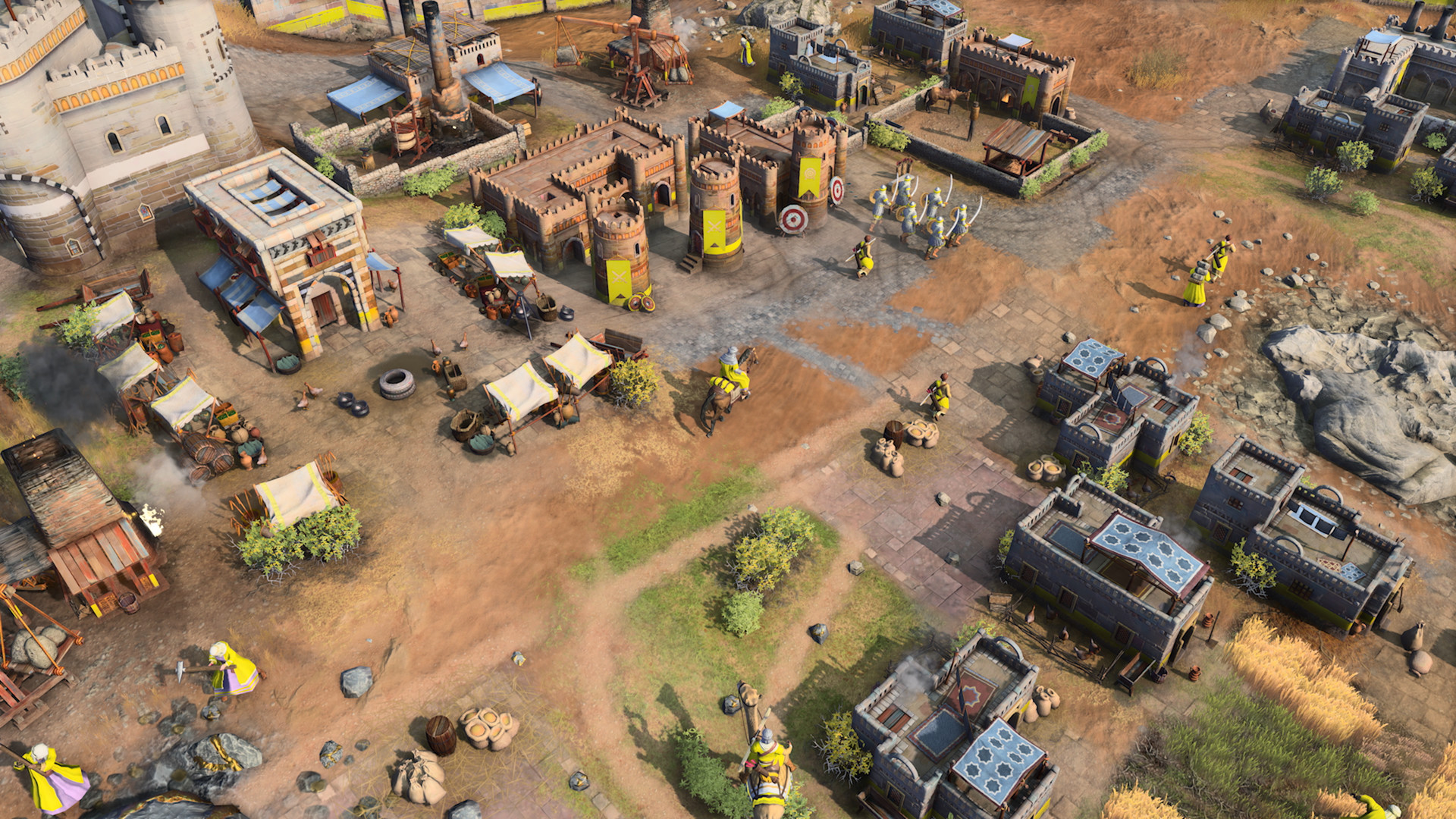
Age of Empires IV is a real-time strategy (RTS) game developed by Relic Entertainment and published by Xbox Game Studios. The game brings the classic Age of Empires formula into the modern era, combining traditional resource management and base building with refined visuals and updated gameplay systems.
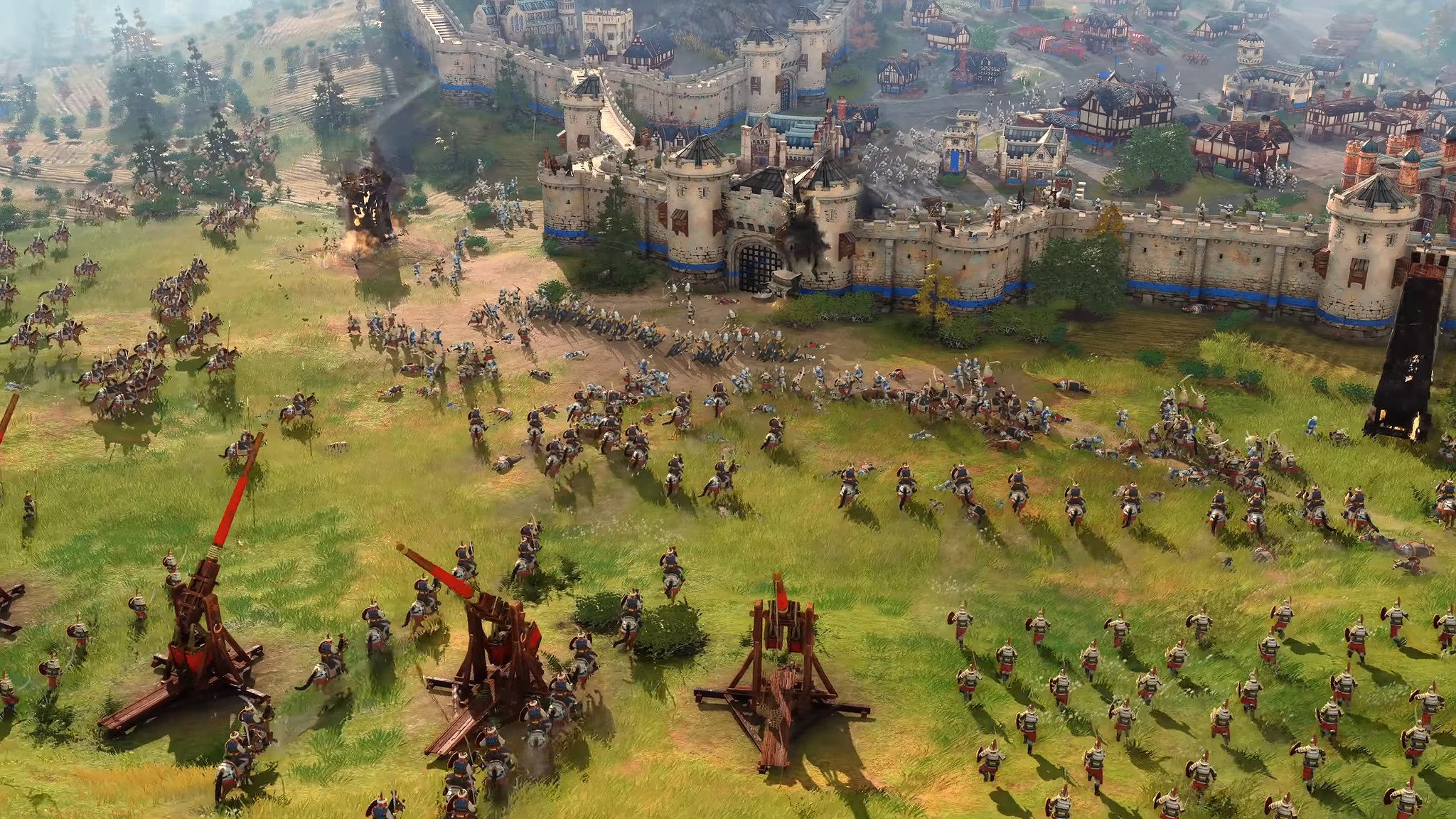
Players choose from a variety of historical civilizations, each with unique units, technologies, and playstyles. The game spans multiple historical eras, challenging players to gather resources, construct cities, research technologies, and lead massive armies into epic real-time battles.
Featuring cinematic campaign documentaries, competitive multiplayer, skirmish modes, and deep strategic depth, Age of Empires IV offers both newcomers and veterans a rich and authentic strategy experience. With its balance of accessibility and complexity, the game stands as a strong modern entry in the legendary RTS franchise.
Screenshots


Official Trailer
System Requirements
CPU: Intel Core i5-6300U or AMD Ryzen 5 2400G | CPU with AVX support required
RAM: 8 GB
VIDEO CARD: Intel HD 520 or AMD Radeon RX Vega 11
PIXEL SHADER: 5.0
VERTEX SHADER: 5.0
OS: Windows 10 64bit | Windows 11 64bit
RAM: 8 GB
VIDEO CARD: Intel HD 520 or AMD Radeon RX Vega 11
PIXEL SHADER: 5.0
VERTEX SHADER: 5.0
OS: Windows 10 64bit | Windows 11 64bit
CPU: 3.6 GHz 6-core (Intel i5) or AMD Ryzen 5 1600 | CPU with AVX support required
RAM: 16 GB
VIDEO CARD: Nvidia GeForce 970 GPU or AMD Radeon RX 570 GPU with 4GB of VRAM
DEDICATED VIDEO RAM: 4096 MB
PIXEL SHADER: 5.1
VERTEX SHADER: 5.1
OS: Windows 10 64bit | Windows 11 64bit
RAM: 16 GB
VIDEO CARD: Nvidia GeForce 970 GPU or AMD Radeon RX 570 GPU with 4GB of VRAM
DEDICATED VIDEO RAM: 4096 MB
PIXEL SHADER: 5.1
VERTEX SHADER: 5.1
OS: Windows 10 64bit | Windows 11 64bit
How to Install
1
Download all parts to the same folder
2
Extract using 7-Zip or WinRAR
3
Run setup.exe as Administrator
4
Follow the installation wizard
5
Launch the game from the desktop shortcut
Game Details
Category
Strategy
Size
58.97GB
Views
289
Downloads
274
Published
Dec 31, 2025
Updated
Oct 03, 2026

Comments (0)
to join the discussion