
💻 PC
📦 2.72GB
📅 2025
143 views
Intravenous 2
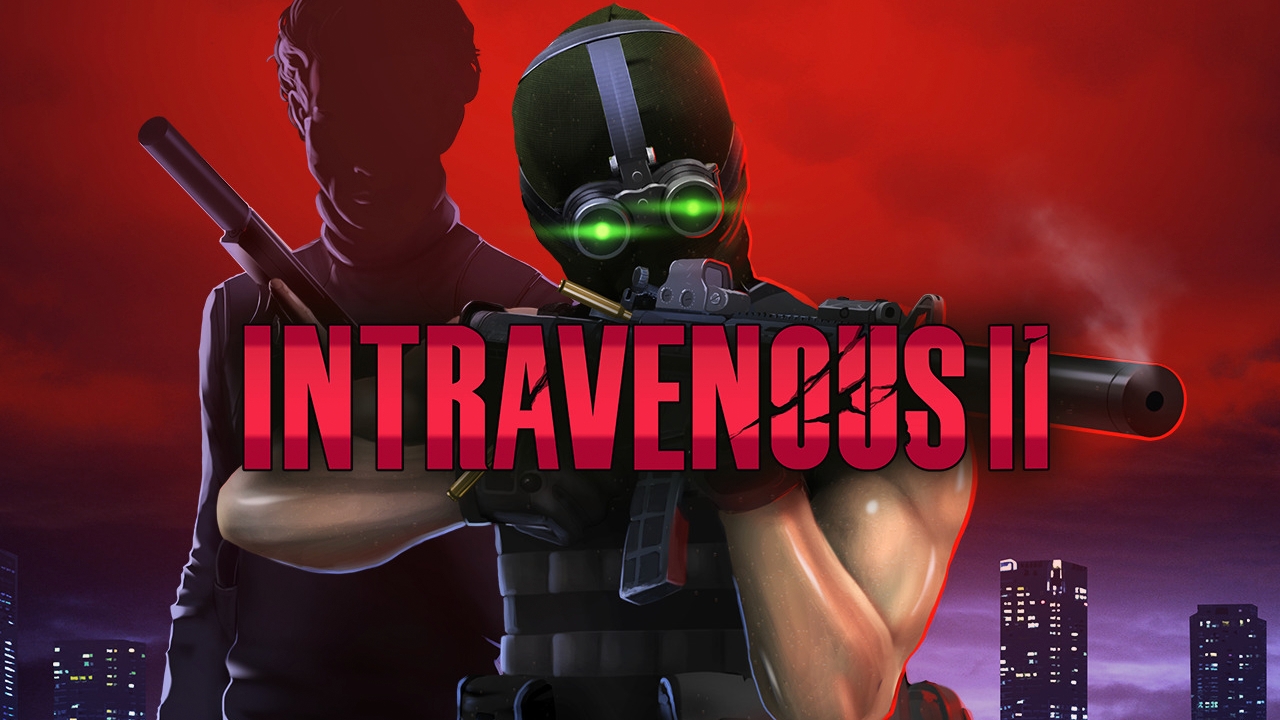
Intravenous 2 is a tactical stealth-action game that blends top-down shooter gameplay with intense stealth mechanics, allowing players to choose between silent infiltration or brutal combat.
About This Game
Intravenous 2 is the sequel to the acclaimed top-down stealth-action game, expanding on everything that made the original unique. The game emphasizes player choice, letting you approach missions through careful stealth, tactical planning, or full-on combat.
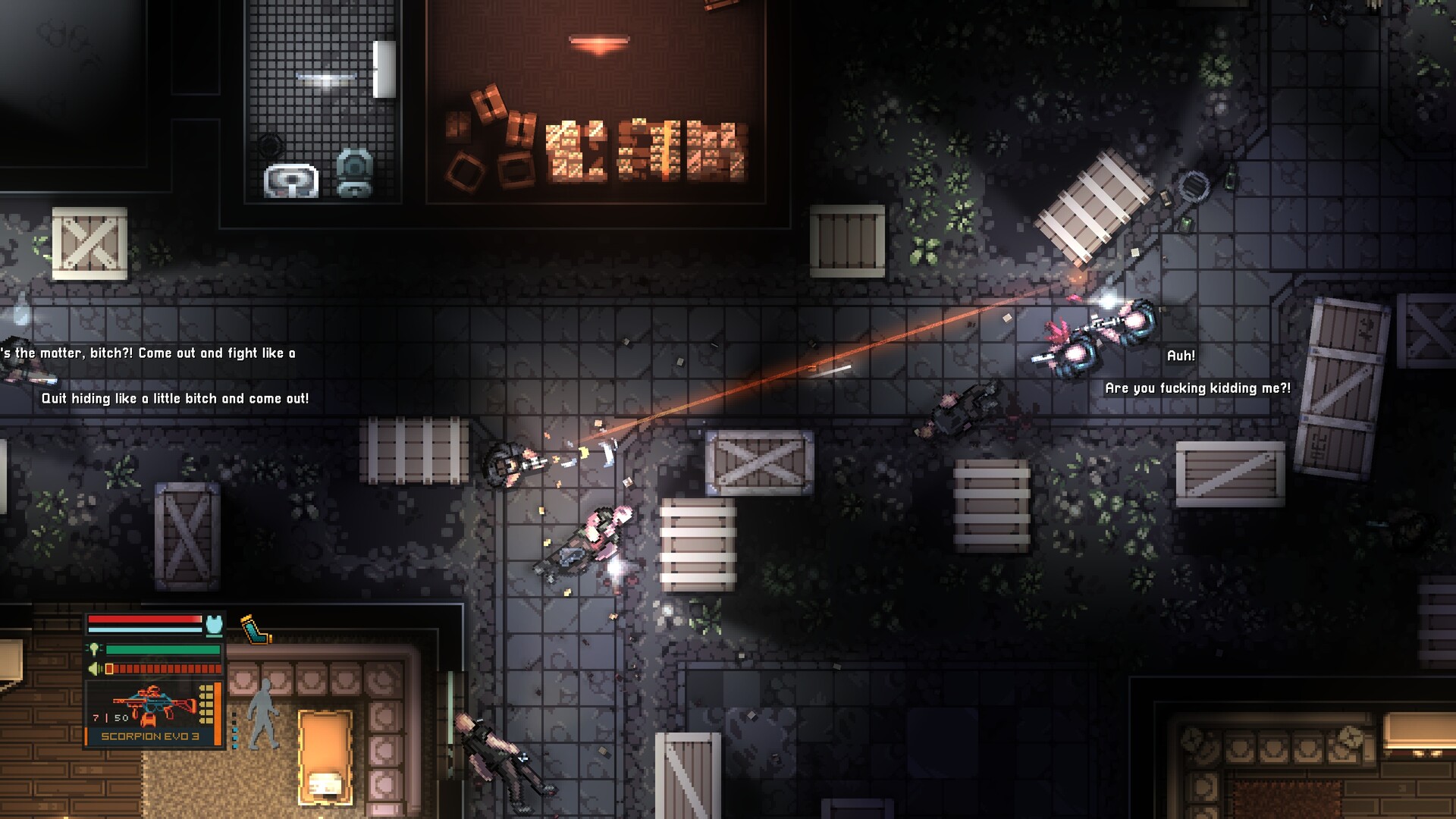
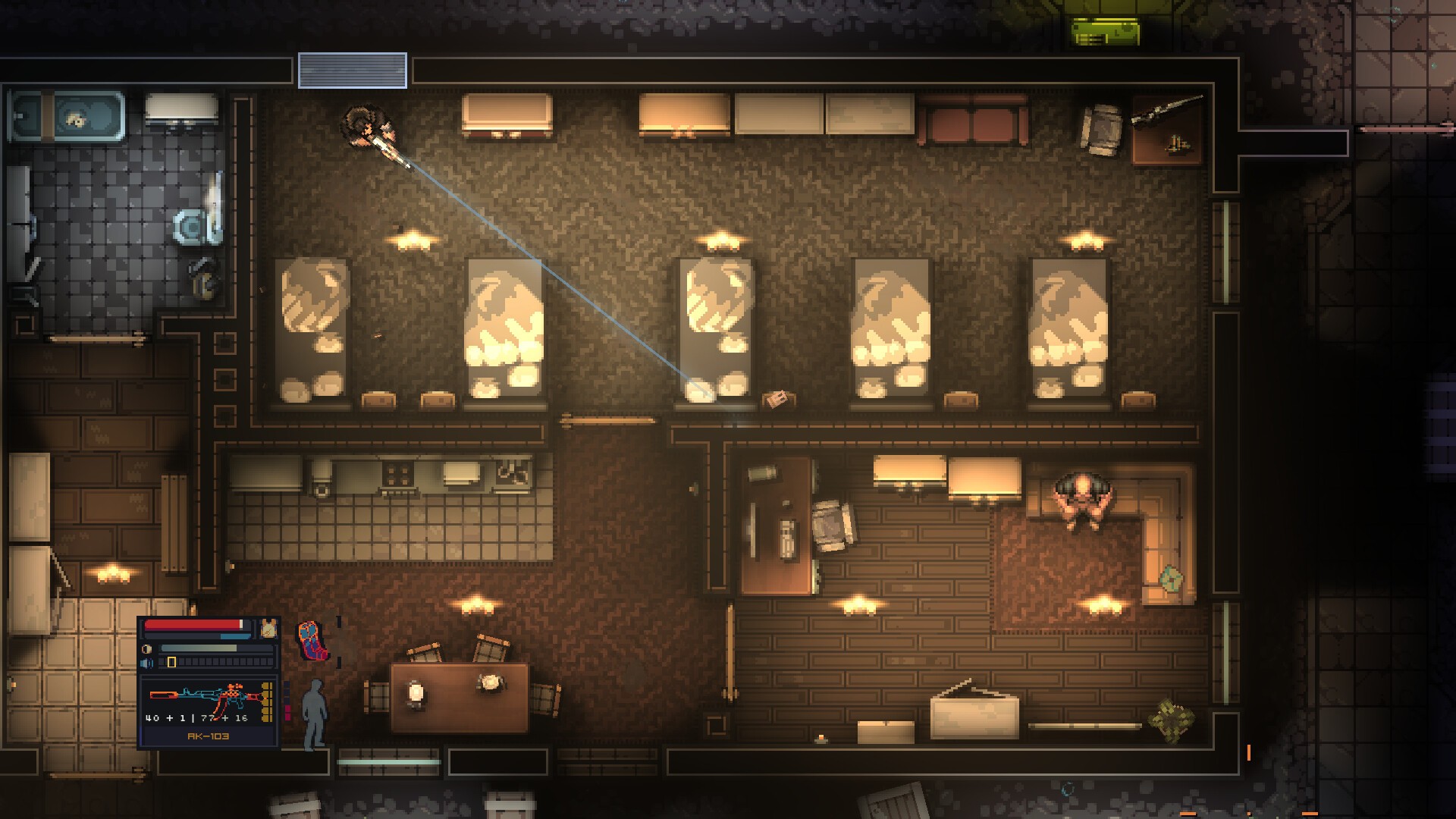
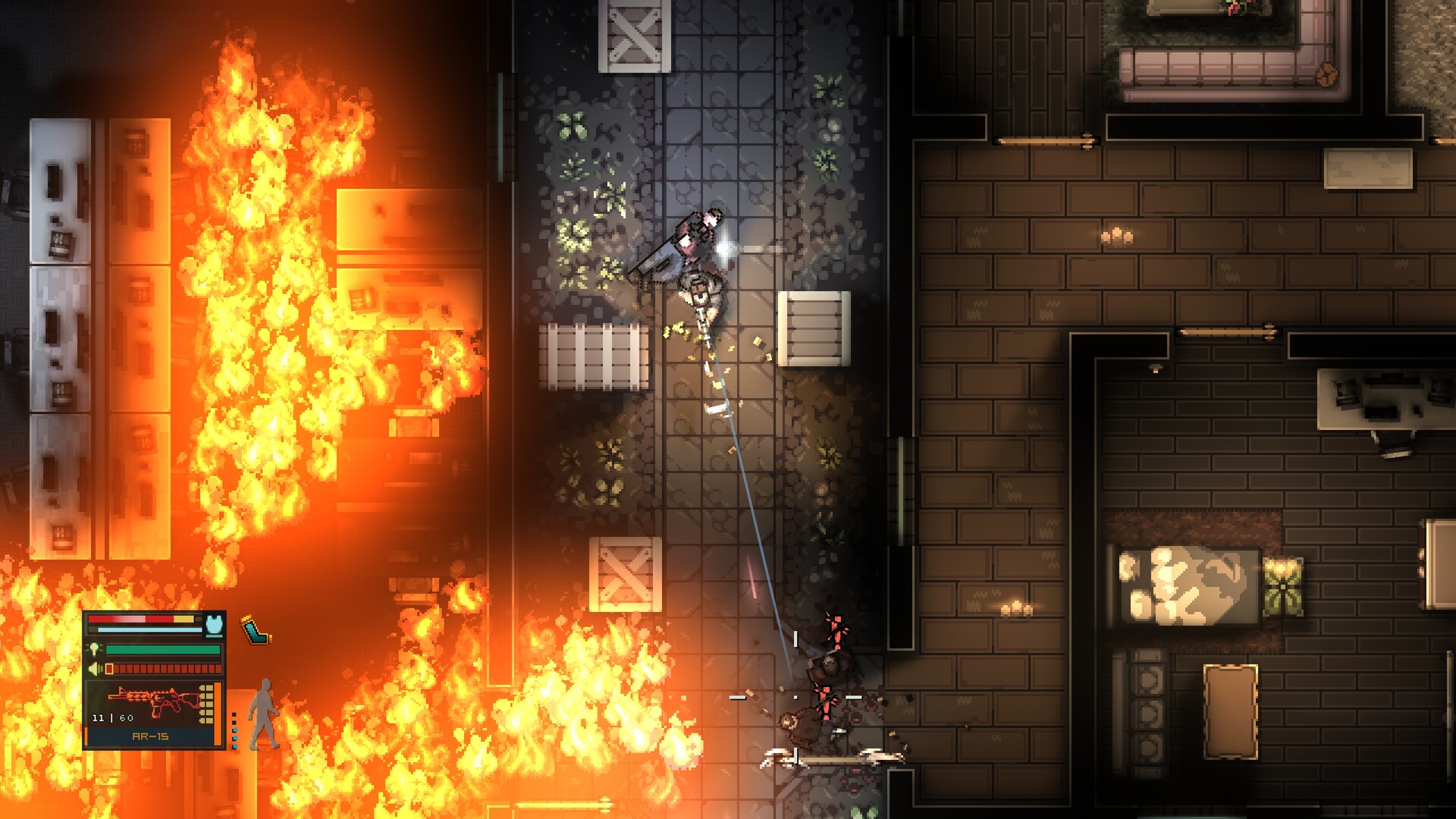
Players can disable lights, use silencers, hide bodies, and exploit enemy behavior to remain unseen, or switch to aggressive gunfights with realistic weapon handling and lethal AI. The game features improved level design, deeper mechanics, and a darker narrative that unfolds through tense missions and atmospheric environments.
With enhanced visuals, refined controls, and flexible playstyles, Intravenous 2 delivers a challenging and rewarding experience for fans of classic stealth games and tactical shooters. Every decision matters, and survival depends on skill, patience, and strategy.
Screenshots
System Requirements
OS: Windows 10 (64-bit)
Processor: Intel Core i3-2125 / AMD Phenom II X4 960 or equivalent
Memory: 2 GB RAM
Graphics: 256 MB VRAM (Radeon Vega 7 / GTX 1030 / Intel Iris 550 or equivalent)
DirectX: Version 9.0c
Storage: 1-2 GB available space
Processor: Intel Core i3-2125 / AMD Phenom II X4 960 or equivalent
Memory: 2 GB RAM
Graphics: 256 MB VRAM (Radeon Vega 7 / GTX 1030 / Intel Iris 550 or equivalent)
DirectX: Version 9.0c
Storage: 1-2 GB available space
OS: Windows 10 (64-bit)
Processor: Ryzen 3 3300X or equivalent
Memory: 2 GB RAM
Graphics: 512 MB VRAM (RX 460 / GTX 1050 / Iris Xe DG1 or equivalent)
DirectX: Version 9.0c
Storage: 2 GB available space
Notes: 1920x1080, High settings, 144+ FPS
Processor: Ryzen 3 3300X or equivalent
Memory: 2 GB RAM
Graphics: 512 MB VRAM (RX 460 / GTX 1050 / Iris Xe DG1 or equivalent)
DirectX: Version 9.0c
Storage: 2 GB available space
Notes: 1920x1080, High settings, 144+ FPS
How to Install
1
Download all parts to the same folder
2
Extract using 7-Zip or WinRAR
3
Run setup.exe as Administrator
4
Follow the installation wizard
5
Launch the game from the desktop shortcut
Game Details
Category
Strategy
Size
2.72GB
Views
143
Downloads
247
Published
Dec 20, 2025
Updated
Oct 04, 2026

Comments (0)
to join the discussion