
💻 PC
📦 2.82GB
📅 2025
61 views
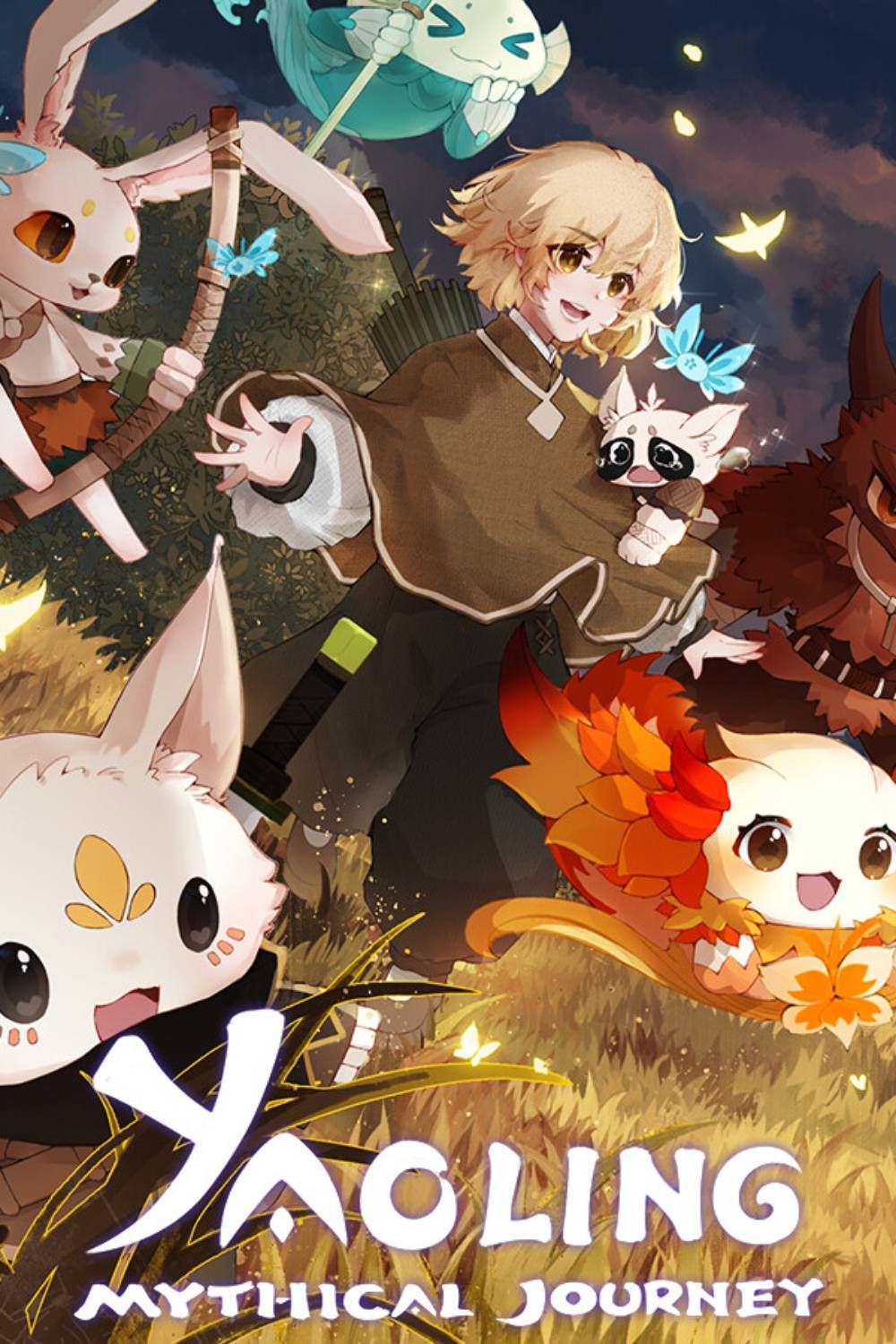
Yaoling - Mythical Journey
Yaoling: Mythical Journey is an enchanting Eastern fantasy creature‑collecting RPG where you explore the mysterious Land of the Ancients, collect and battle with Yaolings, build a village, and uncover a growing evil threatening the world.
About This Game
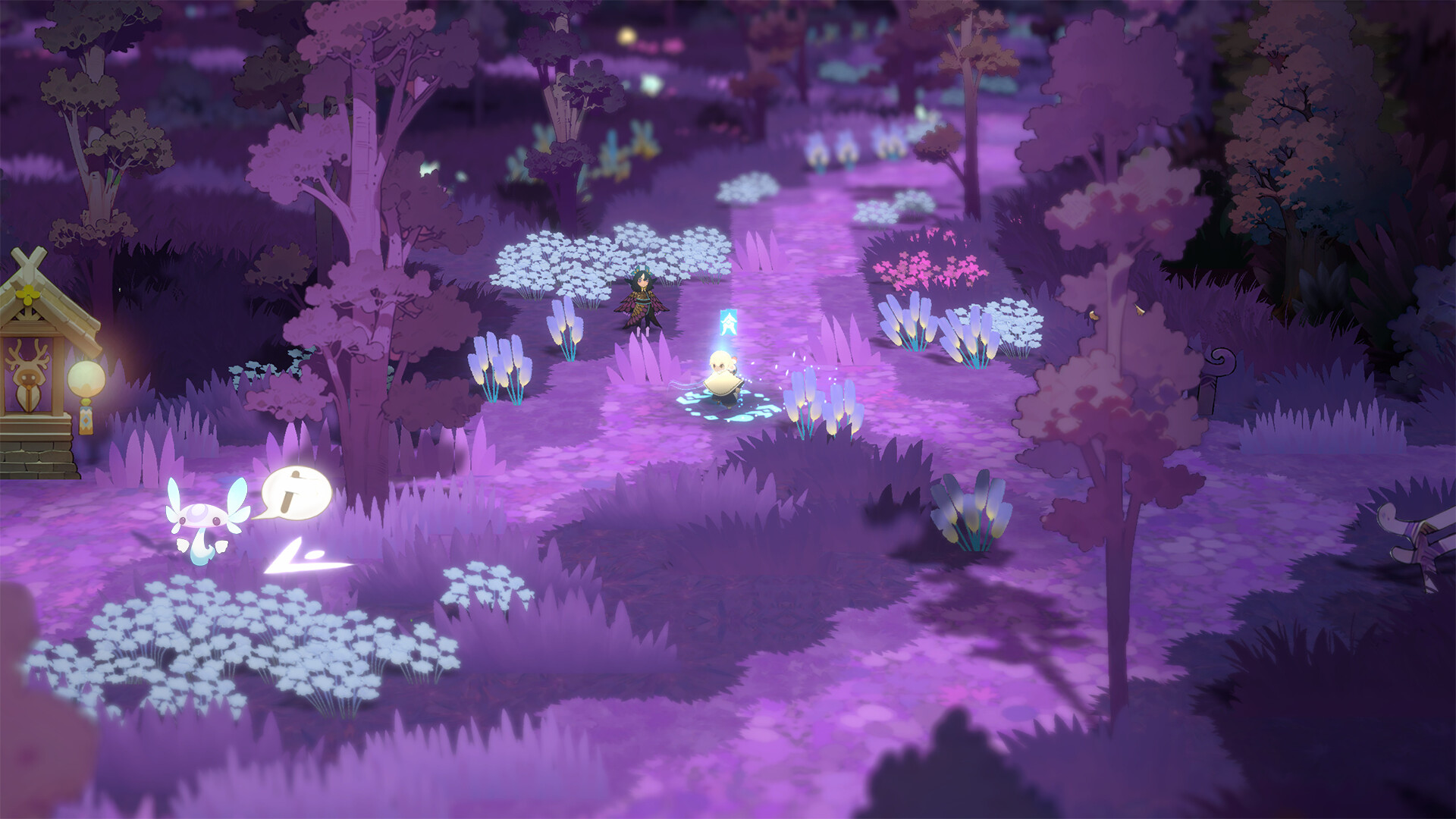
Yaoling: Mythical Journey is a creature‑collecting, adventure RPG developed and published by Rayka Studio. In this lively Eastern fantasy world, you take on the role of an aspiring Yaoling Keeper, tasked with traversing the Land of the Ancients, a semi‑open world filled with diverse environments—from lush forests to snow‑covered plains—and gathering over 300 unique Yaolings to aid you.
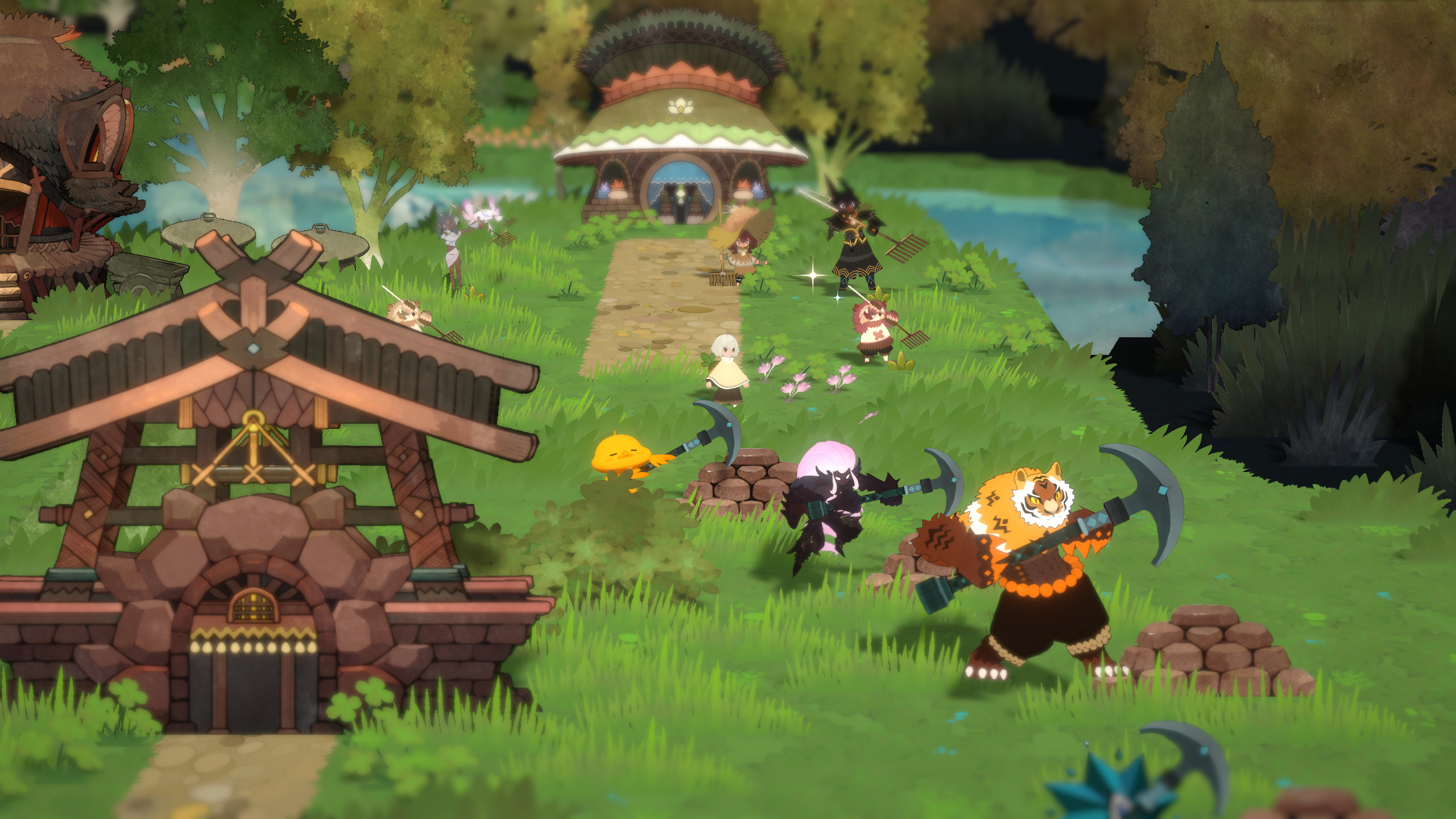
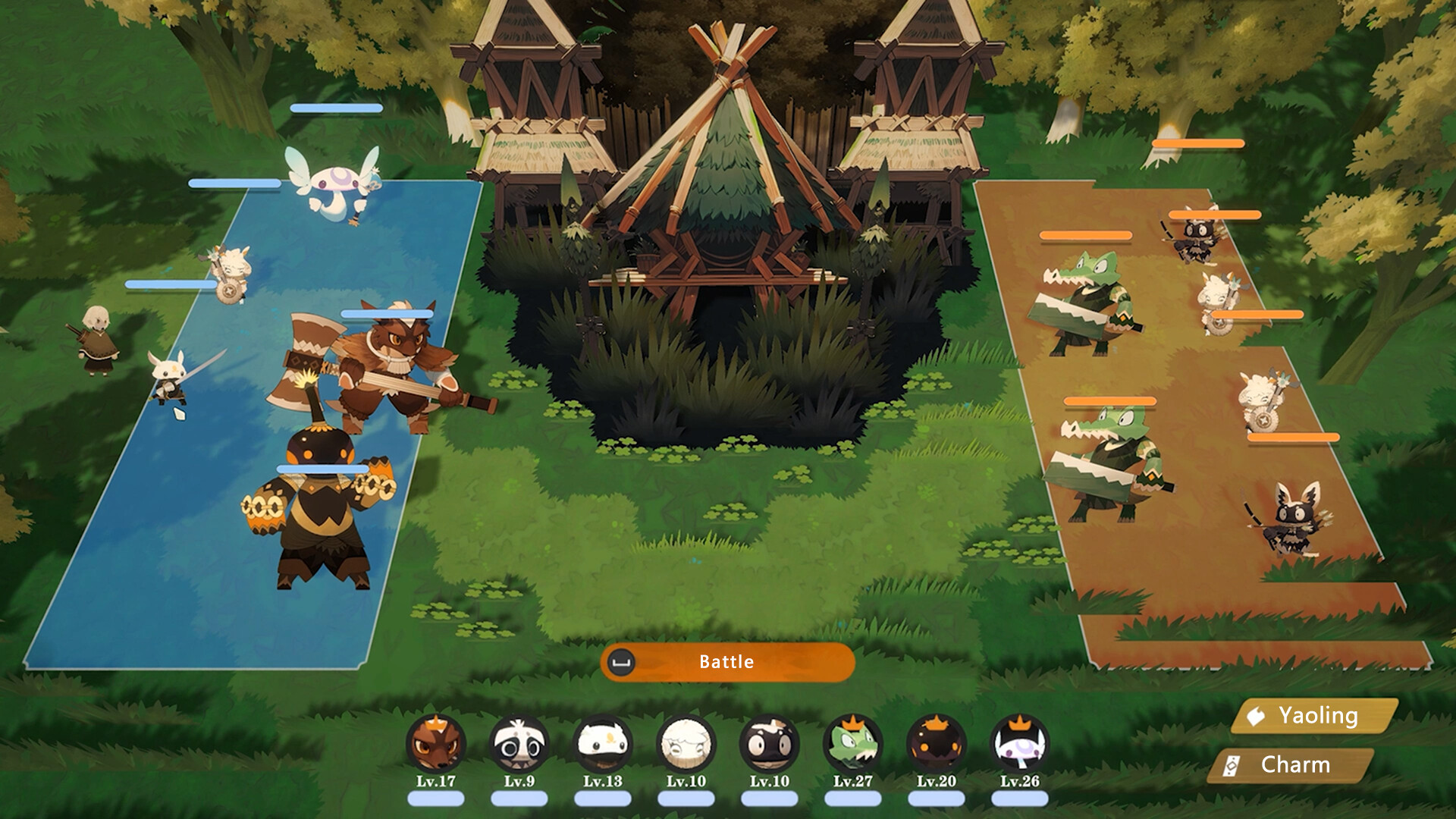
Players explore vast regions, engage in strategic auto‑battle combat, and build and expand their village with help from recruited villagers, who unlock buildings and new gameplay mechanics like farming, crafting, and training. Beyond battling corrupted Yaolings and powerful Demon Lords, you’ll also uncover deep lore, forge friendships, customize your Yaoling companions, and grow your community to combat the looming darkness threatening the harmony of this mythical land.
With its relaxing exploration, strategic creature collection, charming world, and light life‑sim features, Yaoling: Mythical Journey offers a rich adventure that blends tactical battles with cozy village building.
Screenshots

Official Trailer
System Requirements
OS: Windows 7 or newer
Processor: Intel Core i3-3220
Memory: 2 GB RAM
Graphics: 1GB Video Memory, OpenGL 3.0+ capable
Storage: 8 GB available space
Processor: Intel Core i3-3220
Memory: 2 GB RAM
Graphics: 1GB Video Memory, OpenGL 3.0+ capable
Storage: 8 GB available space
OS: Windows 7 or newer
Processor: Intel Core i5-3470
Memory: 2 GB RAM
Graphics: 1GB Video Memory, OpenGL 3.0+ capable
Storage: 8 GB available space
Processor: Intel Core i5-3470
Memory: 2 GB RAM
Graphics: 1GB Video Memory, OpenGL 3.0+ capable
Storage: 8 GB available space
How to Install
1
Download all parts to the same folder
2
Extract using 7-Zip or WinRAR
3
Run setup.exe as Administrator
4
Follow the installation wizard
5
Launch the game from the desktop shortcut
Game Details
Category
Open World-RPG
Size
2.82GB
Views
61
Downloads
236
Published
Dec 29, 2025
Updated
Oct 01, 2026

Comments (0)
to join the discussion