

💻 PC
📦 88.03GB
📅 2026
242 views
WWE 2K25
WWE 2K25 delivers hard-hitting wrestling action with improved gameplay, stunning visuals, and a massive roster of WWE Superstars and Legends.
About This Game
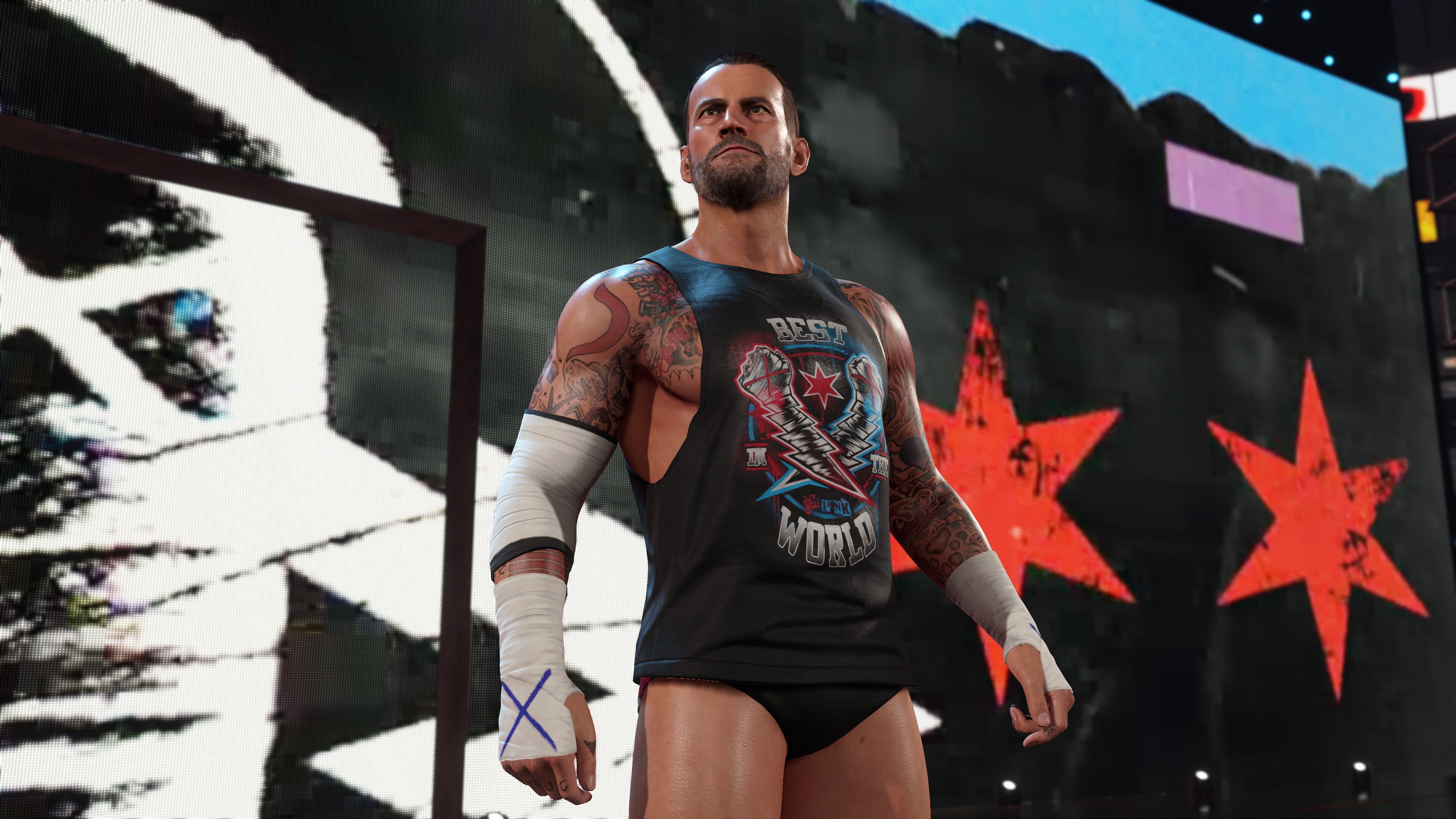
WWE 2K25 brings the most authentic and immersive WWE gaming experience to date, featuring refined in-ring mechanics, smoother animations, and enhanced presentation. Players can step into the ring as their favorite WWE Superstars and Legends, recreating iconic matches or creating entirely new rivalries.
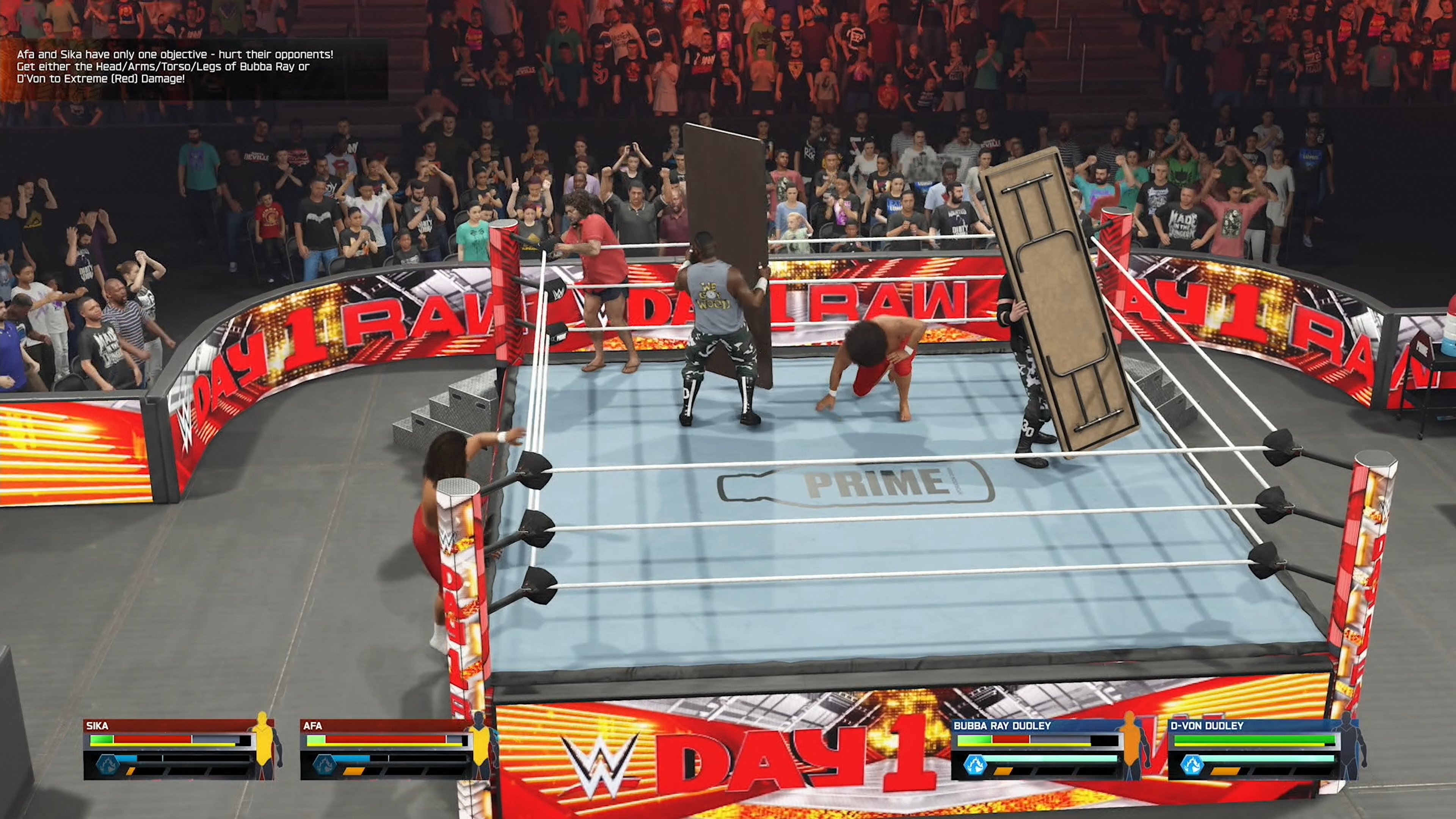
The game offers multiple modes, including an expanded MyRISE career mode, Universe Mode for full show control, and Showcase Mode highlighting legendary WWE moments. Improved AI, realistic physics, and deeper customization options make every match feel dynamic and unpredictable.
With detailed arenas, upgraded visuals, and responsive controls, WWE 2K25 captures the spectacle and intensity of professional wrestling. Whether playing solo or competing online with friends, the game delivers nonstop action for both casual players and hardcore WWE fans.
Screenshots


Official Trailer
System Requirements
OS: Windows 10 (64-bit)
Processor: Intel Core i5-4460 / AMD Ryzen 5 1400
Memory: 12 GB RAM
Graphics: GeForce GTX 1060 (3GB) / Radeon RX 480 (3GB)
DirectX: Version 12
Storage: 103 GB available space (SSD recommended)
Notes: CPU must support AVX2 & F16C; 3GB+ VRAM.
Processor: Intel Core i5-4460 / AMD Ryzen 5 1400
Memory: 12 GB RAM
Graphics: GeForce GTX 1060 (3GB) / Radeon RX 480 (3GB)
DirectX: Version 12
Storage: 103 GB available space (SSD recommended)
Notes: CPU must support AVX2 & F16C; 3GB+ VRAM.
OS: Windows 10 (64-bit)
Processor: Intel i7-4790 / Ryzen 5 1600
Memory: 16 GB RAM
Graphics: GeForce GTX 1070 / Radeon RX 5600 XT (6GB VRAM)
DirectX: Version 12
Storage: 103 GB available space (SSD recommended)
Notes: CPU must support AVX2 & F16C; 6GB+ VRAM.
Processor: Intel i7-4790 / Ryzen 5 1600
Memory: 16 GB RAM
Graphics: GeForce GTX 1070 / Radeon RX 5600 XT (6GB VRAM)
DirectX: Version 12
Storage: 103 GB available space (SSD recommended)
Notes: CPU must support AVX2 & F16C; 6GB+ VRAM.
How to Install
1
Download all parts to the same folder
2
Extract using 7-Zip or WinRAR
3
Run setup.exe as Administrator
4
Follow the installation wizard
5
Launch the game from the desktop shortcut
Game Details
Category
Sports
Size
88.03GB
Views
242
Downloads
364
Published
Jan 14, 2026
Updated
Oct 03, 2026


Comments (0)
to join the discussion