
💻 PC
📦 10.55GB
📅 2025
1,235 views
Assetto Corsa Competizione
Assetto Corsa Competizione is a realistic GT racing simulator featuring official GT World Challenge cars, tracks, and teams with ultra-realistic driving physics and immersive visuals.
About This Game
Assetto Corsa Competizione is the official racing simulation of the GT World Challenge, developed by Kunos Simulazioni. Designed for hardcore racing fans and sim racers, the game delivers an incredibly realistic motorsport experience with officially licensed GT3 and GT4 cars, real-world tracks, teams, and drivers.
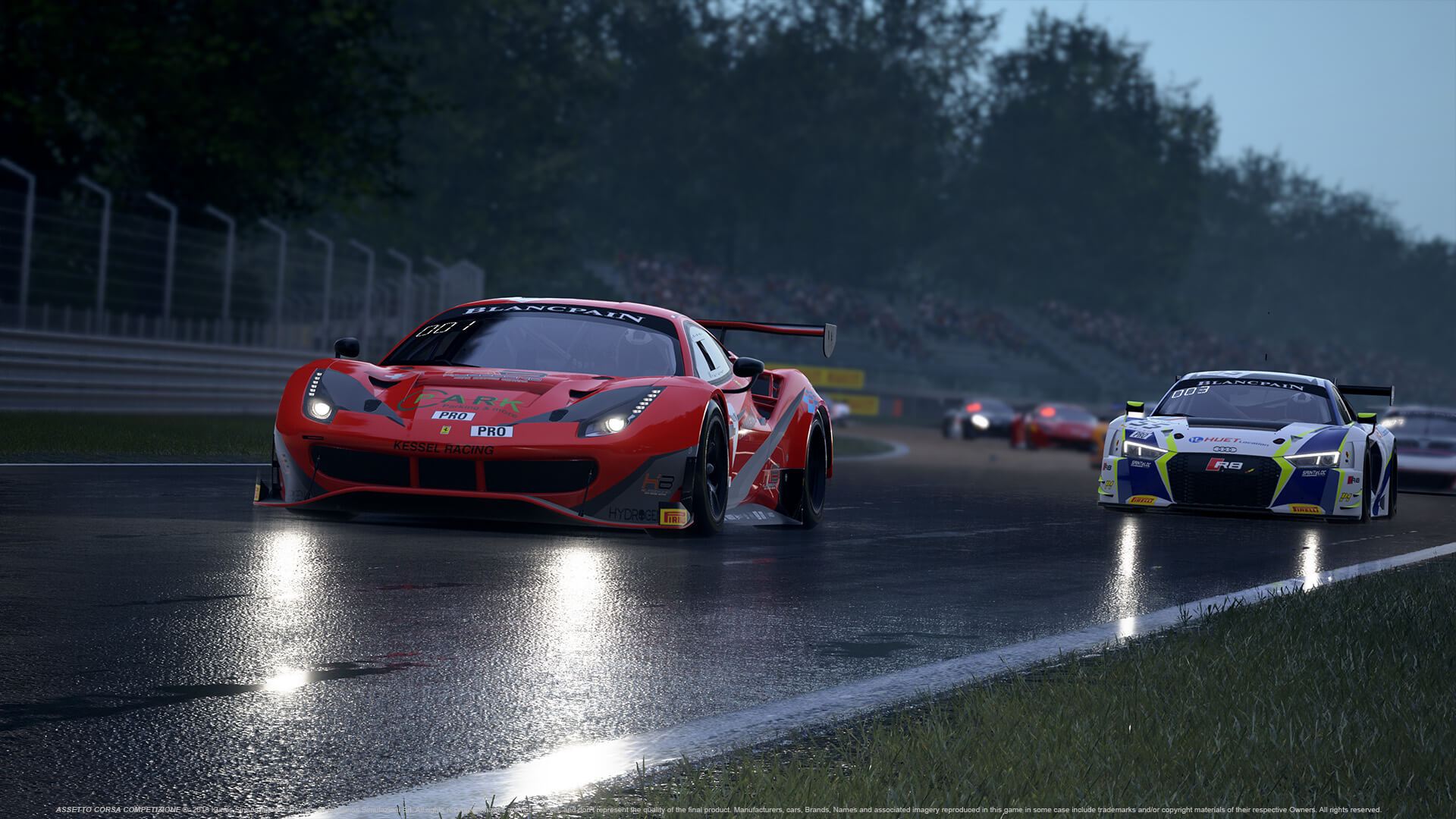
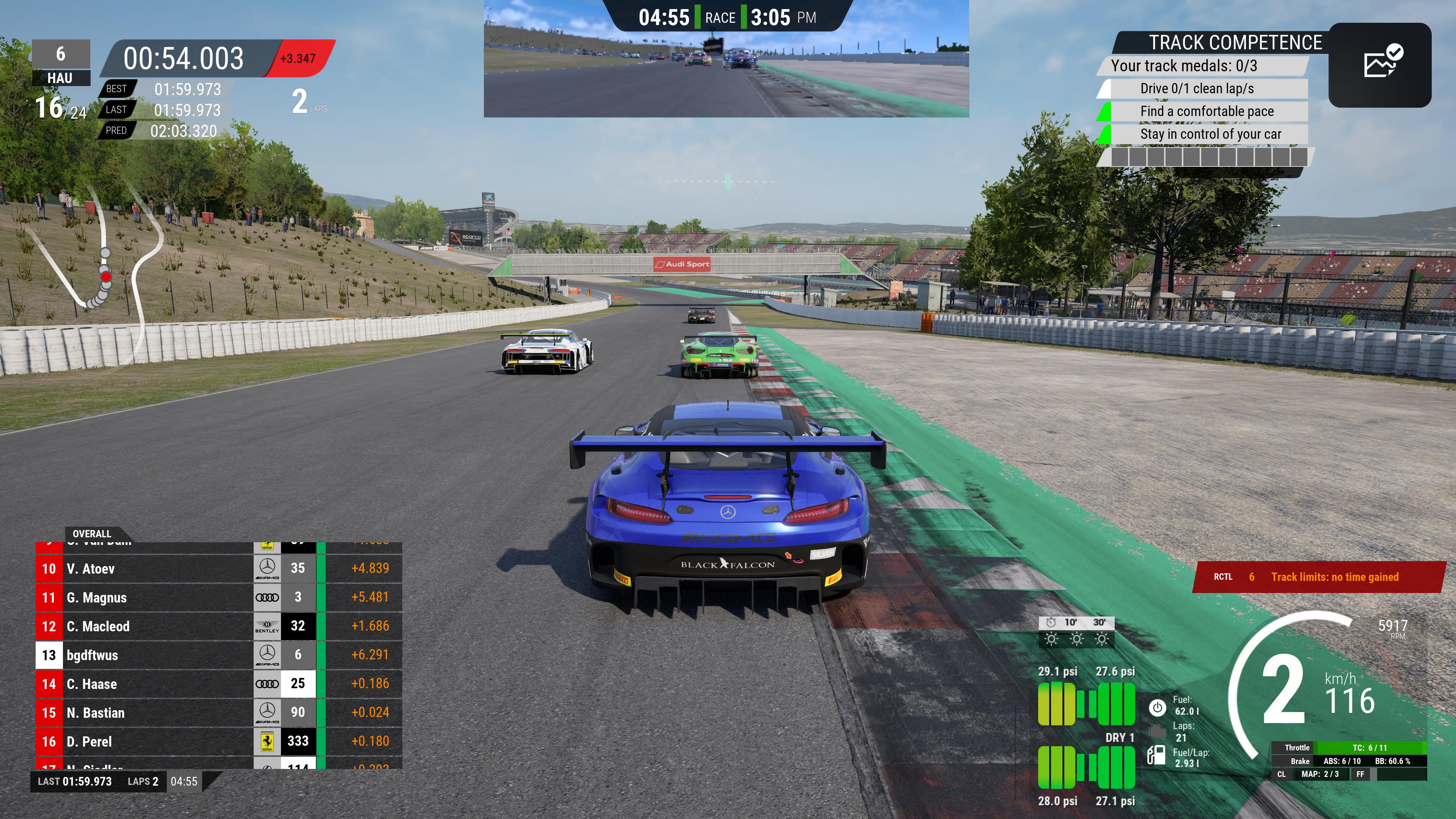
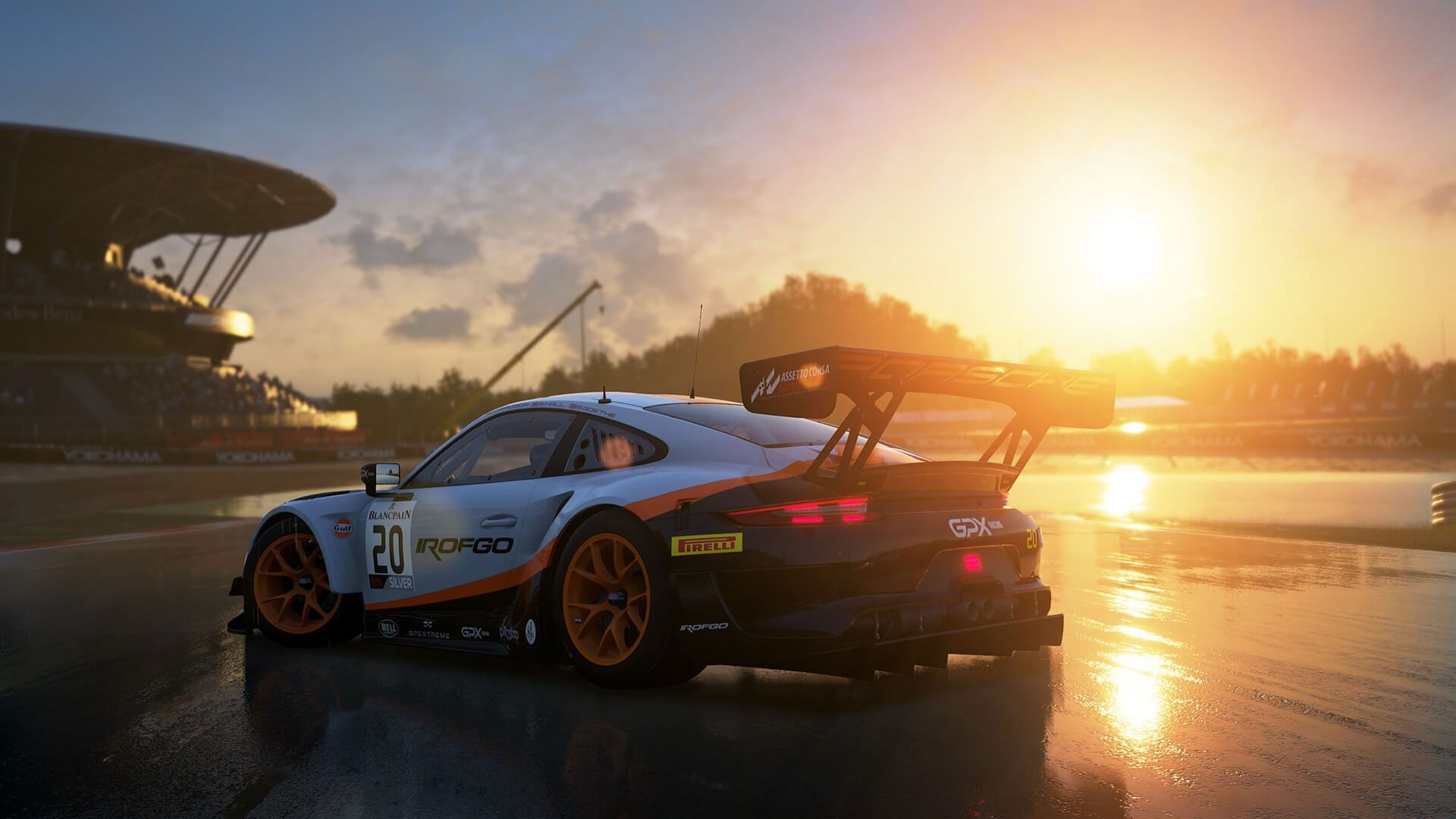
Built using Unreal Engine, Assetto Corsa Competizione offers stunning graphics, dynamic weather, day–night cycles, and highly detailed car models. The advanced physics and tire simulation systems provide authentic handling, making every race feel intense and rewarding. Players must manage tire wear, fuel consumption, and race strategy to stay competitive.
The game features single-player modes, championship seasons, and a strong multiplayer experience with competitive ranking systems. Whether racing solo or online against real players, Assetto Corsa Competizione delivers a deep, immersive, and professional-level GT racing experience for true motorsport enthusiasts.
Screenshots

System Requirements
OS: Windows 7 64-bit SP1 or newer.
Processor: Intel Core i5-4460 or AMD FX-8120.
Memory: 4 GB RAM.
Graphics: GeForce GTX 460 2GB or Radeon HD 7770.
DirectX: Version 11.
Storage: 50 GB available space.
Processor: Intel Core i5-4460 or AMD FX-8120.
Memory: 4 GB RAM.
Graphics: GeForce GTX 460 2GB or Radeon HD 7770.
DirectX: Version 11.
Storage: 50 GB available space.
OS: Windows 10 64-bit (21H2 or later) or Windows 11.
Processor: Intel Core i5-8600K or AMD Ryzen 5 2600X.
Memory: 16 GB RAM.
Graphics: GeForce GTX 1070 8GB or Radeon RX 580 8GB (or newer like RTX 2070/RX 6650 XT for EVO).
DirectX: Version 12.
Storage: 50 GB (SSD recommended for faster loading).
VR Support: SteamVR, Oculus PC, or OpenXR.
Processor: Intel Core i5-8600K or AMD Ryzen 5 2600X.
Memory: 16 GB RAM.
Graphics: GeForce GTX 1070 8GB or Radeon RX 580 8GB (or newer like RTX 2070/RX 6650 XT for EVO).
DirectX: Version 12.
Storage: 50 GB (SSD recommended for faster loading).
VR Support: SteamVR, Oculus PC, or OpenXR.
How to Install
1
Download all parts to the same folder
2
Extract using 7-Zip or WinRAR
3
Run setup.exe as Administrator
4
Follow the installation wizard
5
Launch the game from the desktop shortcut
Game Details
Category
Sports
Size
10.55GB
Views
1,235
Downloads
702
Published
Dec 20, 2025
Updated
Oct 04, 2026


Comments (0)
to join the discussion