
💻 PC
📦 10.85GB
📅 2026
304 views
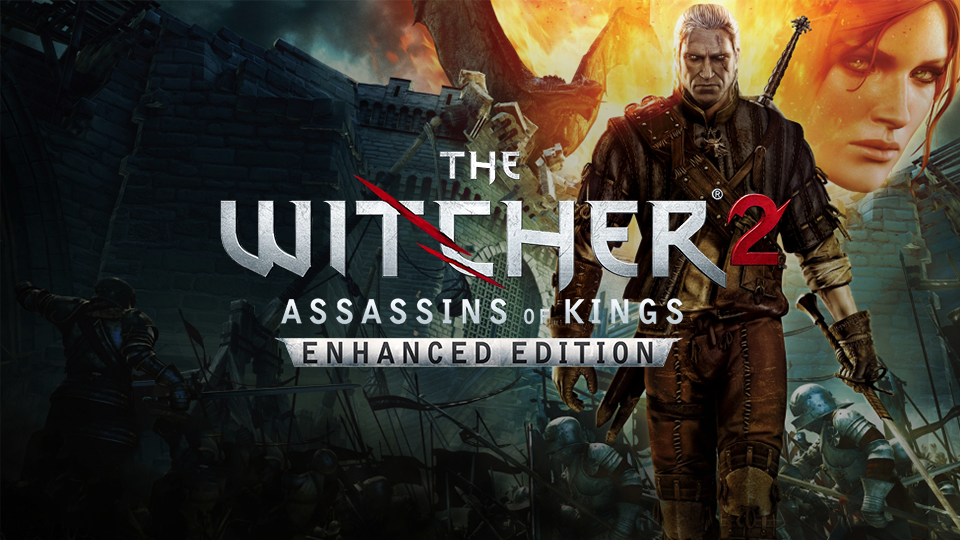
The Witcher 2 - Enhanced Edition
The Witcher 2: Enhanced Edition is a dark fantasy RPG featuring deep storytelling, meaningful choices, and intense tactical combat.
About This Game
The Witcher 2: Enhanced Edition is an action role-playing game that continues the story of Geralt of Rivia, a professional monster hunter known as a Witcher. Set in a morally complex fantasy world, the game places players in the middle of political intrigue, war, and personal vendettas where every choice has lasting consequences.
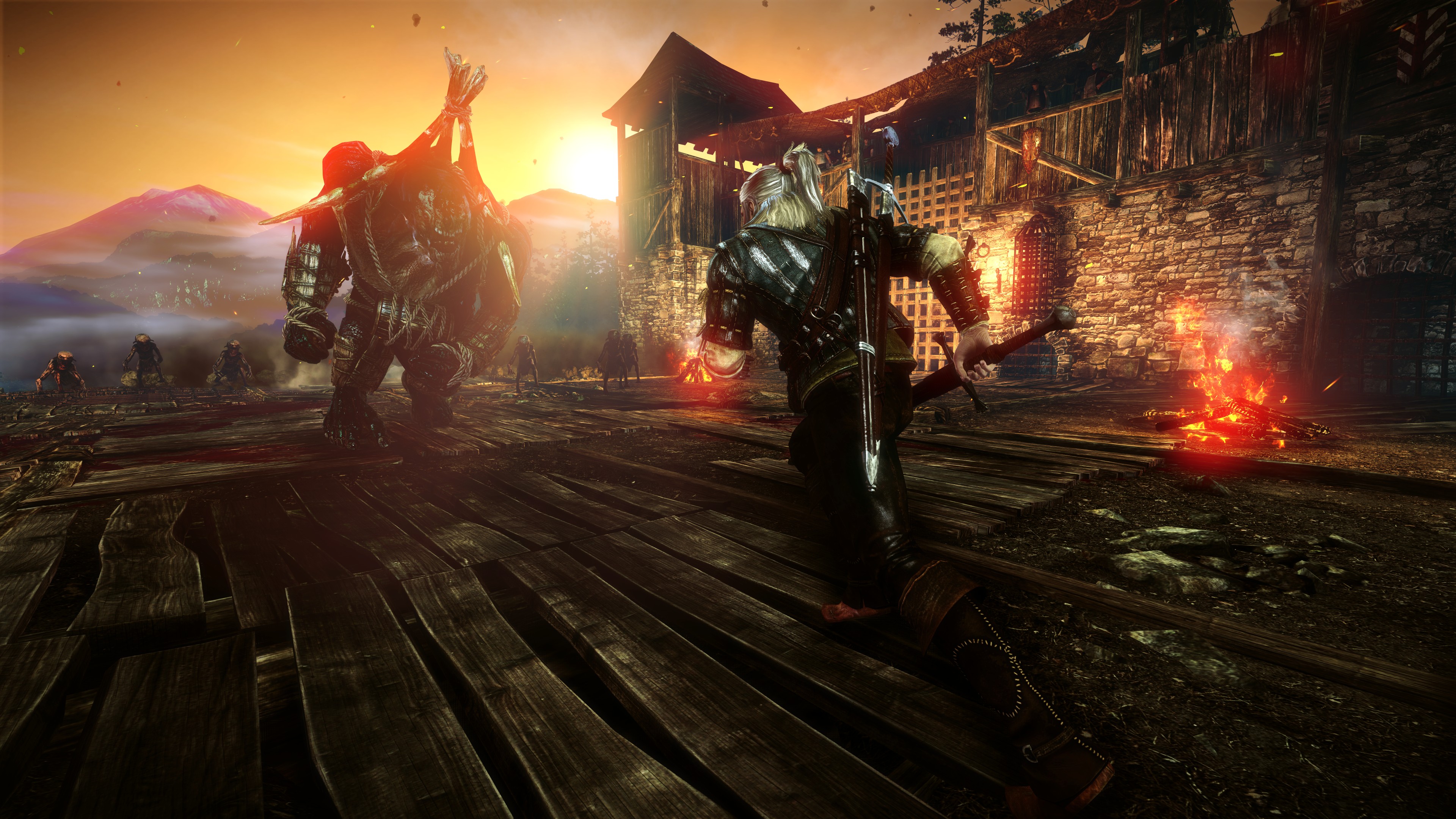
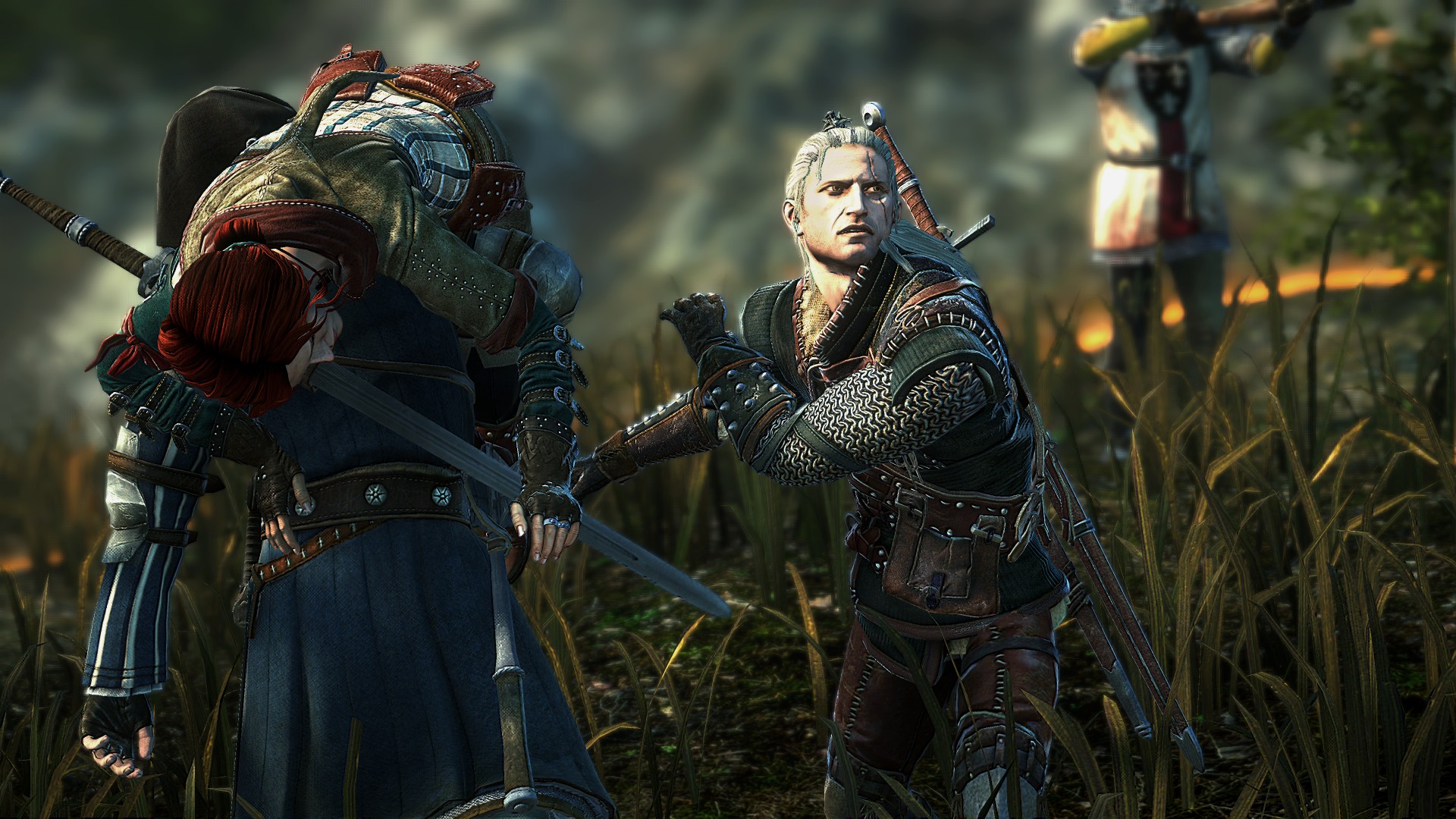
The game features a branching narrative where player decisions significantly alter the storyline, characters, and even entire regions. Combat is more tactical and challenging, requiring careful use of swordplay, magic signs, potions, and traps to overcome powerful enemies.
The Enhanced Edition includes improved visuals, additional content, new quests, and a refined interface, delivering a more polished experience. With its rich narrative, mature themes, and complex decision-making, The Witcher 2: Enhanced Edition is ideal for players who enjoy story-driven RPGs with meaningful player choice.
Screenshots

Official Trailer
System Requirements
OS: Windows XP/Vista/7 (Windows 10+ for newer Steam client)
Processor: Intel 2.2 GHz Dual-Core or AMD 2.5 GHz Dual-Core
Memory: 1.5 GB (XP) / 2 GB (Vista/7) RAM
Graphics: GeForce 8800 (512 MB) or Radeon HD 3850 (512 MB)
DirectX: Version 9.29
Storage: 25 GB
Processor: Intel 2.2 GHz Dual-Core or AMD 2.5 GHz Dual-Core
Memory: 1.5 GB (XP) / 2 GB (Vista/7) RAM
Graphics: GeForce 8800 (512 MB) or Radeon HD 3850 (512 MB)
DirectX: Version 9.29
Storage: 25 GB
OS: Windows XP/Vista/7 (Windows 10+ for newer Steam client)
Processor: Intel or AMD Quad-Core
Memory: 3 GB (XP) / 4 GB (Vista/7) RAM
Graphics: GeForce 260 (1 GB) or Radeon HD 4850 (1 GB)
DirectX: Version 9.29
Storage: 25 GB
Processor: Intel or AMD Quad-Core
Memory: 3 GB (XP) / 4 GB (Vista/7) RAM
Graphics: GeForce 260 (1 GB) or Radeon HD 4850 (1 GB)
DirectX: Version 9.29
Storage: 25 GB
How to Install
1
Download all parts to the same folder
2
Extract using 7-Zip or WinRAR
3
Run setup.exe as Administrator
4
Follow the installation wizard
5
Launch the game from the desktop shortcut
Game Details
Category
Open World-RPG
Size
10.85GB
Views
304
Downloads
463
Published
Jan 16, 2026
Updated
Oct 04, 2026

Comments (0)
to join the discussion