

💻 PC
📦 62.88 GB
📅 2026
38 views
The Outer Worlds 2
The Outer Worlds 2 is a first-person sci-fi RPG by Obsidian Entertainment, set in a new star system with expanded role-playing mechanics, player choice, and satirical storytelling.
About This Game
The Outer Worlds 2 is an upcoming first-person role-playing game developed by Obsidian Entertainment and published by Xbox Game Studios. Set in a completely new star system, the game builds upon the original’s mix of dark humor, branching narratives, and player-driven decision making.
Players create their own character and shape the story through dialogue choices, faction relationships, and multiple combat styles. The sequel promises improved gunplay, deeper RPG systems, more advanced companion interactions, and worlds that react more dynamically to player actions.
With its sharp satire, expanded scope, and refined gameplay systems, The Outer Worlds 2 aims to deliver a bigger and more ambitious sci-fi RPG experience than the first game.
Screenshots
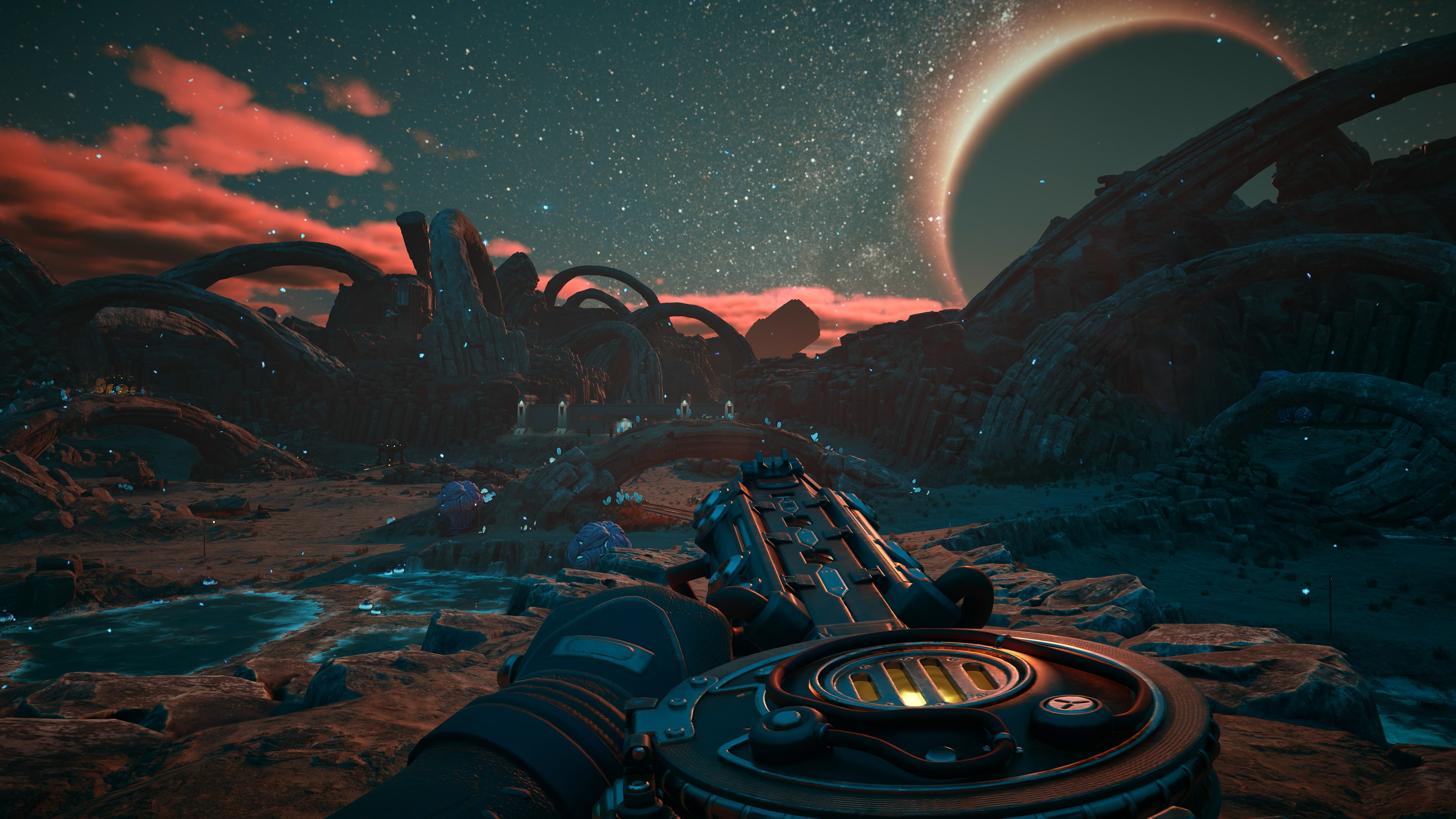
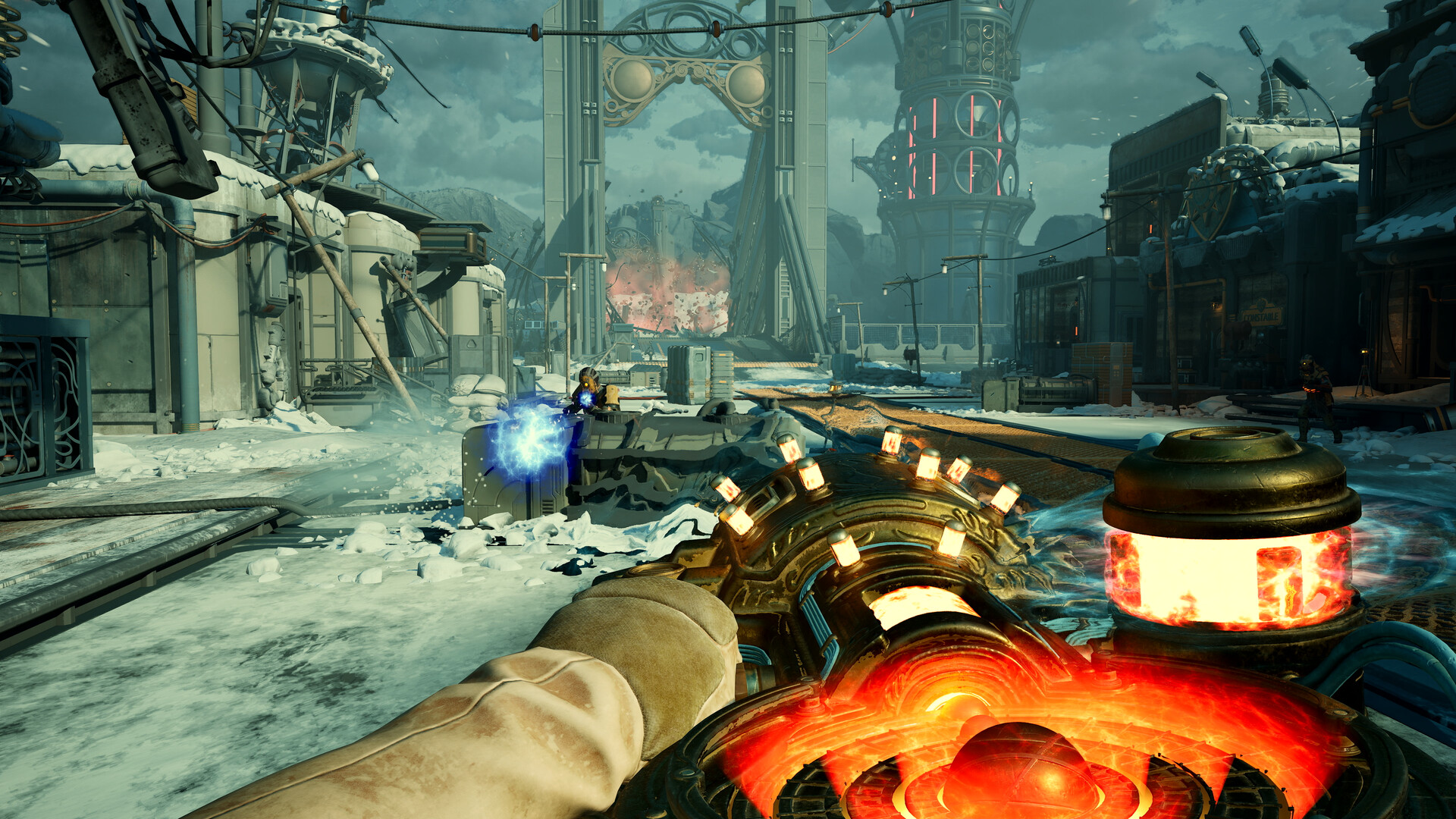


Official Trailer
System Requirements
Requires a 64-bit processor and operating system
OS: Windows 10/11 with updates
Processor: AMD Ryzen 5 2600 / Intel i5-8400
Memory: 16 GB RAM
Graphics: AMD RX 5700 / Nvidia GTX 1070 / Intel Arc A580
DirectX: Version 12
Storage: 110 GB available space
OS: Windows 10/11 with updates
Processor: AMD Ryzen 5 2600 / Intel i5-8400
Memory: 16 GB RAM
Graphics: AMD RX 5700 / Nvidia GTX 1070 / Intel Arc A580
DirectX: Version 12
Storage: 110 GB available space
Requires a 64-bit processor and operating system
OS: Windows 10/11 with updates
Processor: AMD Ryzen 5 5600X / Intel Core i7-10700K
Memory: 16 GB RAM
Graphics: AMD Radeon RX 6800 XT / Nvidia RTX 3080
DirectX: Version 12
Storage: 110 GB available space
OS: Windows 10/11 with updates
Processor: AMD Ryzen 5 5600X / Intel Core i7-10700K
Memory: 16 GB RAM
Graphics: AMD Radeon RX 6800 XT / Nvidia RTX 3080
DirectX: Version 12
Storage: 110 GB available space
How to Install
1
Download all parts to the same folder
2
Extract using 7-Zip or WinRAR
3
Run setup.exe as Administrator
4
Follow the installation wizard
5
Launch the game from the desktop shortcut
Game Details
Category
Open World-RPG
Size
62.88 GB
Views
38
Downloads
232
Published
Jan 21, 2026
Updated
Oct 02, 2026

Comments (0)
to join the discussion