
💻 PC
📦 17.00 GB
📅 2026
73 views
The Masquerade Bloodlines 2
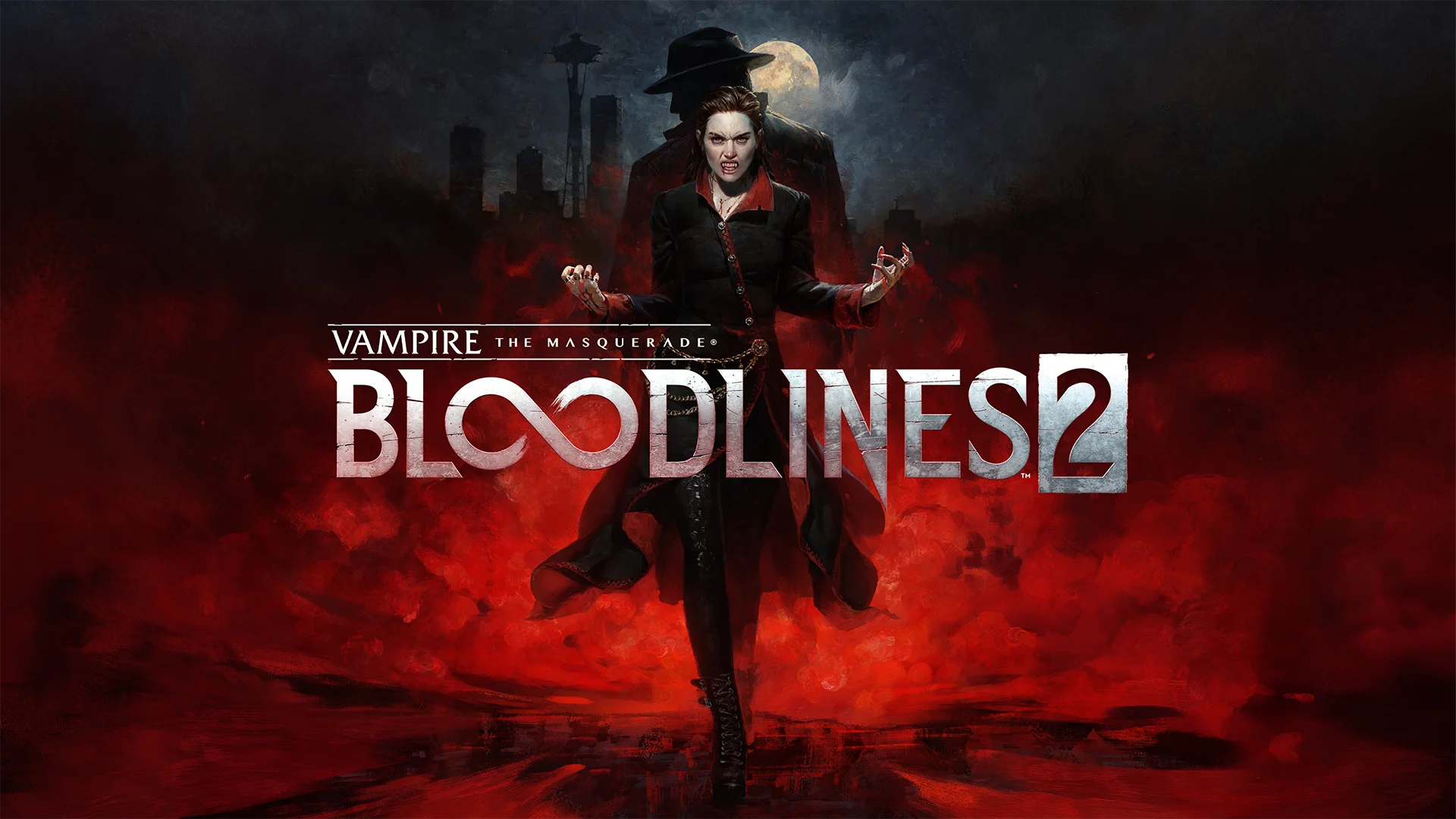
Vampire: The Masquerade – Bloodlines 2 is a narrative-driven action RPG set in a modern city, where players explore vampire politics, supernatural powers, and player-driven choices in the World of Darkness.
About This Game
Vampire: The Masquerade – Bloodlines 2 is an upcoming action role-playing game set in the World of Darkness universe. Players assume the role of a powerful elder vampire navigating a modern city filled with political intrigue, rival factions, and dark supernatural threats.
The game focuses heavily on player choice, offering branching dialogue, multiple story outcomes, and unique abilities based on vampire disciplines. Combat blends first-person action with vampiric powers such as stealth, telekinesis, and supernatural strength.
With a darker tone, improved visuals, and a stronger narrative focus, Bloodlines 2 aims to expand on the cult-classic original by delivering a more immersive and choice-driven vampire RPG experience.
Screenshots


Official Trailer
System Requirements
Requires a 64-bit processor and operating system
OS: Windows 10 (64-bit)
Processor: Intel Core i3-8350K | AMD Ryzen 3 3300X
Memory: 8 GB RAM
Graphics: NVIDIA GeForce GTX 1060 (6GB) | AMD Radeon RX 480 (8GB) | Intel Arc A580 (8GB, Resizable BAR enabled) | AMD Radeon 780M | ROG Xbox Ally X
DirectX: Version 12
Storage: 30 GB available space
OS: Windows 10 (64-bit)
Processor: Intel Core i3-8350K | AMD Ryzen 3 3300X
Memory: 8 GB RAM
Graphics: NVIDIA GeForce GTX 1060 (6GB) | AMD Radeon RX 480 (8GB) | Intel Arc A580 (8GB, Resizable BAR enabled) | AMD Radeon 780M | ROG Xbox Ally X
DirectX: Version 12
Storage: 30 GB available space
Requires a 64-bit processor and operating system
OS: Windows 11
Processor: Intel Core i5-12600K | AMD Ryzen 5 5600X
Memory: 16 GB RAM
Graphics: NVIDIA GeForce RTX 3060 Ti (8GB) | AMD Radeon RX 6700 XT (12GB)
DirectX: Version 12
Storage: 30 GB available space
OS: Windows 11
Processor: Intel Core i5-12600K | AMD Ryzen 5 5600X
Memory: 16 GB RAM
Graphics: NVIDIA GeForce RTX 3060 Ti (8GB) | AMD Radeon RX 6700 XT (12GB)
DirectX: Version 12
Storage: 30 GB available space
How to Install
1
Download all parts to the same folder
2
Extract using 7-Zip or WinRAR
3
Run setup.exe as Administrator
4
Follow the installation wizard
5
Launch the game from the desktop shortcut
Game Details
Category
Open World-RPG
Size
17.00 GB
Views
73
Downloads
129
Published
Jan 21, 2026
Updated
Oct 04, 2026

Comments (0)
to join the discussion