
💻 PC
📦 52.83GB
📅 2026
172 views
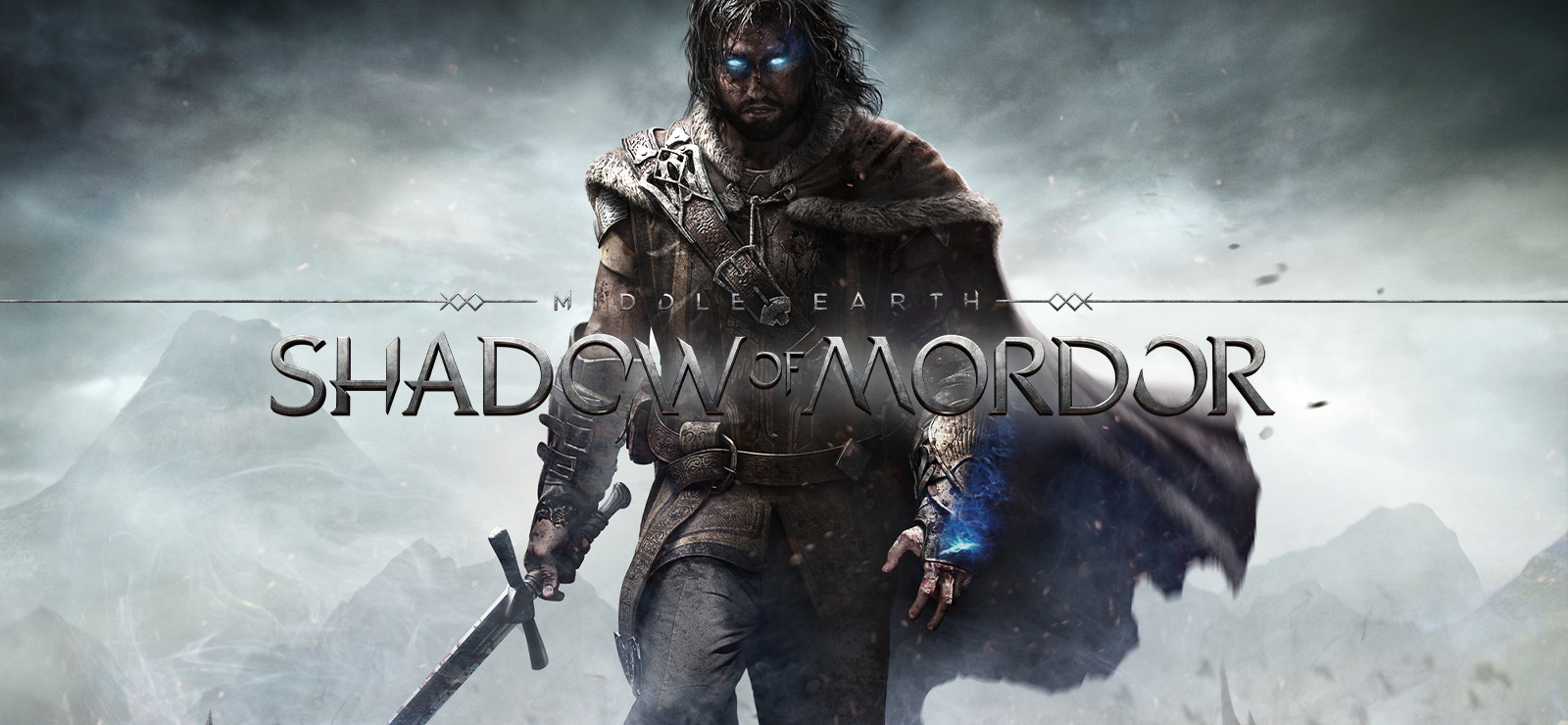
Middle earth Shadow of Mordor
Middle-earth: Shadow of Mordor is an action RPG set in Tolkien’s world, featuring brutal combat and the revolutionary Nemesis system.
About This Game
Middle-earth: Shadow of Mordor is an open-world action role-playing game set between the events of The Hobbit and The Lord of the Rings. Players take on the role of Talion, a ranger resurrected by a mysterious Wraith, bound together by a shared desire for revenge against the forces of Sauron.
The game’s standout feature is the Nemesis System, where enemy Orcs remember past encounters, adapt to your tactics, and rise in power if they defeat you. This creates unique rivalries and personalized stories as you hunt down captains and warlords across Mordor.
Combat blends fast-paced swordplay, stealth assassinations, and supernatural abilities, allowing players to approach encounters in multiple ways. With a dark atmosphere, cinematic storytelling, and innovative gameplay mechanics, Shadow of Mordor delivers a thrilling adventure in the legendary world of Middle-earth.
Screenshots
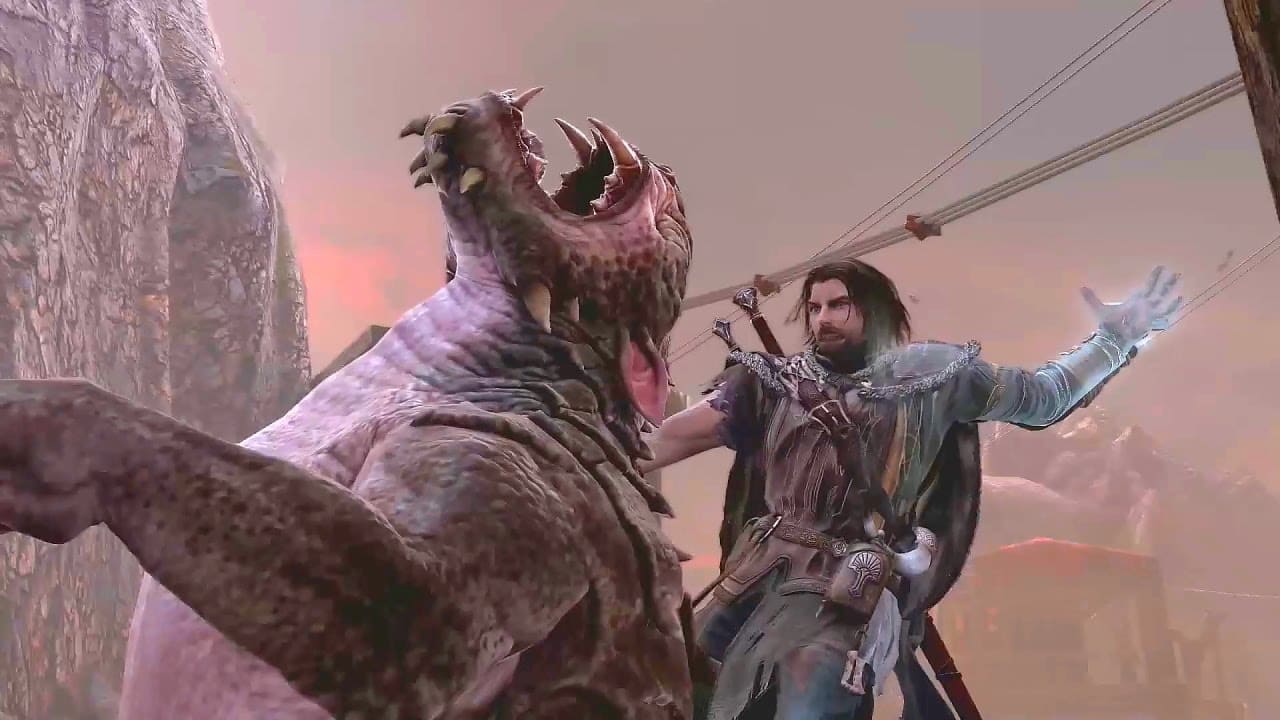
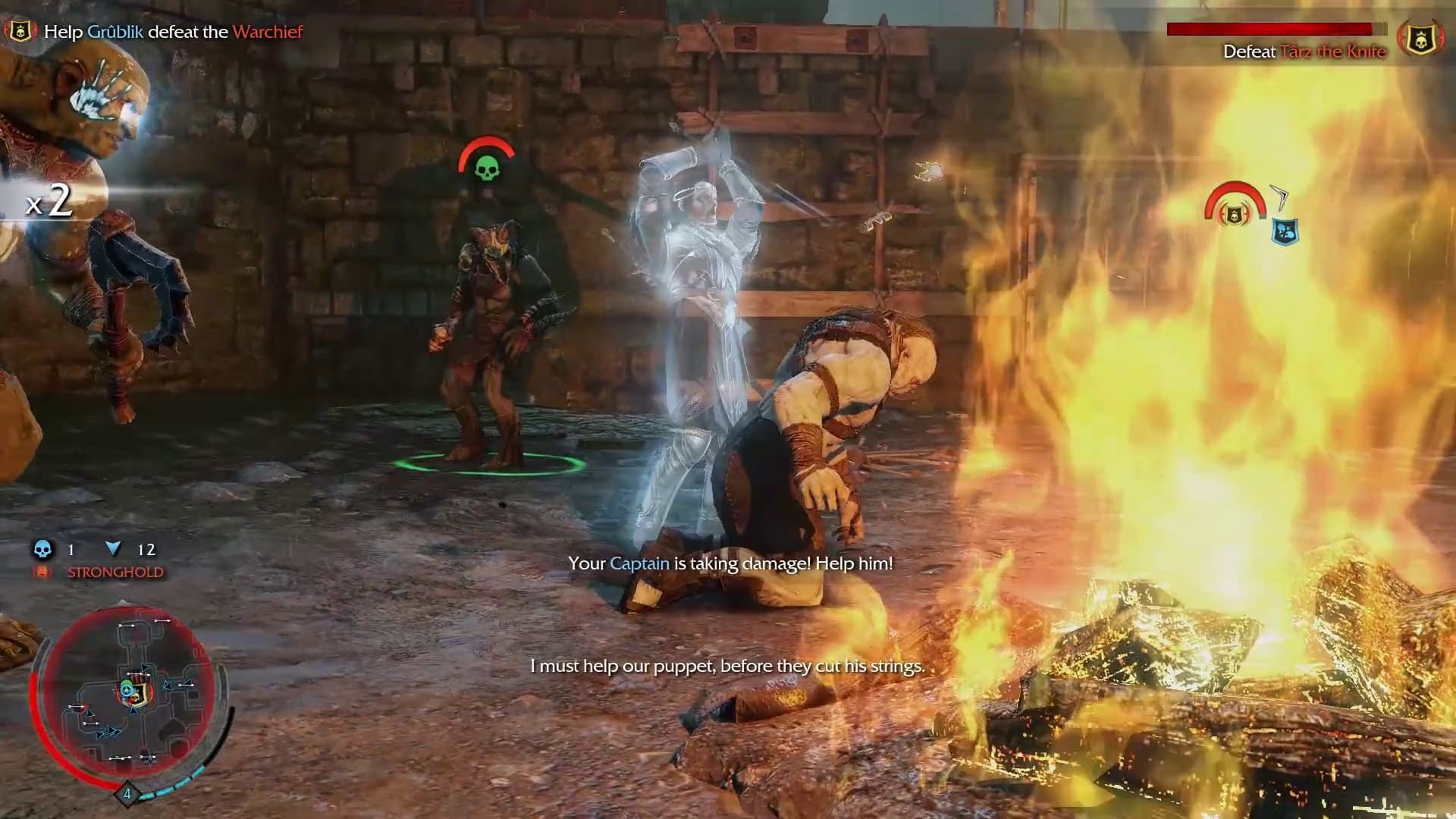
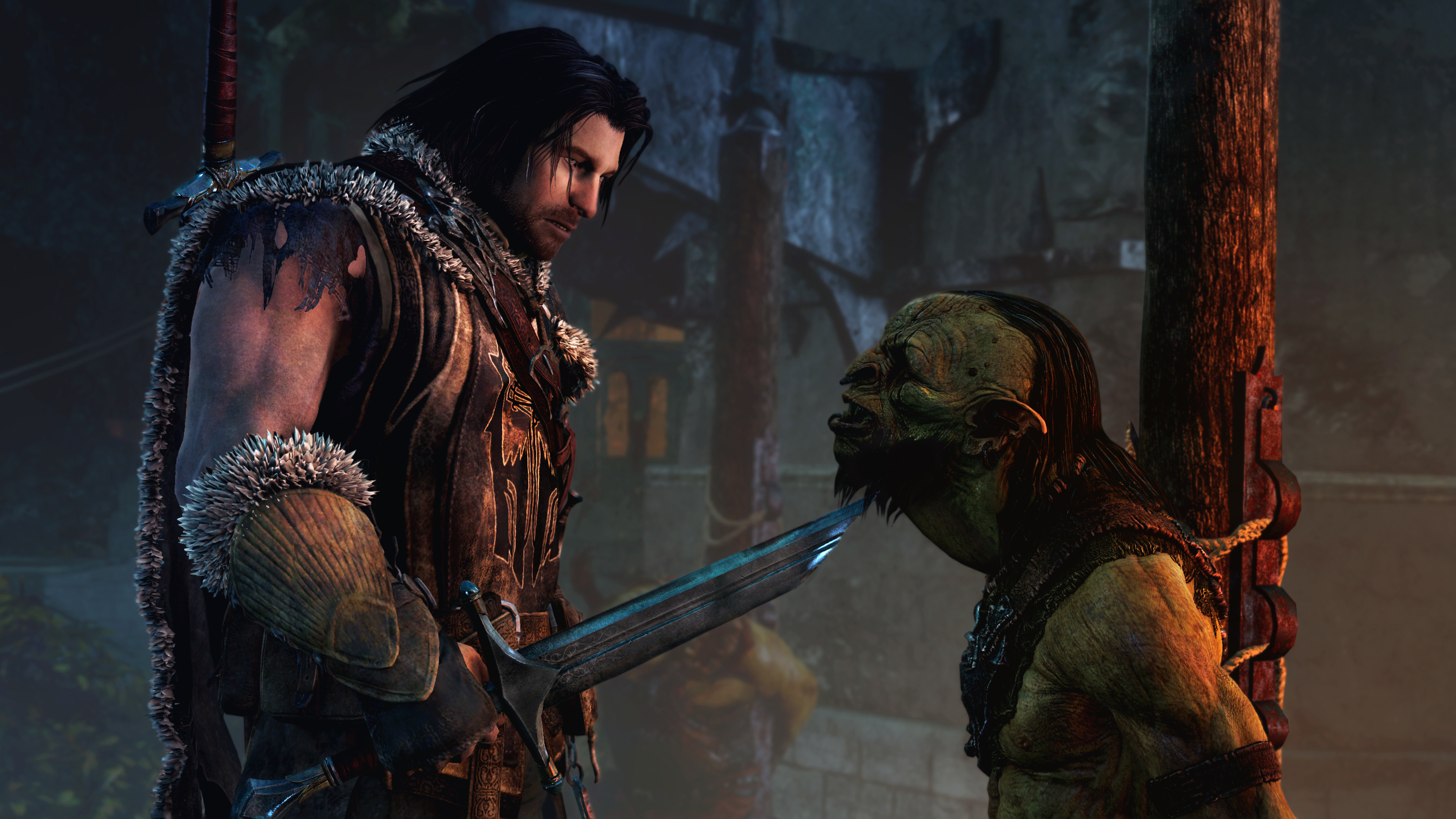
Official Trailer
System Requirements
OS: Windows 7 (64-bit) or newer.
Processor: Intel Core i5-750 @ 2.67 GHz or AMD Phenom II X4 965 @ 3.4 GHz.
Memory: 3 GB RAM (4GB recommended for Linux).
Graphics: NVIDIA GeForce GTX 460 or AMD Radeon HD 5850.
DirectX: Version 11.
Storage: 44-47 GB available space.
Processor: Intel Core i5-750 @ 2.67 GHz or AMD Phenom II X4 965 @ 3.4 GHz.
Memory: 3 GB RAM (4GB recommended for Linux).
Graphics: NVIDIA GeForce GTX 460 or AMD Radeon HD 5850.
DirectX: Version 11.
Storage: 44-47 GB available space.
OS: Windows 7 (64-bit) or newer.
Processor: Intel Core i7-3770 @ 3.4 GHz or AMD FX-8350 @ 4.0 GHz.
Memory: 8 GB RAM.
Graphics: NVIDIA GeForce GTX 660 or AMD Radeon HD 7950.
DirectX: Version 11.
Storage: 40-57 GB available space.
Processor: Intel Core i7-3770 @ 3.4 GHz or AMD FX-8350 @ 4.0 GHz.
Memory: 8 GB RAM.
Graphics: NVIDIA GeForce GTX 660 or AMD Radeon HD 7950.
DirectX: Version 11.
Storage: 40-57 GB available space.
How to Install
1
Download all parts to the same folder
2
Extract using 7-Zip or WinRAR
3
Run setup.exe as Administrator
4
Follow the installation wizard
5
Launch the game from the desktop shortcut
Game Details
Category
Open World-RPG
Size
52.83GB
Views
172
Downloads
286
Published
Jan 07, 2026
Updated
Oct 04, 2026

Comments (0)
to join the discussion