
💻 PC
📦 1.92GB
📅 2025
694 views
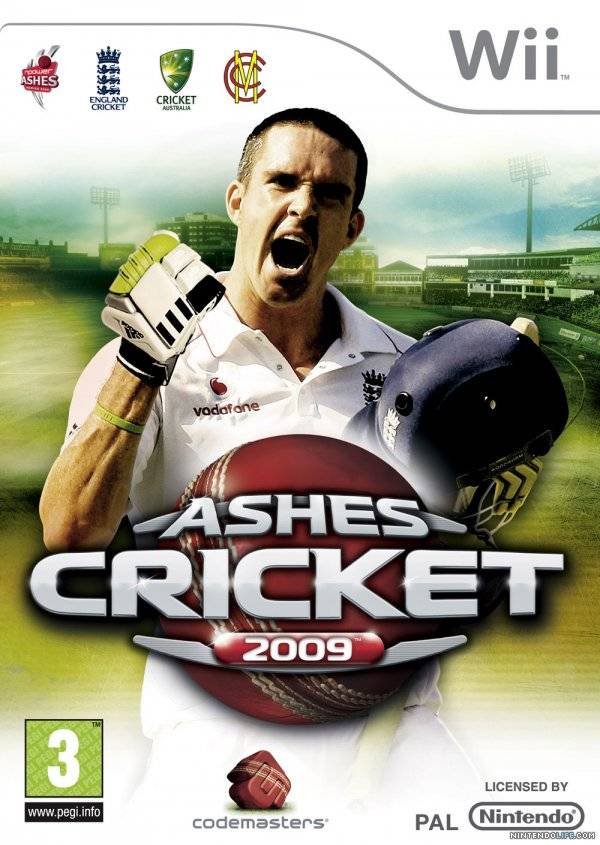
Ashes Cricket 2009
Ashes Cricket 2009 is a cricket simulation game that lets you experience the intensity of the historic Ashes series, featuring realistic gameplay, official teams, and immersive match conditions.
About This Game
Ashes Cricket 2009 is a sports simulation game developed by Transmission Games, designed to capture the excitement and tradition of the legendary Ashes cricket series between England and Australia. Players can take control of official national teams, iconic players, and stadiums, recreating historic encounters or creating their own epic cricket moments.
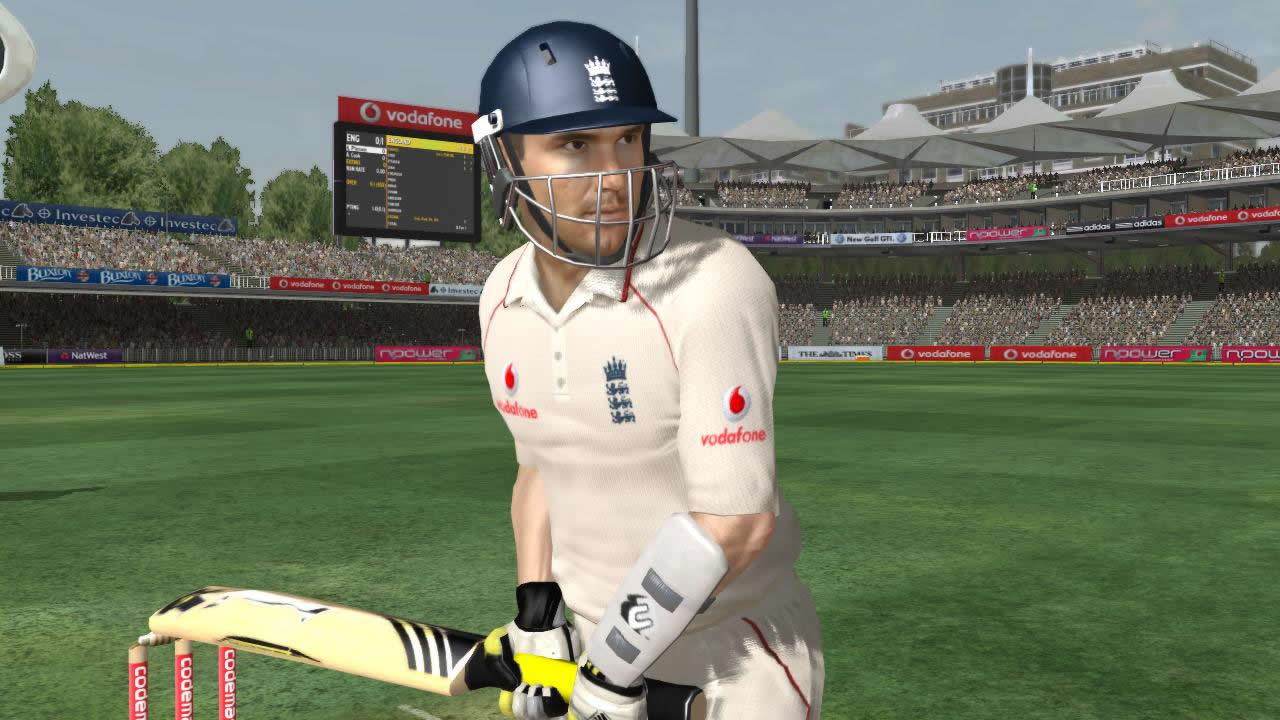
The game features realistic batting, bowling, and fielding mechanics, as well as strategic elements like field placement, captaincy decisions, and match tactics. Multiple game modes allow players to engage in Test matches, One Day Internationals, and practice scenarios, delivering both depth and replayability.
With detailed player models, authentic commentary, and faithful representations of historic venues, Ashes Cricket 2009 provides cricket fans an immersive and strategic sports experience that celebrates one of the most famous rivalries in cricket history.
password - www.apunkagames.net or apunkagames
Screenshots


Official Trailer
System Requirements
OS: Windows XP/Vista (SP1)
Processor: 2 GHz Pentium or AMD equivalent
RAM: 1 GB
Graphics: GeForce 6800 / Radeon X1600 with 256MB VRAM, Shader 3.0 support
DirectX: Version 9.0c
Sound: DirectX compatible sound card
Storage: 2.5 GB hard drive space
Drive: Dual layer DVD-ROM drive
Processor: 2 GHz Pentium or AMD equivalent
RAM: 1 GB
Graphics: GeForce 6800 / Radeon X1600 with 256MB VRAM, Shader 3.0 support
DirectX: Version 9.0c
Sound: DirectX compatible sound card
Storage: 2.5 GB hard drive space
Drive: Dual layer DVD-ROM drive
OS: Windows XP/Vista
Processor: 3 GHz Pentium 4 or AMD equivalent and above
RAM: 1.5 GB
Graphics: GeForce 8800GS / Radeon X1900 series or above
Sound: Creative Sound Blaster X-Fi (optional)
Storage: 3 GB hard drive space (approx.)
Processor: 3 GHz Pentium 4 or AMD equivalent and above
RAM: 1.5 GB
Graphics: GeForce 8800GS / Radeon X1900 series or above
Sound: Creative Sound Blaster X-Fi (optional)
Storage: 3 GB hard drive space (approx.)
How to Install
1
Download all parts to the same folder
2
Extract using 7-Zip or WinRAR
3
Run setup.exe as Administrator
4
Follow the installation wizard
5
Launch the game from the desktop shortcut
Game Details
Category
Sports
Size
1.92GB
Views
694
Downloads
547
Published
Dec 31, 2025
Updated
Oct 04, 2026


Comments (0)
to join the discussion