

💻 PC
📦 867.28MB
📅 2025
466 views
Stranded Deep
Stranded Deep is an open-world survival game where you’re stranded on a deserted island in the Pacific Ocean and must craft, explore, and survive against hunger, thirst, wildlife, and the dangers of the sea.
About This Game
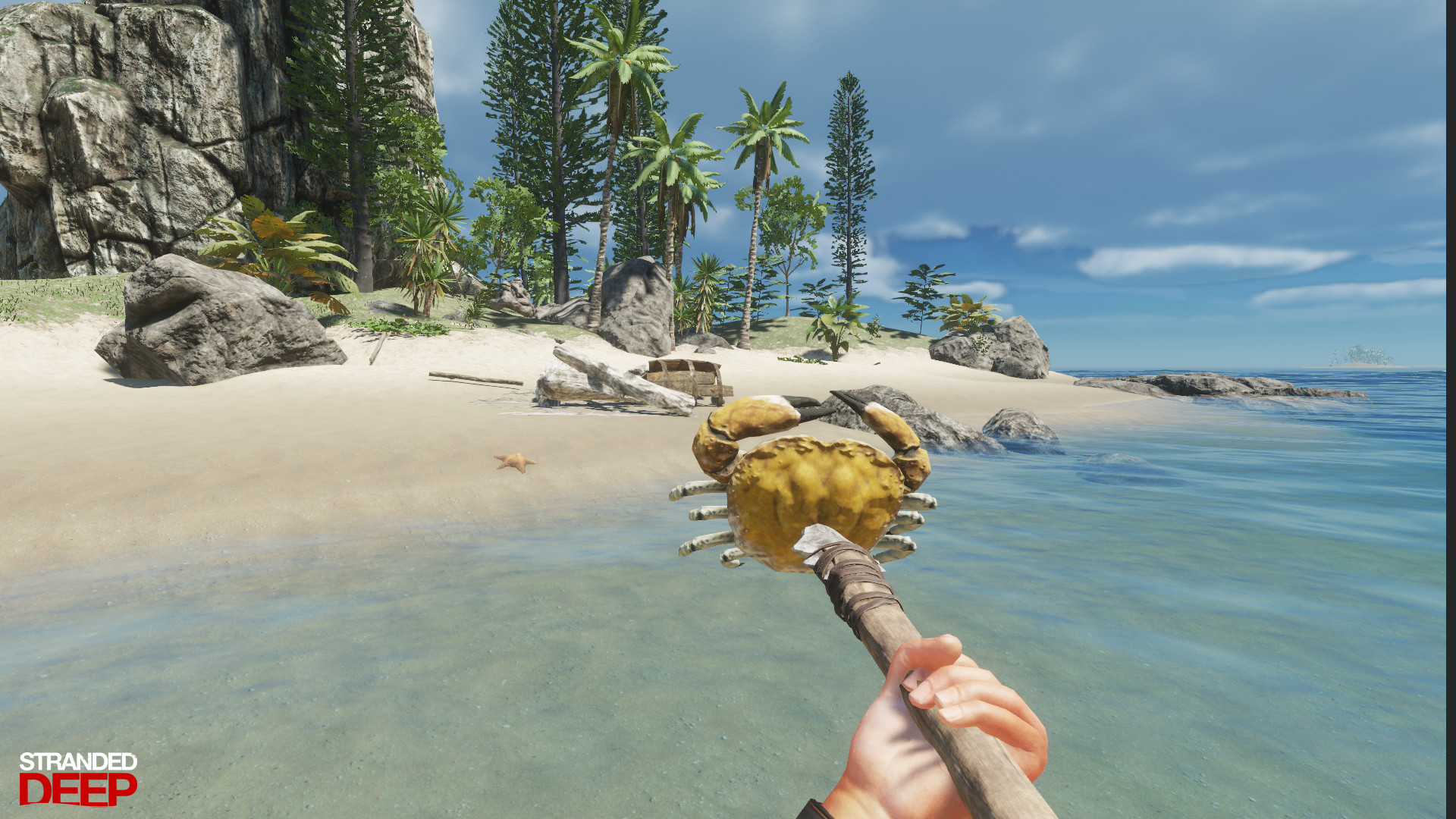
Stranded Deep is an open-world survival adventure game developed by Beam Team Games. After surviving a plane crash, you find yourself alone on a series of procedurally generated islands in the Pacific Ocean. With no help coming, you must rely on your instincts and creativity to stay alive.
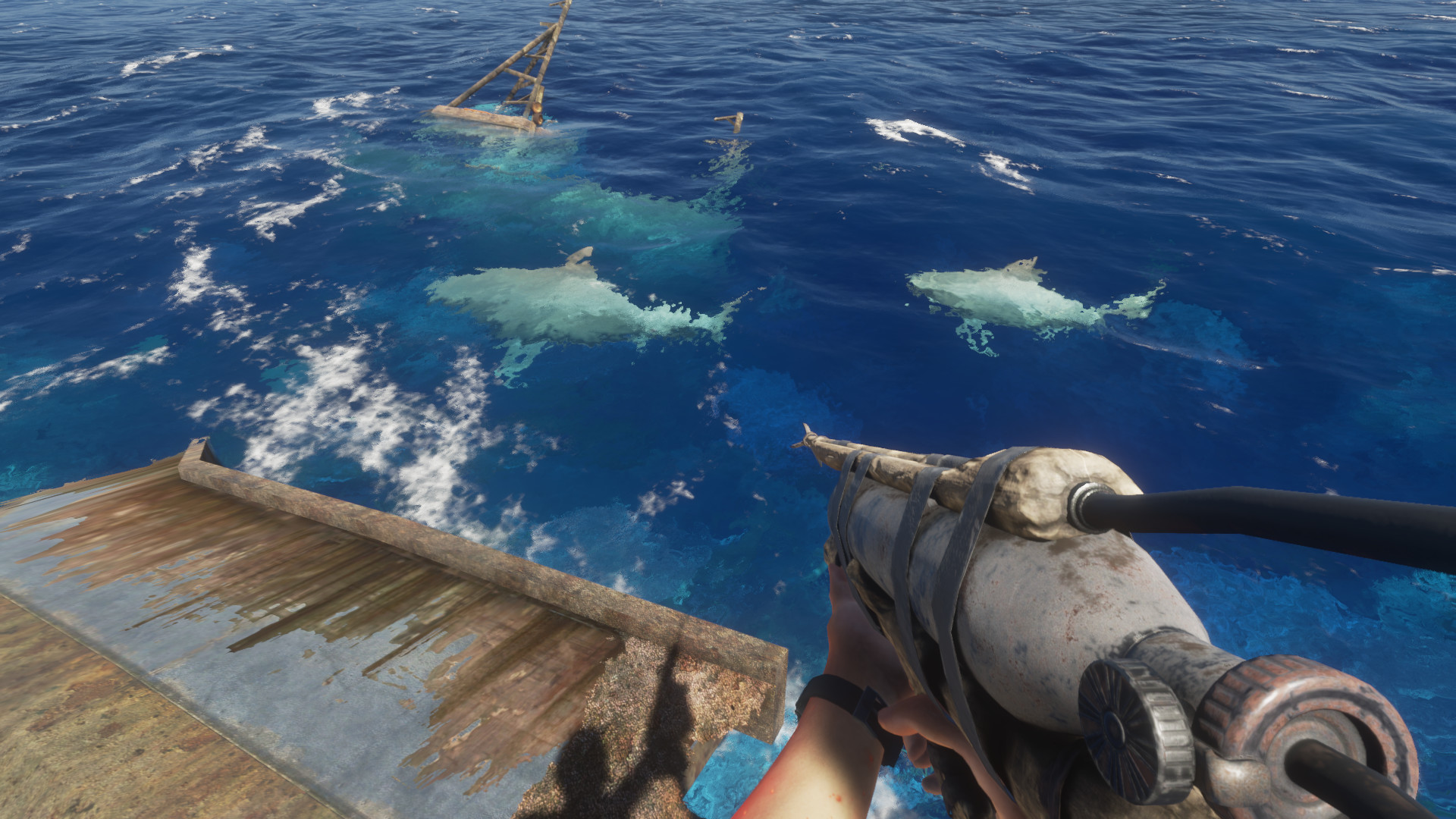
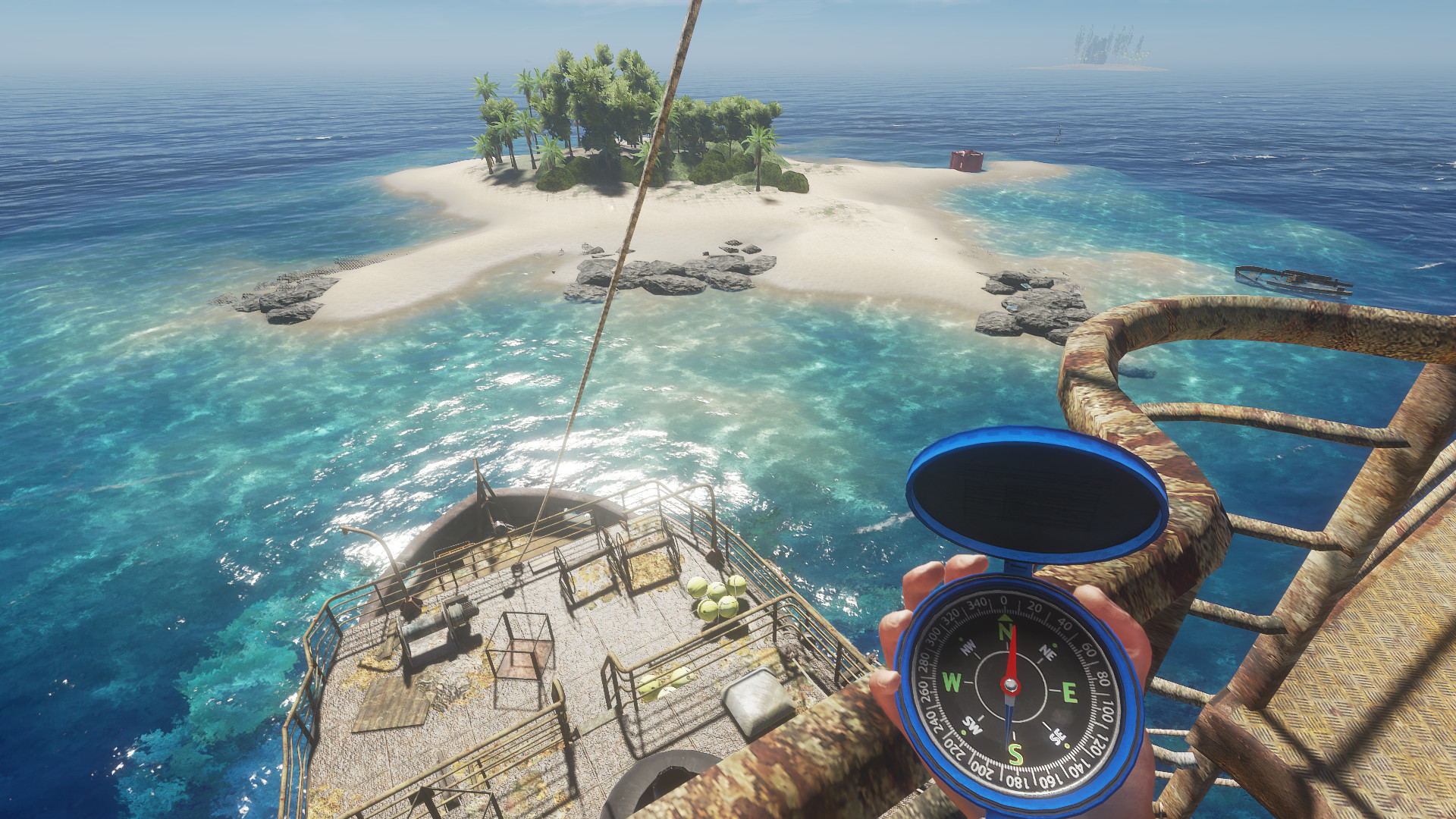
Players gather resources to craft tools, weapons, shelters, and vehicles, while managing vital survival needs such as health, hunger, thirst, and sun exposure. The ocean plays a major role, offering both opportunities and dangers, including shipwrecks, storms, and deadly sea creatures like sharks and giant squids.
The game features first-person exploration, base building, hunting, farming, and scavenging, along with optional co-op multiplayer. With its realistic survival mechanics and vast open world, Stranded Deep delivers a tense and immersive experience where every decision can mean the difference between life and death.
Screenshots

Official Trailer
System Requirements
OS: Windows 7 (64-bit) or higher
Processor: X64 Quad Core CPU @ 2.0GHz+
Memory: 8 GB RAM
Graphics: 2GB VRAM (Dedicated Video RAM: 2 GB)
DirectX: Version 11
Storage: 4 GB available space
Processor: X64 Quad Core CPU @ 2.0GHz+
Memory: 8 GB RAM
Graphics: 2GB VRAM (Dedicated Video RAM: 2 GB)
DirectX: Version 11
Storage: 4 GB available space
OS: Windows 10 (64-bit)
Processor: X64 Quad Core CPU @ 3.0GHz+
Memory: 8 GB RAM (though more is often better)
Graphics: 4GB VRAM
DirectX: Version 11
Storage: 4 GB available space
Processor: X64 Quad Core CPU @ 3.0GHz+
Memory: 8 GB RAM (though more is often better)
Graphics: 4GB VRAM
DirectX: Version 11
Storage: 4 GB available space
How to Install
1
Download all parts to the same folder
2
Extract using 7-Zip or WinRAR
3
Run setup.exe as Administrator
4
Follow the installation wizard
5
Launch the game from the desktop shortcut
Game Details
Category
Action
Size
867.28MB
Views
466
Downloads
888
Published
Dec 29, 2025
Updated
Oct 04, 2026

Comments (0)
to join the discussion