
💻 PC
📦 20.82GB
📅 2026
71 views
Spirit of the North 2
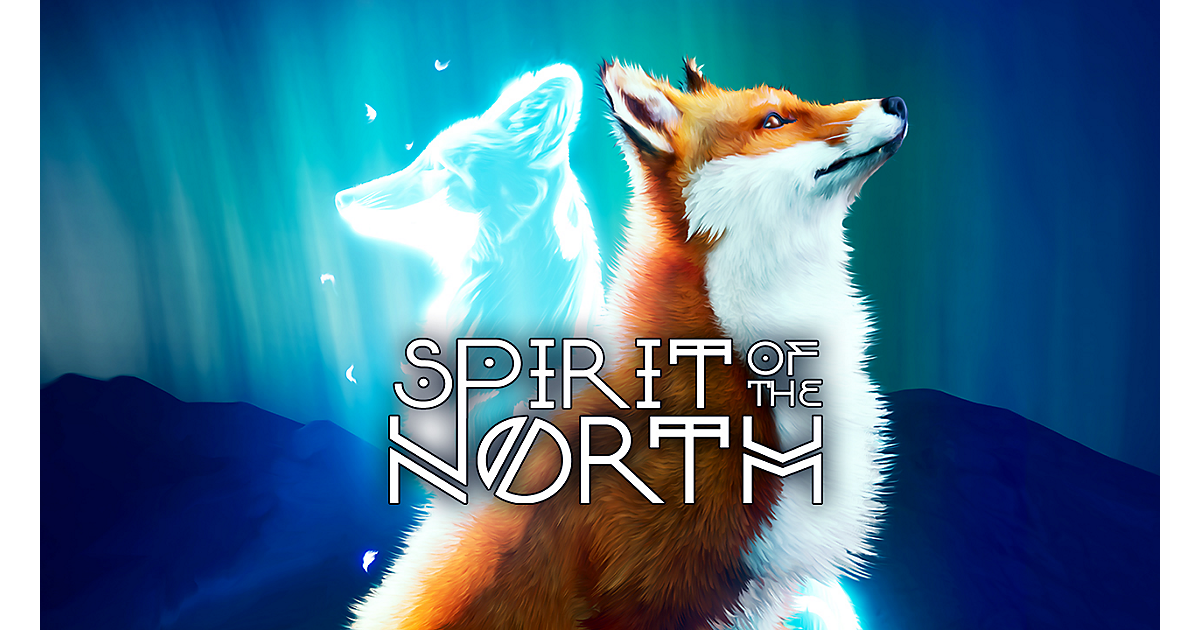
Spirit of the North 2 is a peaceful adventure game where a lone fox explores a mystical world inspired by Nordic folklore and ancient spirits.
About This Game
Spirit of the North 2 is a third-person atmospheric adventure that expands on the calm, story-light experience of the original game. Players once again take control of a lone fox, journeying through a vast and beautifully crafted open world inspired by Nordic landscapes, myths, and spiritual symbolism.
The game emphasizes exploration, environmental puzzles, and emotional storytelling without dialogue or combat. Players uncover the secrets of a fallen ancient world, restore corrupted guardians, and form a bond with a wise raven companion who aids the journey. Each area tells its own story through visuals, music, and atmosphere.
With enhanced visuals, larger open environments, and deeper exploration mechanics, Spirit of the North 2 delivers a serene and immersive experience. It is perfect for players who enjoy relaxing adventures, emotional storytelling, and visually stunning worlds driven by mood rather than action.
Screenshots


Official Trailer
System Requirements
OS: 64-bit Windows 10/11
Processor: 12th Gen Intel Core i7-12700K or equivalent
Memory: 16 GB RAM
Graphics: NVIDIA GeForce RTX 2080 / Radeon RX 6800
DirectX: Version 12
Storage: 25 GB available space
Processor: 12th Gen Intel Core i7-12700K or equivalent
Memory: 16 GB RAM
Graphics: NVIDIA GeForce RTX 2080 / Radeon RX 6800
DirectX: Version 12
Storage: 25 GB available space
OS: 64-bit Windows 10/11
Processor: AMD Ryzen 7 5800X / Intel Core i7-12700K or equivalent
Memory: 16 GB RAM
Graphics: NVIDIA GeForce RTX 4070 / Radeon RX 7800 XT
DirectX: Version 12
Storage: 25 GB (or up to 60GB) available space
Processor: AMD Ryzen 7 5800X / Intel Core i7-12700K or equivalent
Memory: 16 GB RAM
Graphics: NVIDIA GeForce RTX 4070 / Radeon RX 7800 XT
DirectX: Version 12
Storage: 25 GB (or up to 60GB) available space
How to Install
1
Download all parts to the same folder
2
Extract using 7-Zip or WinRAR
3
Run setup.exe as Administrator
4
Follow the installation wizard
5
Launch the game from the desktop shortcut
Game Details
Category
Indie
Size
20.82GB
Views
71
Downloads
152
Published
Jan 12, 2026
Updated
Oct 03, 2026
Comments (0)
to join the discussion