
💻 PC
📦 4.38GB
📅 2025
285 views
Spider Man Web of Shadows
Spider-Man: Web of Shadows is an open-world action game where your choices shape the story as you swing through New York City battling a deadly symbiote invasion.
About This Game
Spider-Man: Web of Shadows is a 2008 action-adventure video game developed by Shaba Games and Treyarch. Set in an open-world New York City, the game centers on Spider-Man as he faces a massive symbiote outbreak that threatens to overrun the city.
A core feature of the game is its choice-based morality system, where player decisions influence the story, alliances, and multiple possible endings. Players can freely switch between Spider-Man’s classic red suit and the black symbiote suit, each offering unique combat styles, abilities, and animations.
The game emphasizes fast, aerial combat, fluid web-swinging, wall-running, and large-scale battles against both symbiotes and iconic Marvel characters. With its darker tone, branching narrative, and intense action, Spider-Man: Web of Shadows delivers one of the most dynamic and aggressive Spider-Man experiences ever created.
Screenshots

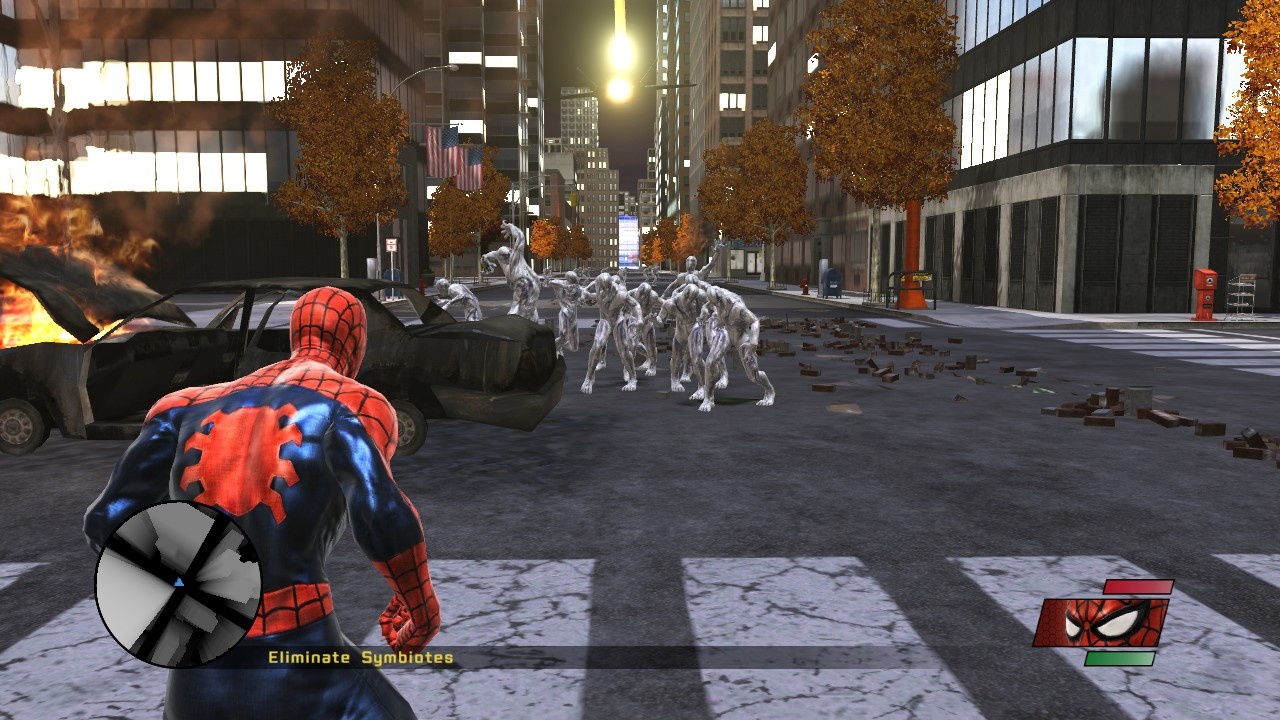
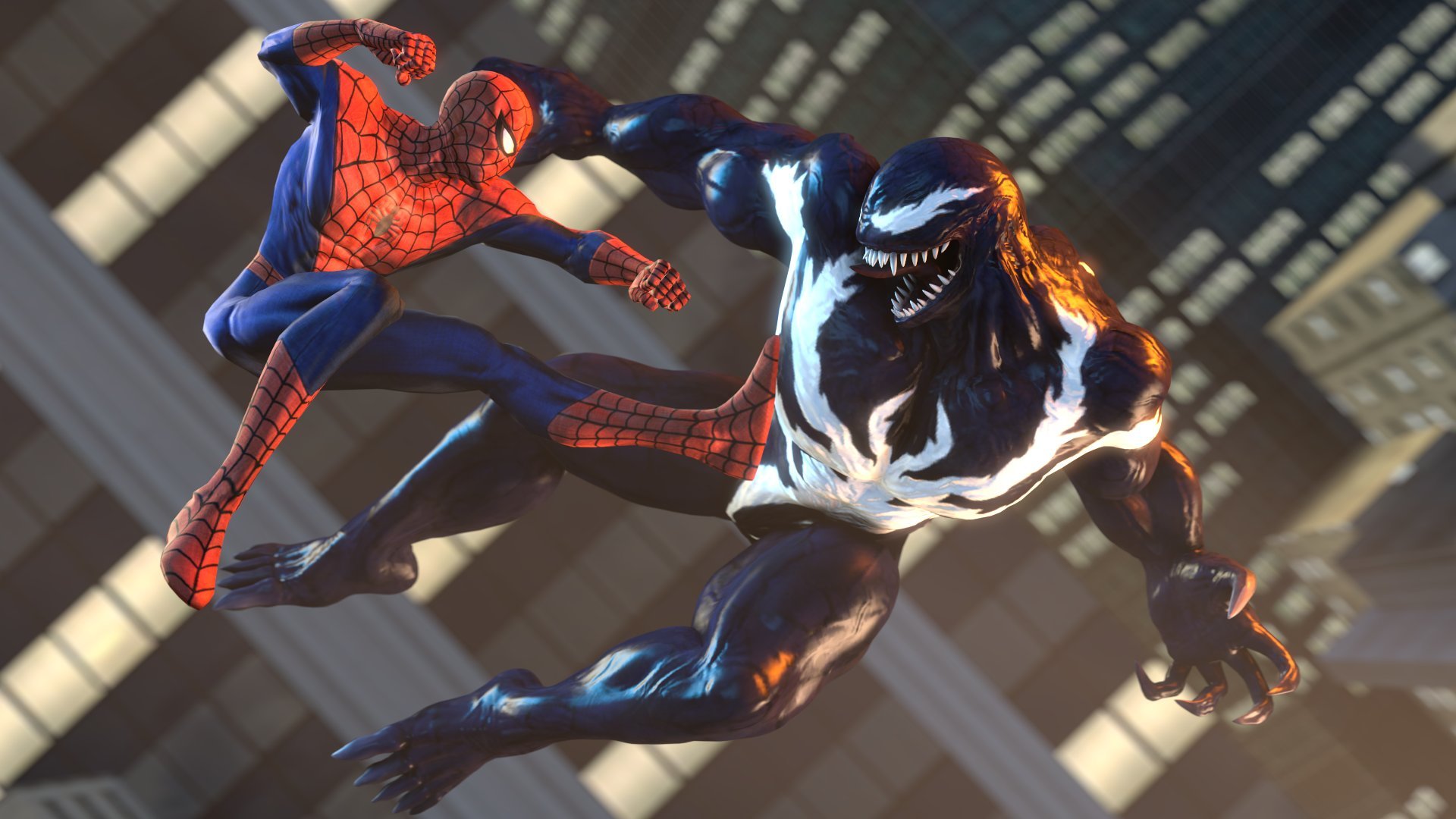
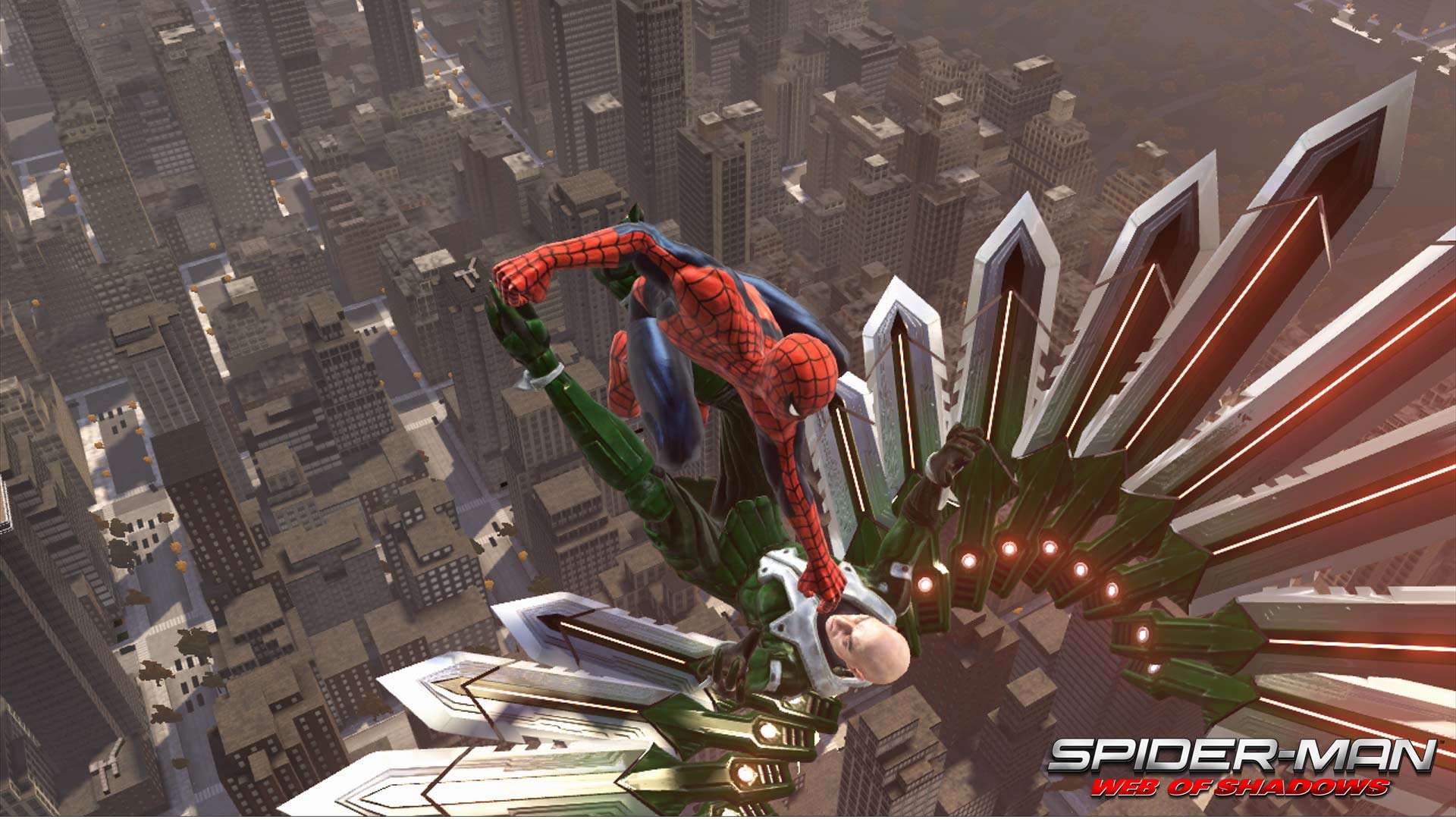
Official Trailer
System Requirements
OS: Windows XP / Vista
CPU: Intel Core 2 Duo @ 2.13 GHz / AMD Athlon X2 4600+
RAM: 1 GB (XP) / 1.5 GB (Vista)
GPU: 512 MB NVIDIA GeForce 7900 GTX or ATI Radeon X1900 XT (DirectX 9.0c compatible)
Storage: ~8 GB free
DirectX: 9.0c
Sound: DirectX compatible sound card
CPU: Intel Core 2 Duo @ 2.13 GHz / AMD Athlon X2 4600+
RAM: 1 GB (XP) / 1.5 GB (Vista)
GPU: 512 MB NVIDIA GeForce 7900 GTX or ATI Radeon X1900 XT (DirectX 9.0c compatible)
Storage: ~8 GB free
DirectX: 9.0c
Sound: DirectX compatible sound card
OS: Windows Vista / 7
CPU: Intel Core 2 Duo @ 2.4 GHz or better
RAM: 2 GB+
GPU: 512 MB+ DirectX 9 GPU with Pixel/Vertex Shader 3.0
Storage: ~8 GB free
DirectX: 9.0c compatible
CPU: Intel Core 2 Duo @ 2.4 GHz or better
RAM: 2 GB+
GPU: 512 MB+ DirectX 9 GPU with Pixel/Vertex Shader 3.0
Storage: ~8 GB free
DirectX: 9.0c compatible
How to Install
1
Download all parts to the same folder
2
Extract using 7-Zip or WinRAR
3
Run setup.exe as Administrator
4
Follow the installation wizard
5
Launch the game from the desktop shortcut
Game Details
Category
Action
Size
4.38GB
Views
285
Downloads
448
Published
Dec 29, 2025
Updated
Oct 04, 2026

Comments (0)
to join the discussion