

💻 PC
📦 4.91GB
📅 2026
128 views
Silent Hill 3
Silent Hill 3 is a psychological survival horror game featuring intense atmosphere, disturbing monsters, and a deeply emotional story of fear and identity.
About This Game
Silent Hill 3 is the third main entry in the iconic Silent Hill series and a direct sequel to the original Silent Hill. Players take control of Heather Mason, a teenage girl who becomes trapped in a terrifying nightmare that blurs the line between reality and horror.
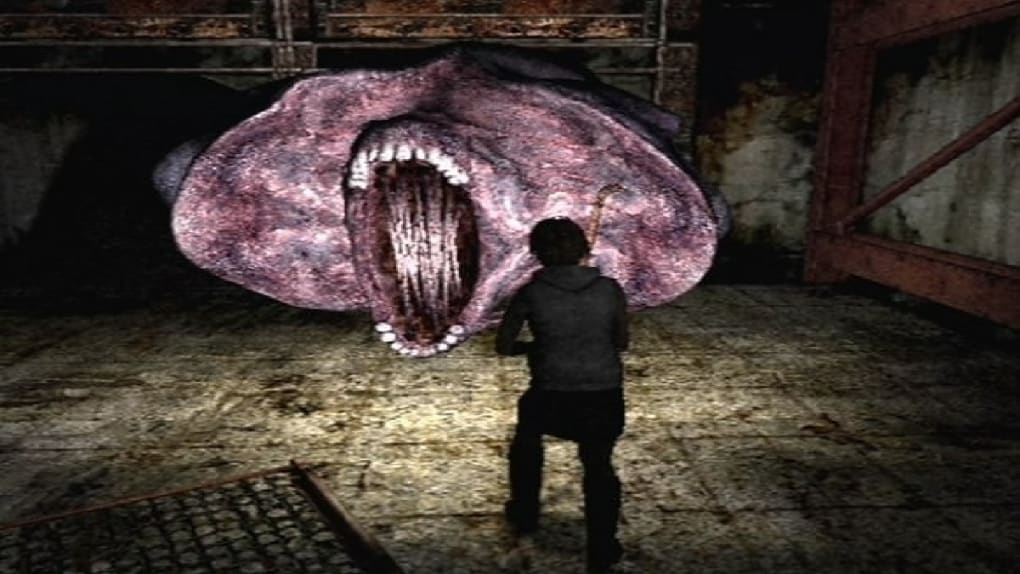
The game is renowned for its oppressive atmosphere, grotesque creature design, and unsettling soundscape that constantly builds tension. Exploration and puzzle-solving play a major role, with limited combat resources forcing players to carefully choose when to fight or flee.
Silent Hill 3 delivers a powerful psychological narrative exploring themes of trauma, identity, and fate. With its deeply disturbing imagery, emotional storytelling, and haunting soundtrack by Akira Yamaoka, the game remains one of the most terrifying and memorable horror experiences ever created.
Screenshots

Official Trailer
System Requirements
OS: Windows 98/Me/2000/XP
Processor: 1 GHz Pentium III or Athlon
RAM: 256 MB
Graphics: Nvidia GeForce3 Ti / ATI Radeon 8500 (32MB VRAM)
Hard Drive: 4.7 GB free space
Drive: 4x CD-ROM or 2x DVD-ROM
DirectX: 8.1b
Sound: DirectX 8.1 compatible sound card
Processor: 1 GHz Pentium III or Athlon
RAM: 256 MB
Graphics: Nvidia GeForce3 Ti / ATI Radeon 8500 (32MB VRAM)
Hard Drive: 4.7 GB free space
Drive: 4x CD-ROM or 2x DVD-ROM
DirectX: 8.1b
Sound: DirectX 8.1 compatible sound card
Processor: 1.4 GHz Pentium 4 or Athlon
RAM: 512 MB
Graphics: Nvidia GeForce4 Ti / ATI Radeon 8500 (64MB VRAM)
Storage: ~5.2 GB (or 6 GB)
Drive: 8x CD-ROM or 4x DVD-ROM
Controller: USB Gamepad (Highly Recommended)
RAM: 512 MB
Graphics: Nvidia GeForce4 Ti / ATI Radeon 8500 (64MB VRAM)
Storage: ~5.2 GB (or 6 GB)
Drive: 8x CD-ROM or 4x DVD-ROM
Controller: USB Gamepad (Highly Recommended)
How to Install
1
Download all parts to the same folder
2
Extract using 7-Zip or WinRAR
3
Run setup.exe as Administrator
4
Follow the installation wizard
5
Launch the game from the desktop shortcut
Game Details
Category
Horror
Size
4.91GB
Views
128
Downloads
208
Published
Jan 09, 2026
Updated
Oct 04, 2026

Comments (0)
to join the discussion