

💻 PC
📦 7.94GB
📅 2026
167 views
Resident Evil Revelations
Resident Evil: Revelations blends survival horror and action as players investigate a deadly outbreak aboard an abandoned luxury cruise ship.
About This Game
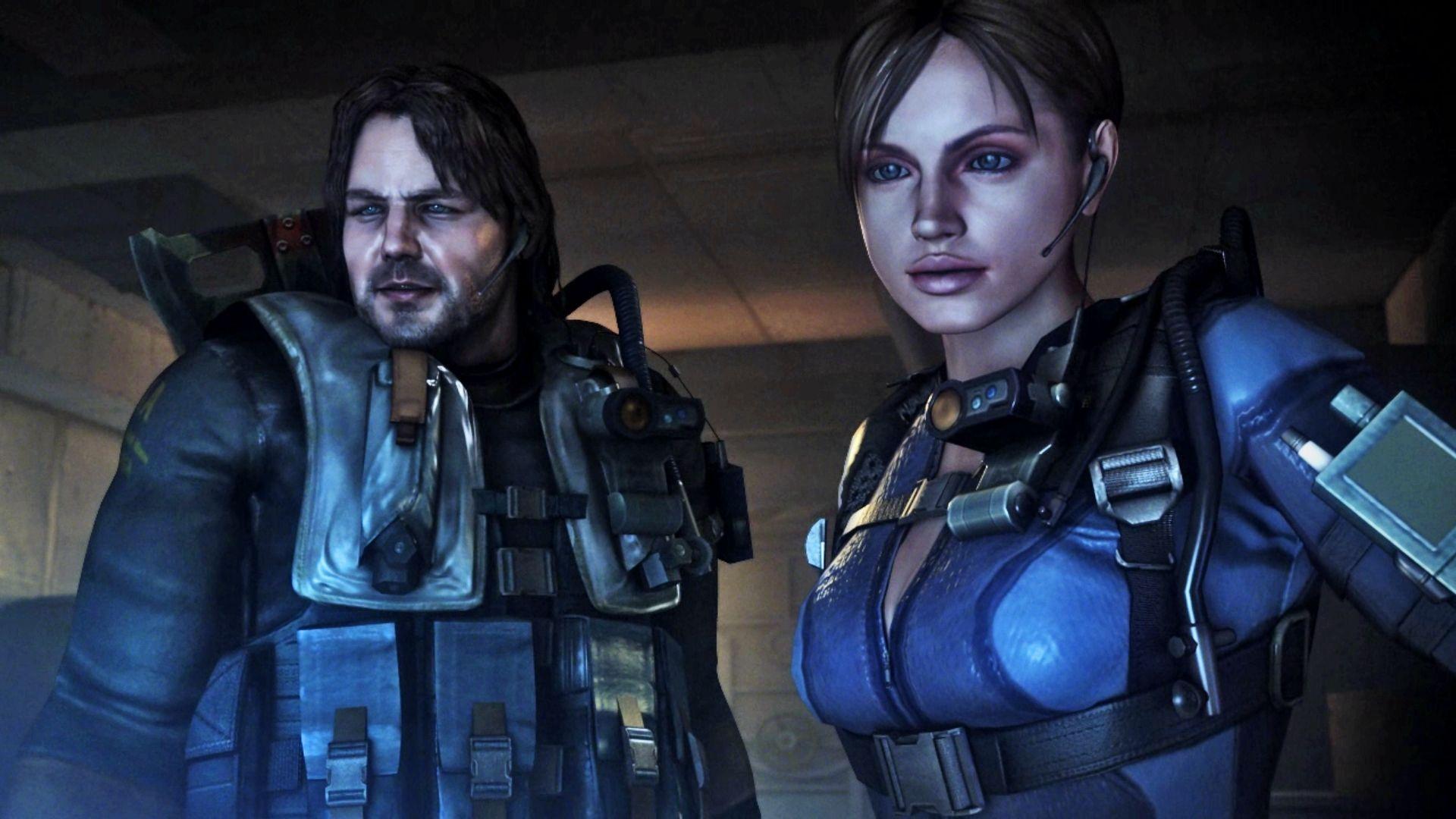
Resident Evil: Revelations returns the series to its survival horror roots while blending modern action elements. Set between the events of Resident Evil 4 and Resident Evil 5, the story follows Jill Valentine and Chris Redfield as they search for clues behind the mysterious Veltro bioterrorist organization.
Much of the game takes place aboard the eerie, abandoned cruise ship Queen Zenobia, where players must manage limited resources, solve puzzles, and survive terrifying bio-organic enemies in tight, claustrophobic environments. The game’s atmosphere emphasizes tension, exploration, and fear.
Featuring episodic storytelling, upgraded visuals, and the introduction of Raid Mode, Resident Evil: Revelations delivers both a gripping single-player experience and high replay value. It successfully balances horror and action, making it a standout entry in the Resident Evil franchise.
Screenshots



Official Trailer
System Requirements
OS: Windows 10 (or older like XP/Vista/7, but 10 is recommended)
Processor: Intel Core 2 Duo 2.4Ghz or AMD Athlon X2 2.8Ghz
Memory: 2 GB RAM
Graphics: NVIDIA GeForce 8800GTS or ATI Radeon HD3850 (256MB VRAM, Shader 3.0)
DirectX: 9.0c
Hard Drive: 8 GB available space
Sound: DirectX 9.0c compatible
Processor: Intel Core 2 Duo 2.4Ghz or AMD Athlon X2 2.8Ghz
Memory: 2 GB RAM
Graphics: NVIDIA GeForce 8800GTS or ATI Radeon HD3850 (256MB VRAM, Shader 3.0)
DirectX: 9.0c
Hard Drive: 8 GB available space
Sound: DirectX 9.0c compatible
OS: Windows 10
Processor: Intel Core 2 Quad 2.7 Ghz or AMD Phenom II X4 3 Ghz
Memory: 4 GB RAM
Graphics: NVIDIA GeForce GTX 560 or ATI Radeon HD6950 (1024MB VRAM, Shader 5.0)
DirectX: 9.0c
Hard Drive: 8 GB available space
Sound: DirectX 9.0c compatible
Processor: Intel Core 2 Quad 2.7 Ghz or AMD Phenom II X4 3 Ghz
Memory: 4 GB RAM
Graphics: NVIDIA GeForce GTX 560 or ATI Radeon HD6950 (1024MB VRAM, Shader 5.0)
DirectX: 9.0c
Hard Drive: 8 GB available space
Sound: DirectX 9.0c compatible
How to Install
1
Download all parts to the same folder
2
Extract using 7-Zip or WinRAR
3
Run setup.exe as Administrator
4
Follow the installation wizard
5
Launch the game from the desktop shortcut
Game Details
Category
Action
Size
7.94GB
Views
167
Downloads
263
Published
Jan 08, 2026
Updated
Oct 04, 2026

Comments (0)
to join the discussion