
💻 PC
📦 14.76GB
📅 2025
385 views
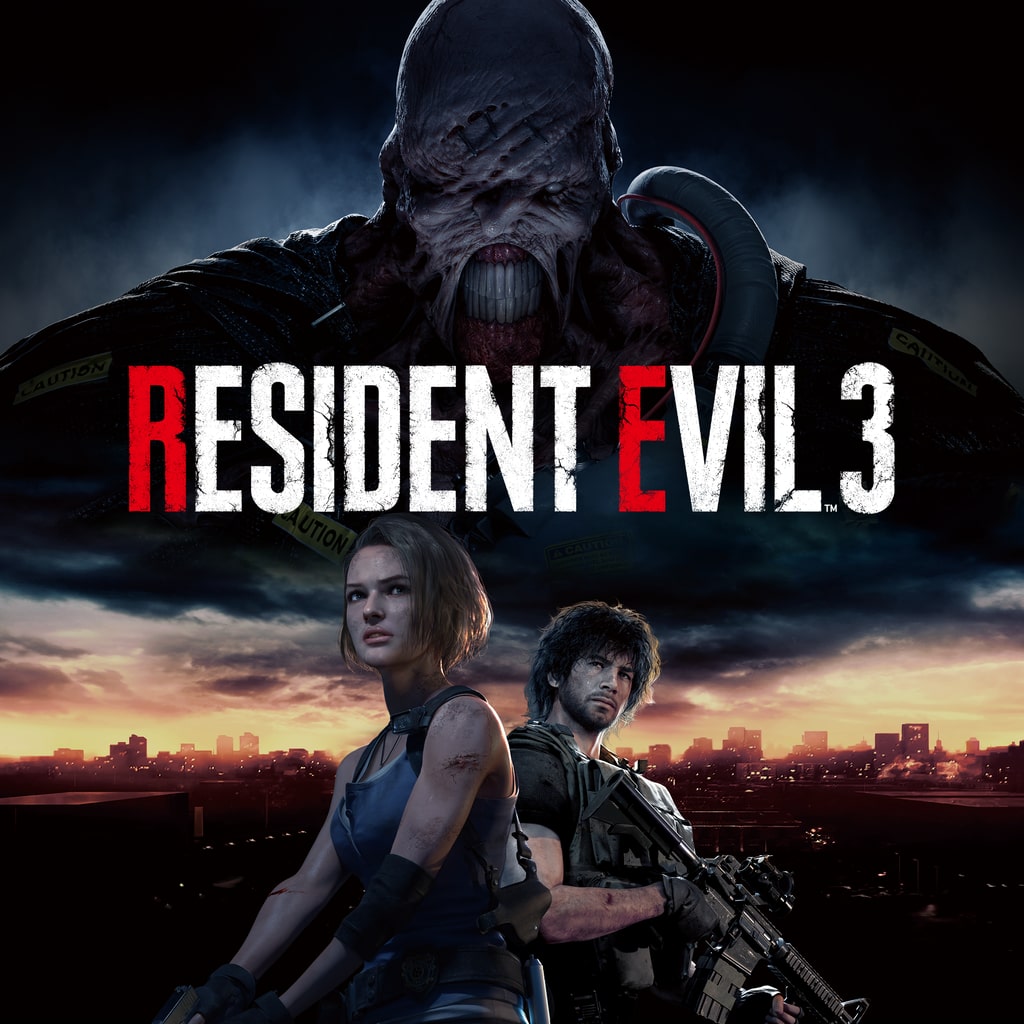
Resident Evil 3
Resident Evil 3 is a survival-horror game where Jill Valentine fights to escape a zombie-infested Raccoon City while being relentlessly hunted by the deadly Nemesis.
About This Game
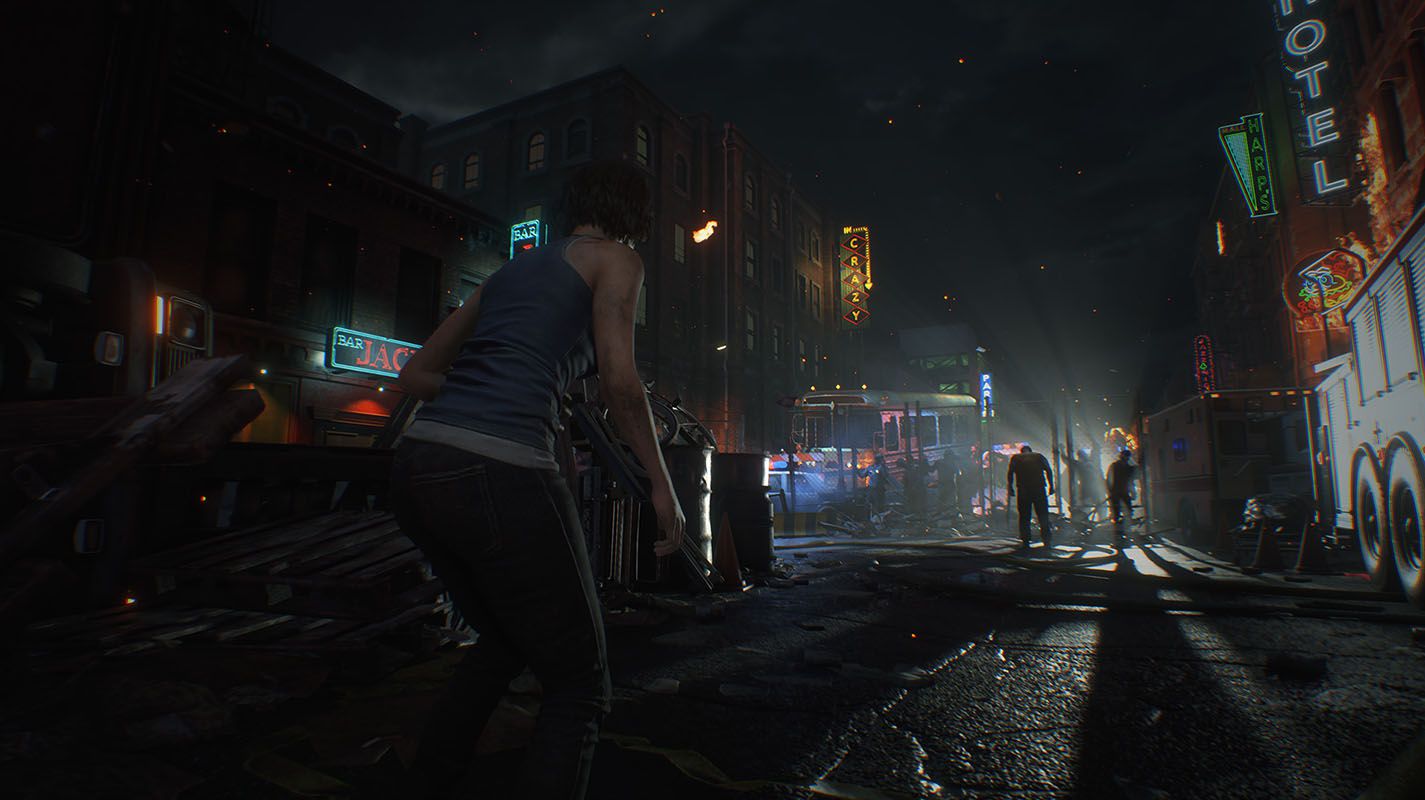
Resident Evil 3 is a survival-horror experience set during the outbreak in Raccoon City. Players take on the role of Jill Valentine, a former S.T.A.R.S. officer, as she struggles to survive the city’s collapse caused by the T-virus. Alongside fellow survivor Carlos Oliveira, Jill must fight through hordes of zombies and other terrifying creatures while uncovering the truth behind the disaster.
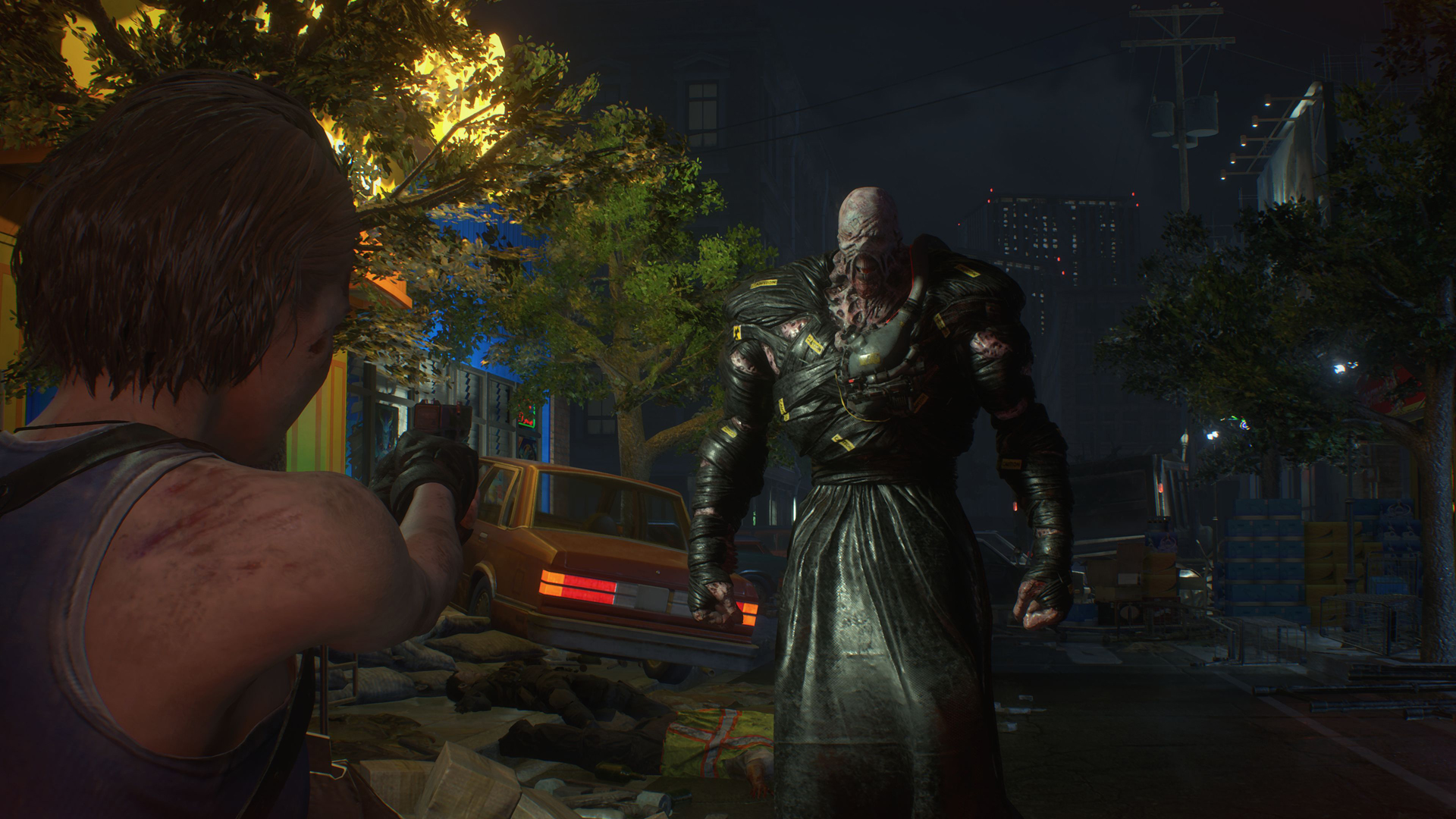
The game is best known for Nemesis, a powerful bio-weapon that stalks the player throughout the city, creating constant tension and fear. With intense action, puzzle-solving, and atmospheric environments, Resident Evil 3 blends fast-paced combat with classic survival-horror elements, delivering a thrilling and unforgettable escape from one of gaming’s most iconic outbreaks.
Screenshots

Official Trailer
System Requirements
OS: Windows 10 (64-bit)
Processor: Intel Core i5-4460 or AMD FX-6300
Memory: 8 GB RAM
Graphics: NVIDIA GeForce GTX 760 or AMD Radeon R7 260x (2GB VRAM)
DirectX: Version 11
Storage: 45 GB available space (includes Resistance)
Processor: Intel Core i5-4460 or AMD FX-6300
Memory: 8 GB RAM
Graphics: NVIDIA GeForce GTX 760 or AMD Radeon R7 260x (2GB VRAM)
DirectX: Version 11
Storage: 45 GB available space (includes Resistance)
OS: Windows 10 (64-bit)
Processor: Intel Core i7-3770 or AMD FX-9590
Memory: 8 GB RAM (or more for high textures)
Graphics: NVIDIA GeForce GTX 1060 or AMD Radeon RX 480 (3GB VRAM)
DirectX: Version 12
Storage: 45 GB available space
Network: Broadband Internet (for activation and Resistance)
Processor: Intel Core i7-3770 or AMD FX-9590
Memory: 8 GB RAM (or more for high textures)
Graphics: NVIDIA GeForce GTX 1060 or AMD Radeon RX 480 (3GB VRAM)
DirectX: Version 12
Storage: 45 GB available space
Network: Broadband Internet (for activation and Resistance)
How to Install
1
Download all parts to the same folder
2
Extract using 7-Zip or WinRAR
3
Run setup.exe as Administrator
4
Follow the installation wizard
5
Launch the game from the desktop shortcut
Game Details
Category
Action
Size
14.76GB
Views
385
Downloads
369
Published
Dec 28, 2025
Updated
Oct 03, 2026

Comments (0)
to join the discussion