
💻 PC
📦 11.52GB
📅 2026
218 views
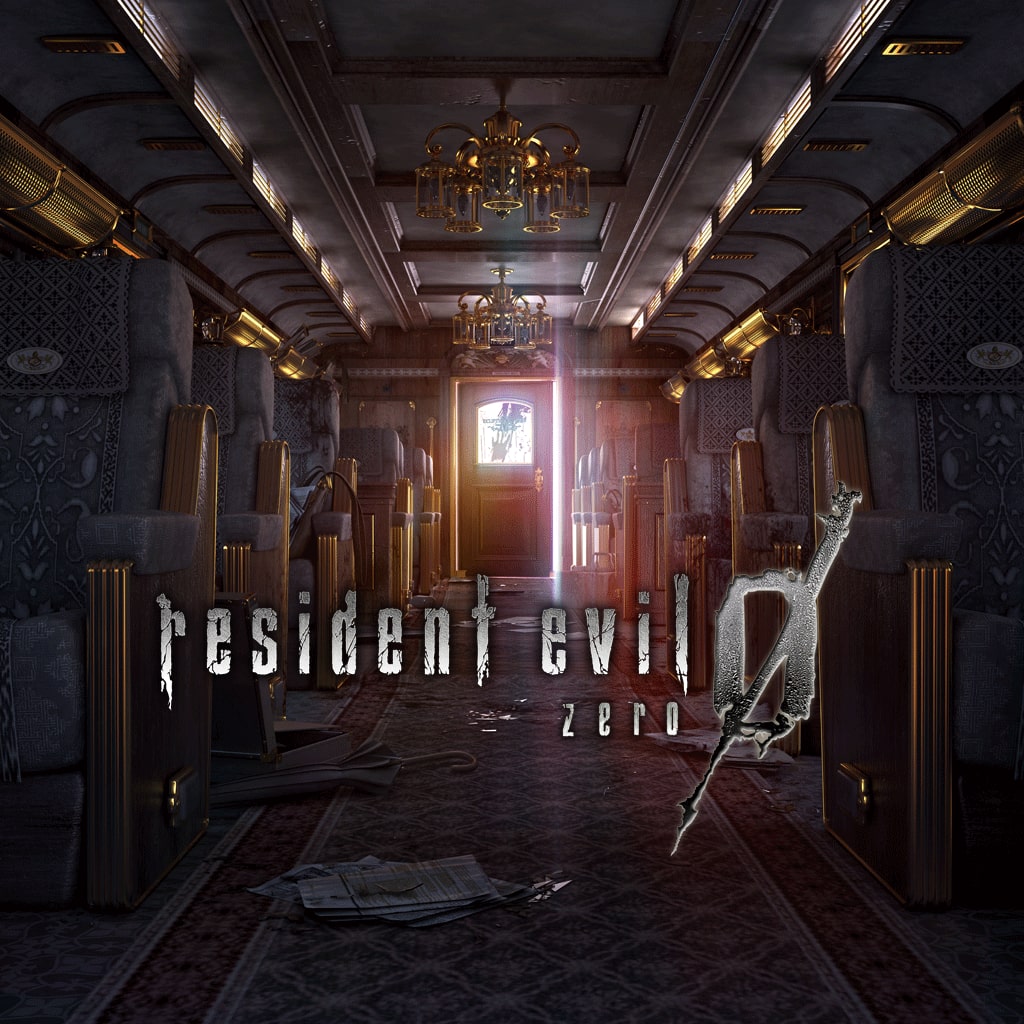
Resident Evil 0
Resident Evil 0 is a survival horror game that reveals the origins of the T-Virus through intense exploration, puzzles, and limited resources.
About This Game
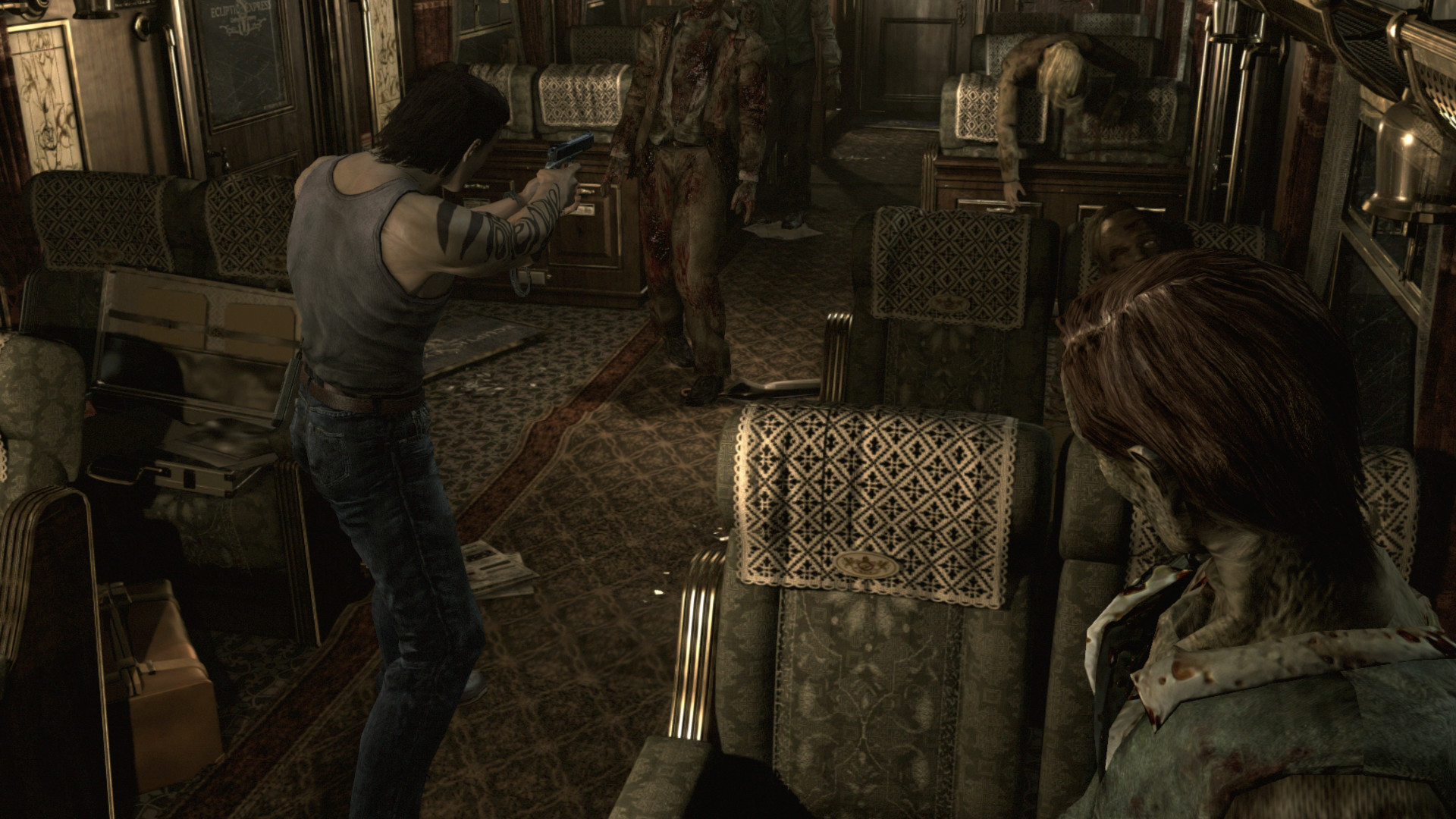
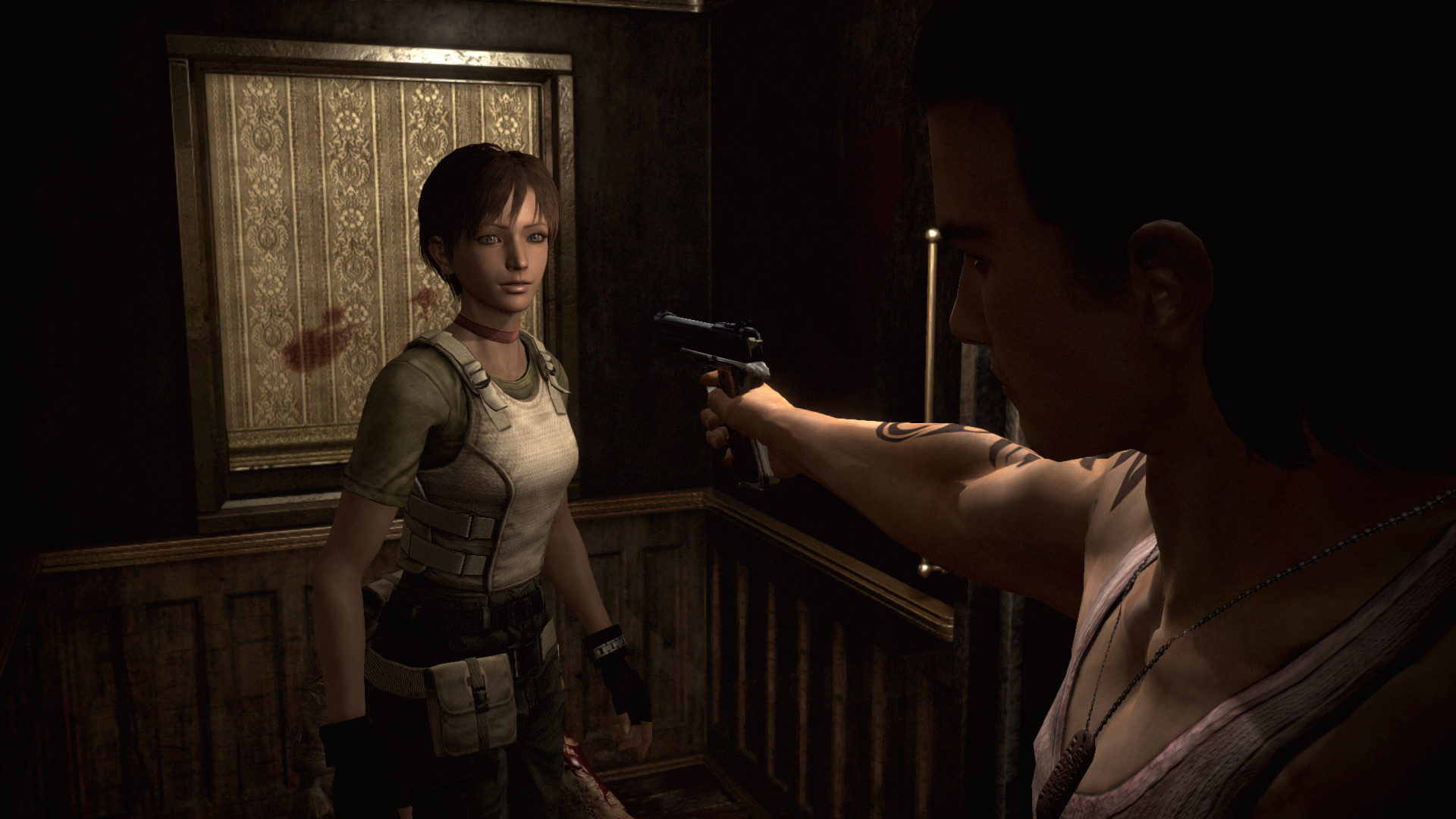
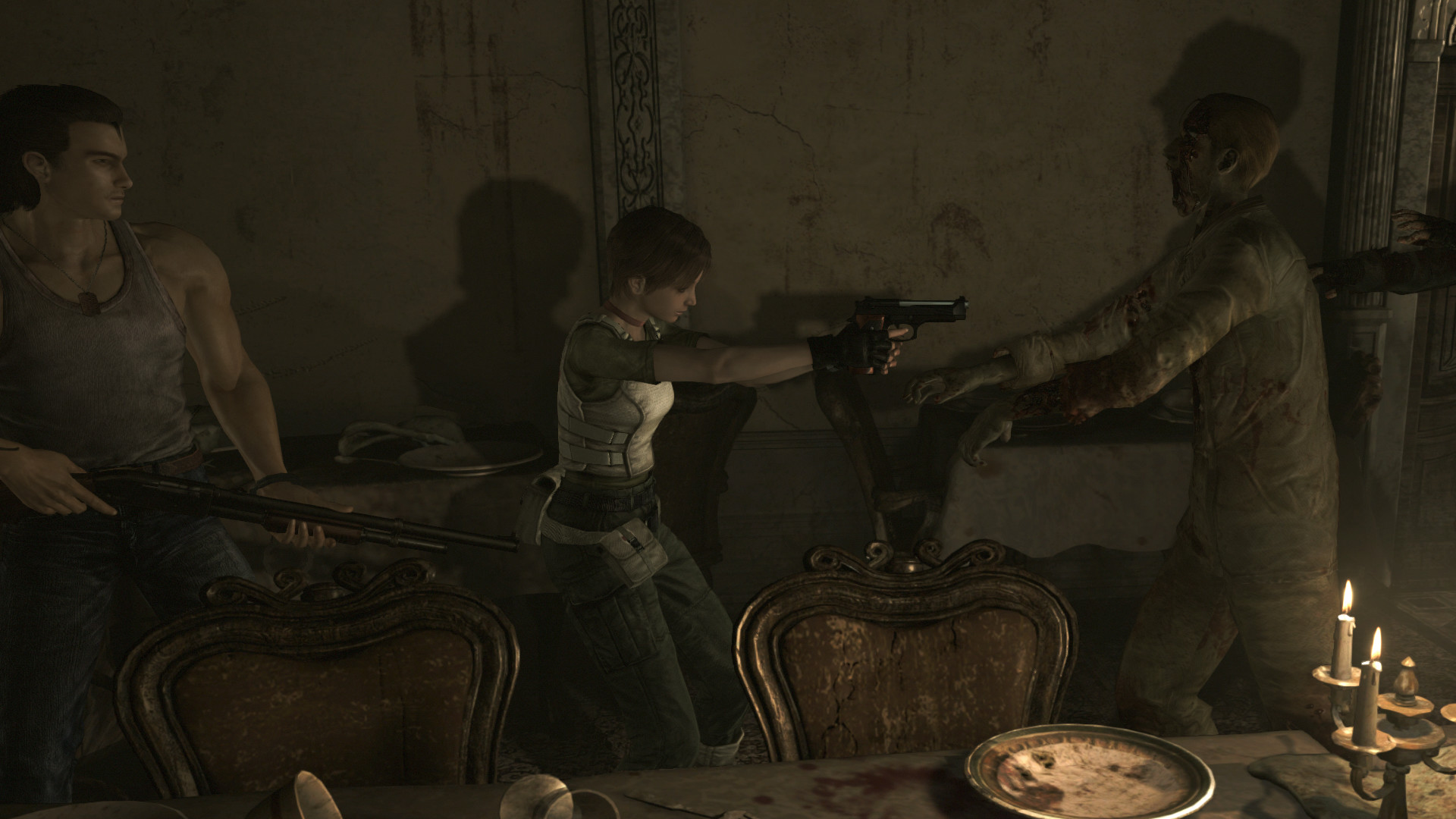
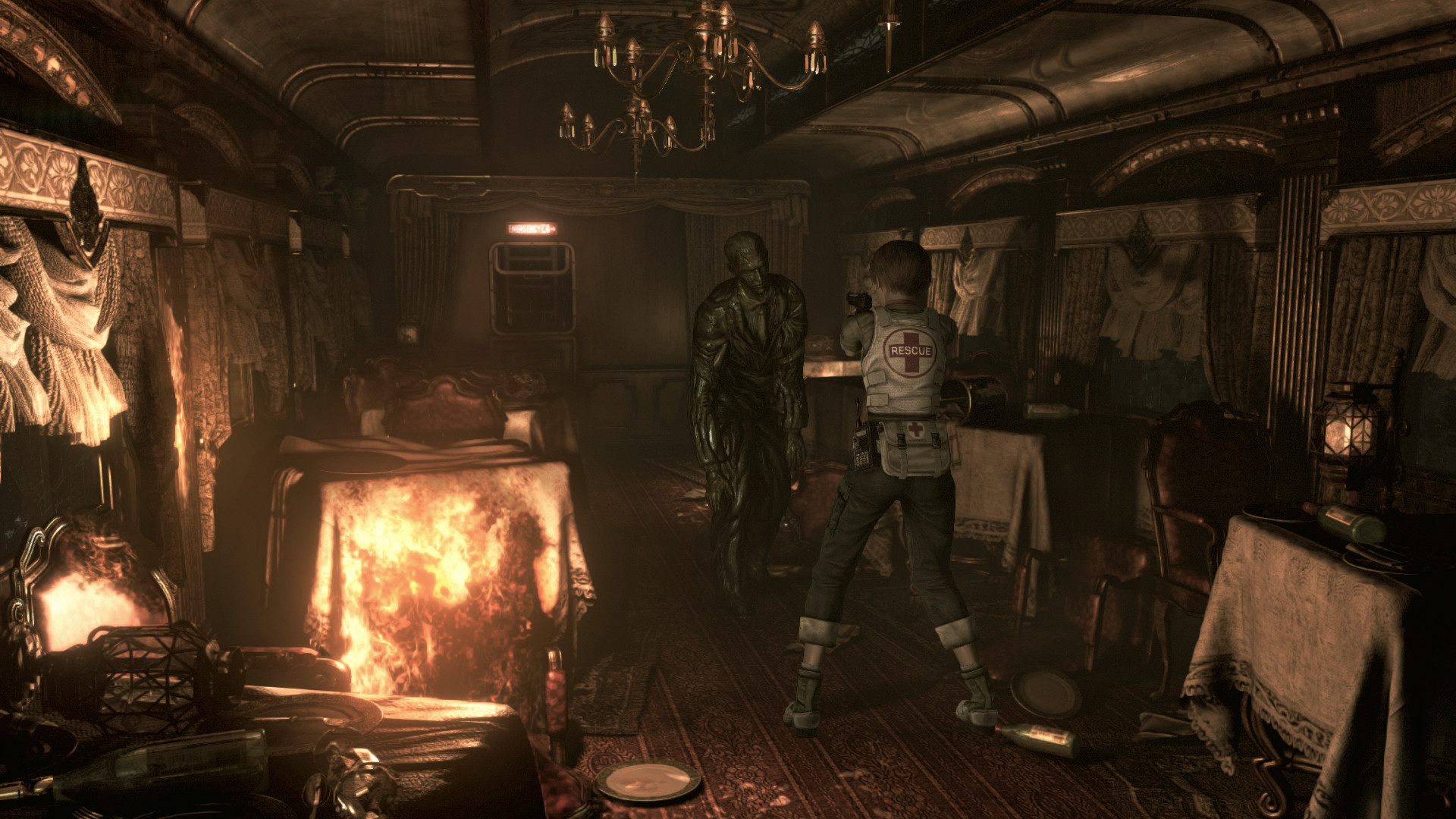
Resident Evil 0 is a survival horror game that serves as a prequel to the original Resident Evil, uncovering the dark events that led to the outbreak in Raccoon City. Players control Rebecca Chambers, a rookie S.T.A.R.S. medic, and Billy Coen, a former Marine with a mysterious past.
The game introduces a unique partner system, allowing players to switch between characters or control them simultaneously to solve puzzles and survive dangerous encounters. Resource management is crucial, with no item boxes—forcing players to strategically drop and retrieve items throughout the environment.
Featuring tense atmosphere, fixed camera angles, challenging puzzles, and terrifying enemies, Resident Evil 0 delivers classic survival horror gameplay. Its rich backstory and demanding mechanics make it an essential experience for fans of the Resident Evil series and traditional horror games.
Screenshots
Official Trailer
System Requirements
OS: Windows 7 SP1 / 8.1 / 10
Processor (CPU): Intel Core 2 Duo 2.4 GHz or AMD Athlon X2 2.8 GHz or better
Memory (RAM): 2 GB
Graphics (GPU): NVIDIA GeForce GTX 260 or ATI Radeon HD 6790 or better
DirectX: Version 9.0c
Storage: ~13-23 GB available space
Sound: DirectX 9.0c compatible
Processor (CPU): Intel Core 2 Duo 2.4 GHz or AMD Athlon X2 2.8 GHz or better
Memory (RAM): 2 GB
Graphics (GPU): NVIDIA GeForce GTX 260 or ATI Radeon HD 6790 or better
DirectX: Version 9.0c
Storage: ~13-23 GB available space
Sound: DirectX 9.0c compatible
OS: Windows 10 / 11
Processor (CPU): Intel Core 2 Quad 2.7 GHz or AMD Phenom II X4 3 GHz or better
Memory (RAM): 4 GB
Graphics (GPU): NVIDIA GeForce GTX 560 or ATI Radeon HD 6950 or better
DirectX: Version 9.0c
Storage: ~13-23 GB
Processor (CPU): Intel Core 2 Quad 2.7 GHz or AMD Phenom II X4 3 GHz or better
Memory (RAM): 4 GB
Graphics (GPU): NVIDIA GeForce GTX 560 or ATI Radeon HD 6950 or better
DirectX: Version 9.0c
Storage: ~13-23 GB
How to Install
1
Download all parts to the same folder
2
Extract using 7-Zip or WinRAR
3
Run setup.exe as Administrator
4
Follow the installation wizard
5
Launch the game from the desktop shortcut
Game Details
Category
Horror
Size
11.52GB
Views
218
Downloads
161
Published
Jan 12, 2026
Updated
Oct 04, 2026

Comments (0)
to join the discussion