
💻 PC
📦 3.85GB
📅 2025
163 views
prince of persia the lost crown
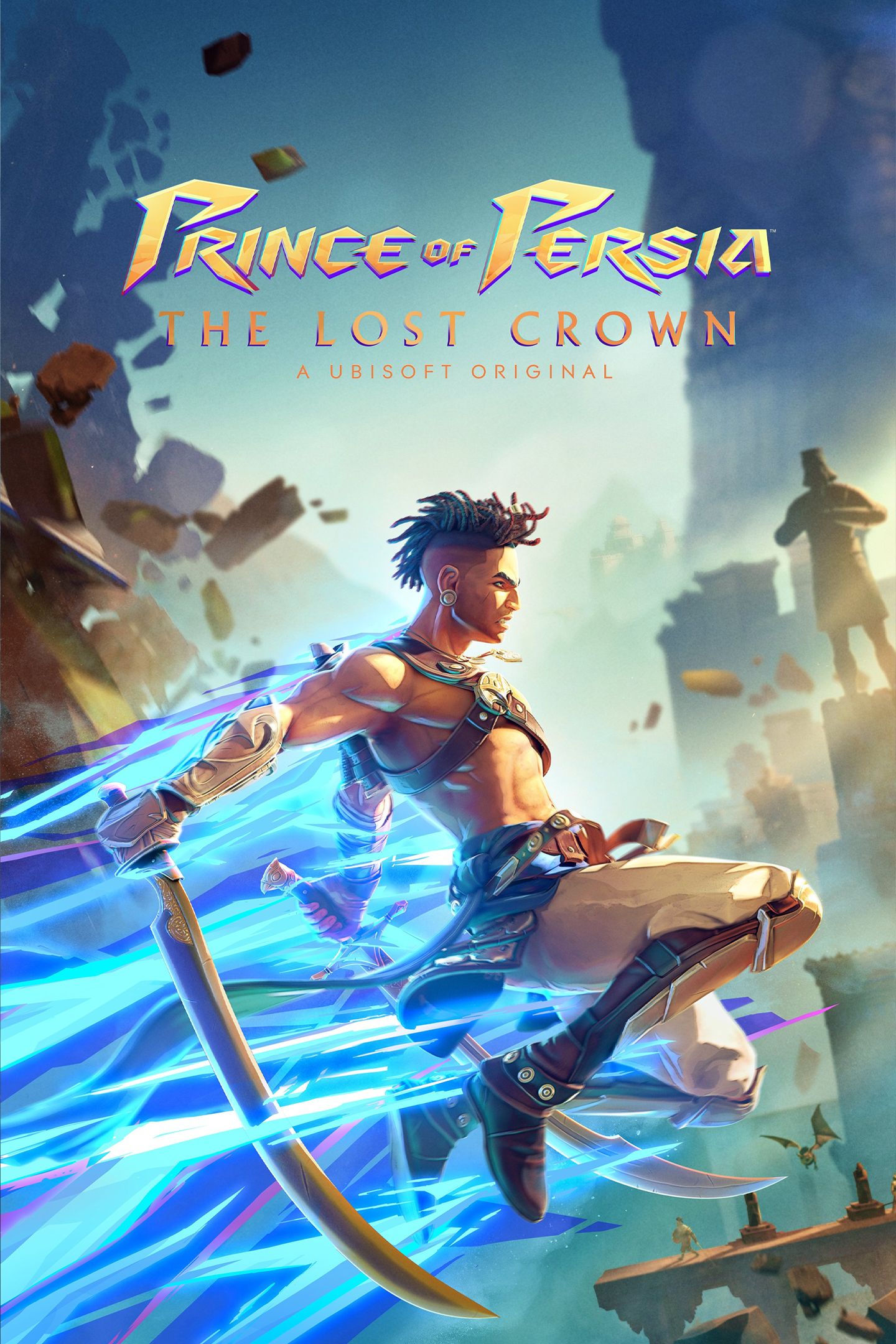
Prince of Persia: The Lost Crown is a fast-paced action-platformer where you control Sargon, a skilled warrior who uses acrobatic combat and time-based powers to explore a mysterious, myth-inspired world.
About This Game
Prince of Persia: The Lost Crown is a 2.5D action-adventure platformer developed and published by Ubisoft, marking a bold new direction for the legendary franchise. Set in the mythological world of Mount Qaf, the game follows Sargon, a young and talented member of the elite Immortals, on a mission to rescue the kidnapped Prince.
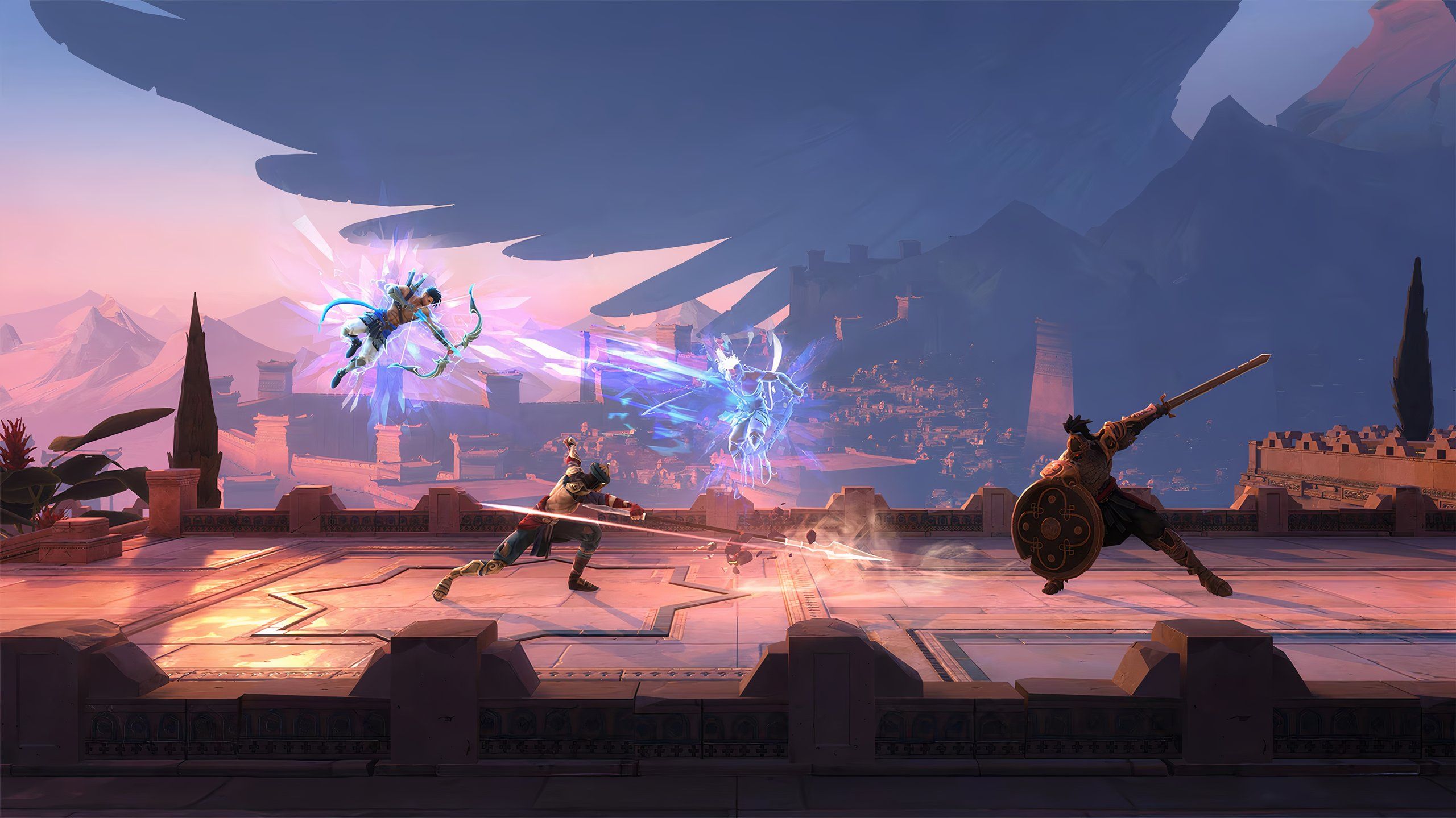
The game blends fluid platforming, precise combat, and Metroidvania-style exploration, allowing players to navigate complex environments filled with secrets, puzzles, and powerful enemies. Sargon wields a variety of time-manipulation abilities, enabling creative movement, strategic combat, and clever puzzle-solving.
With a striking art style inspired by Persian mythology, smooth animations, challenging boss battles, and a deep progression system, Prince of Persia: The Lost Crown delivers a modern yet classic experience that honors the series’ legacy while introducing fresh gameplay ideas.
Screenshots


Official Trailer
System Requirements
OS: Windows 10 (64-bit)
Processor: Intel Core i5-4460 @ 3.2 GHz / AMD Ryzen 3 1200 @ 3.1 GHz
RAM: 8 GB (Dual-channel)
GPU: NVIDIA GeForce GTX 950 (2GB) / AMD Radeon RX 5500 XT (4GB)
Storage: 30 GB (SSD recommended)
DirectX: Version 11
Processor: Intel Core i5-4460 @ 3.2 GHz / AMD Ryzen 3 1200 @ 3.1 GHz
RAM: 8 GB (Dual-channel)
GPU: NVIDIA GeForce GTX 950 (2GB) / AMD Radeon RX 5500 XT (4GB)
Storage: 30 GB (SSD recommended)
DirectX: Version 11
rocessor: Intel Core i7-6700 @ 3.4 GHz / AMD Ryzen 5 1600 @ 3.2 GHz
RAM: 8 GB (Dual-channel)
GPU: NVIDIA GeForce GTX 960 (4GB) / AMD Radeon RX 5500 XT (4GB)
Storage: 30 GB (SSD recommended)
RAM: 8 GB (Dual-channel)
GPU: NVIDIA GeForce GTX 960 (4GB) / AMD Radeon RX 5500 XT (4GB)
Storage: 30 GB (SSD recommended)
How to Install
1
Download all parts to the same folder
2
Extract using 7-Zip or WinRAR
3
Run setup.exe as Administrator
4
Follow the installation wizard
5
Launch the game from the desktop shortcut
Game Details
Category
Action
Size
3.85GB
Views
163
Downloads
330
Published
Dec 29, 2025
Updated
Oct 04, 2026

Comments (0)
to join the discussion