
💻 PC
📦 14.84GB
📅 2026
169 views
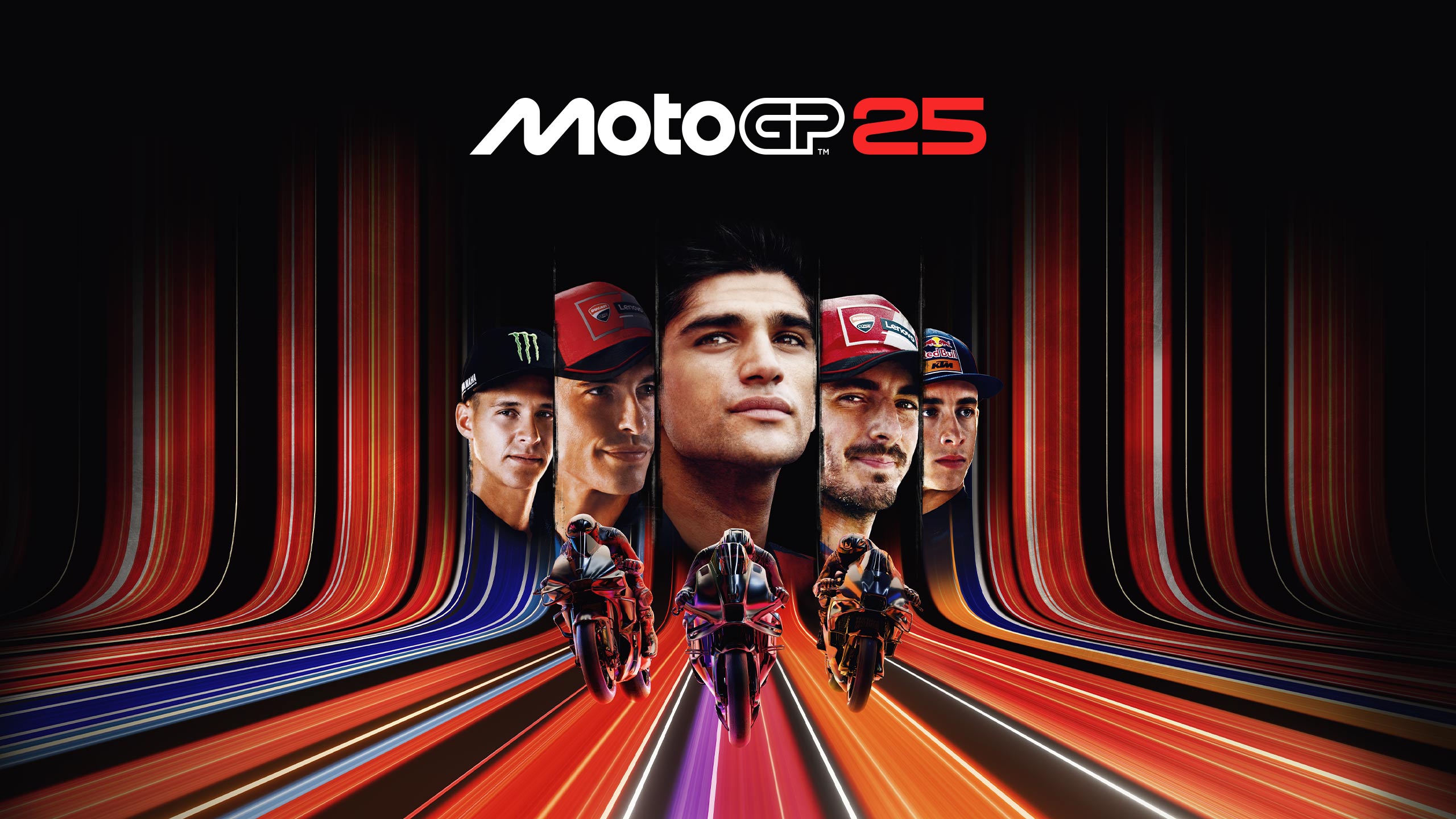
MotoGP 25
MotoGP 25 is a realistic motorcycle racing game based on the official 2025 MotoGP championship. Race real riders, bikes, and tracks while competing to become the world champion.
About This Game
MotoGP 25 is a motorcycle racing simulation developed and published by Milestone. The game recreates the 2025 MotoGP season, featuring official riders, teams, and circuits from the MotoGP, Moto2, and Moto3 championships.
This installment introduces major upgrades including a new graphics system powered by Unreal Engine 5, providing more realistic lighting, bike models, and track environments.
MotoGP 25 also adds several new features such as Race Off training modes, where players can practice riding with minibikes, flat track bikes, and motards to improve their racing skills. The game offers both Arcade Experience for casual players and Pro Experience for players who want a full simulation of bike physics and racing mechanics.
Players can compete in Career Mode, develop their bike, build relationships with other riders, and progress through the championship to become a MotoGP legend. The game also supports cross-platform multiplayer, split-screen local races, and extensive customization options for helmets, suits, and bike liveries.
Screenshots
Official Trailer
System Requirements
OS: Windows 10 (64-bit)
CPU: Intel Core i5-9600K / AMD Ryzen 5 1600
RAM: 12 GB
Graphics: NVIDIA GeForce GTX 970 (4 GB) / AMD Radeon RX 580 (8 GB)
DirectX: Version 11
Storage: 24 GB available space
CPU: Intel Core i5-9600K / AMD Ryzen 5 1600
RAM: 12 GB
Graphics: NVIDIA GeForce GTX 970 (4 GB) / AMD Radeon RX 580 (8 GB)
DirectX: Version 11
Storage: 24 GB available space
CPU: Intel Core i9-9900K / AMD Ryzen 7 2700X
RAM: 16 GB
Graphics: NVIDIA GeForce RTX 2080 / AMD Radeon RX 5700
DirectX: Version 11
Storage: 24 GB free space
RAM: 16 GB
Graphics: NVIDIA GeForce RTX 2080 / AMD Radeon RX 5700
DirectX: Version 11
Storage: 24 GB free space
How to Install
1
Download all parts to the same folder
2
Extract using 7-Zip or WinRAR
3
Run setup.exe as Administrator
4
Follow the installation wizard
5
Launch the game from the desktop shortcut
Game Details
Category
Racing
Size
14.84GB
Views
169
Downloads
236
Published
Mar 01, 2026
Updated
Oct 04, 2026

Comments (0)
to join the discussion