
💻 PC
📦 12.77GB
📅 2026
131 views
MotoGP 18
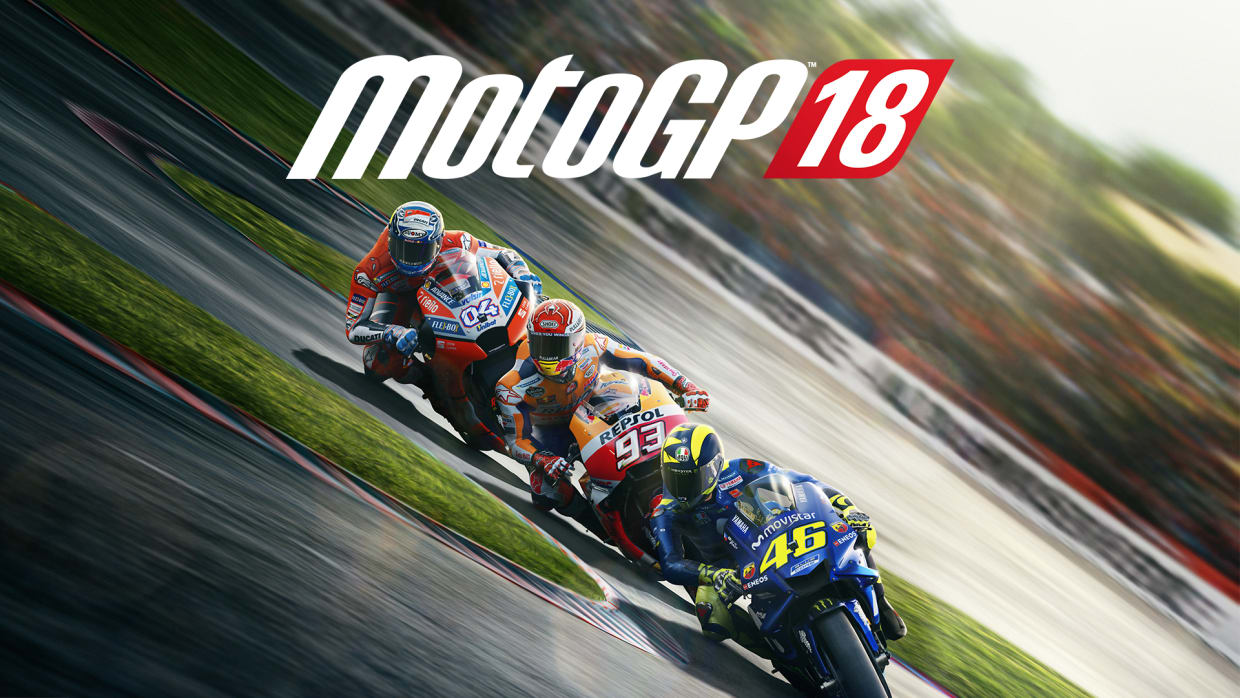
MotoGP 18 is a realistic motorcycle racing game based on the official 2018 MotoGP championship. Players race powerful bikes, compete against professional riders, and experience fast, competitive racing on real-world tracks.
About This Game
MotoGP 18 is a motorcycle racing simulation developed and published by Milestone. The game recreates the official 2018 MotoGP season, including all riders, teams, and 19 official circuits from the championship.
Built using Unreal Engine 4, MotoGP 18 introduced a major graphical upgrade compared to previous games in the series. The tracks were recreated using drone scanning technology to achieve realistic environments and accurate track details.
The game features a detailed Career Mode where players start in the Red Bull MotoGP Rookies Cup and work their way up to become a MotoGP champion. Players can also customize bike setups, manage tire wear, and track their progress through the MotoGP ID system. Multiple game modes are available including Quick Race, Championship, Time Trial, and Multiplayer.
With improved physics, realistic bike handling, and enhanced graphics, MotoGP 18 offers an immersive experience for fans of motorcycle racing games.
Screenshots

Official Trailer
System Requirements
OS: Windows 7 (64-bit) or newer
CPU: Intel Core i5-2500 / AMD FX-8100
RAM: 8 GB
Graphics: NVIDIA GeForce GTX 760 (2 GB) / AMD Radeon HD 7950 (2 GB)
DirectX: Version 11
Storage: 15 GB available space
Sound: DirectX compatible sound card
CPU: Intel Core i5-2500 / AMD FX-8100
RAM: 8 GB
Graphics: NVIDIA GeForce GTX 760 (2 GB) / AMD Radeon HD 7950 (2 GB)
DirectX: Version 11
Storage: 15 GB available space
Sound: DirectX compatible sound card
CPU: Intel Core i7-2600 / AMD FX-8350
RAM: 16 GB
Graphics: NVIDIA GeForce GTX 960 (4 GB) / AMD Radeon R9 380 (4 GB)
DirectX: Version 11
Storage: 15 GB free space
RAM: 16 GB
Graphics: NVIDIA GeForce GTX 960 (4 GB) / AMD Radeon R9 380 (4 GB)
DirectX: Version 11
Storage: 15 GB free space
How to Install
1
Download all parts to the same folder
2
Extract using 7-Zip or WinRAR
3
Run setup.exe as Administrator
4
Follow the installation wizard
5
Launch the game from the desktop shortcut
Game Details
Category
Racing
Size
12.77GB
Views
131
Downloads
411
Published
Feb 27, 2026
Updated
Oct 04, 2026

Comments (0)
to join the discussion