
💻 PC
📦 33.40GB
📅 2026
103 views
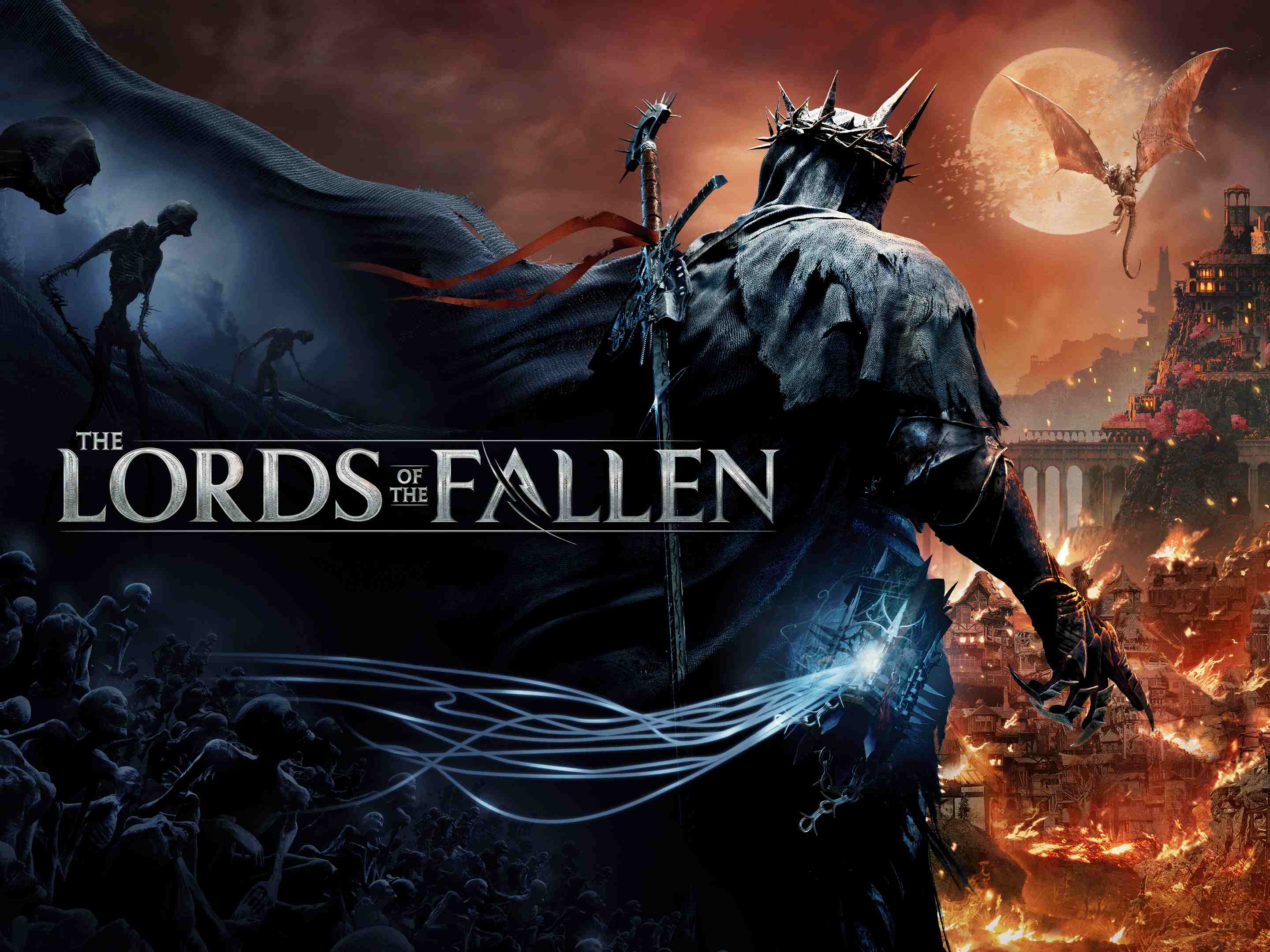
Lords Of The Fallen
Lords of the Fallen is a dark fantasy action RPG featuring brutal combat, challenging enemies, and a dual-world system filled with danger and mystery.
About This Game
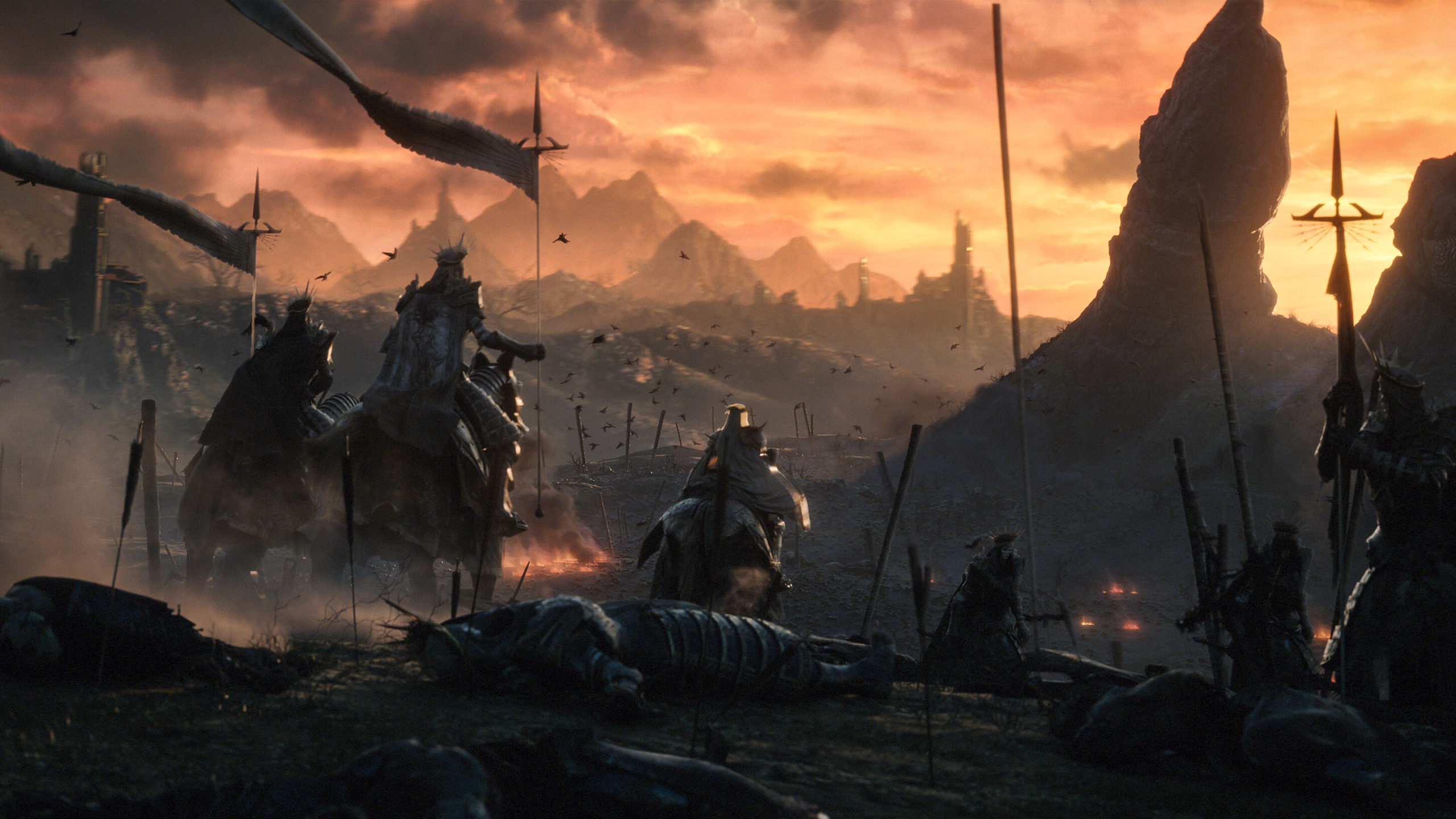
Lords of the Fallen is a dark fantasy action role-playing game that delivers intense, skill-based combat in a grim and immersive world. Players take on the role of a Dark Crusader, venturing through a fallen realm overrun by demonic forces and ancient gods after humanity’s rebellion failed.
The game introduces a unique dual-world mechanic, allowing players to shift between the living realm (Axiom) and the world of the dead (Umbral). This system adds depth to exploration, combat, and puzzle-solving, as each realm hides different enemies, paths, and secrets.
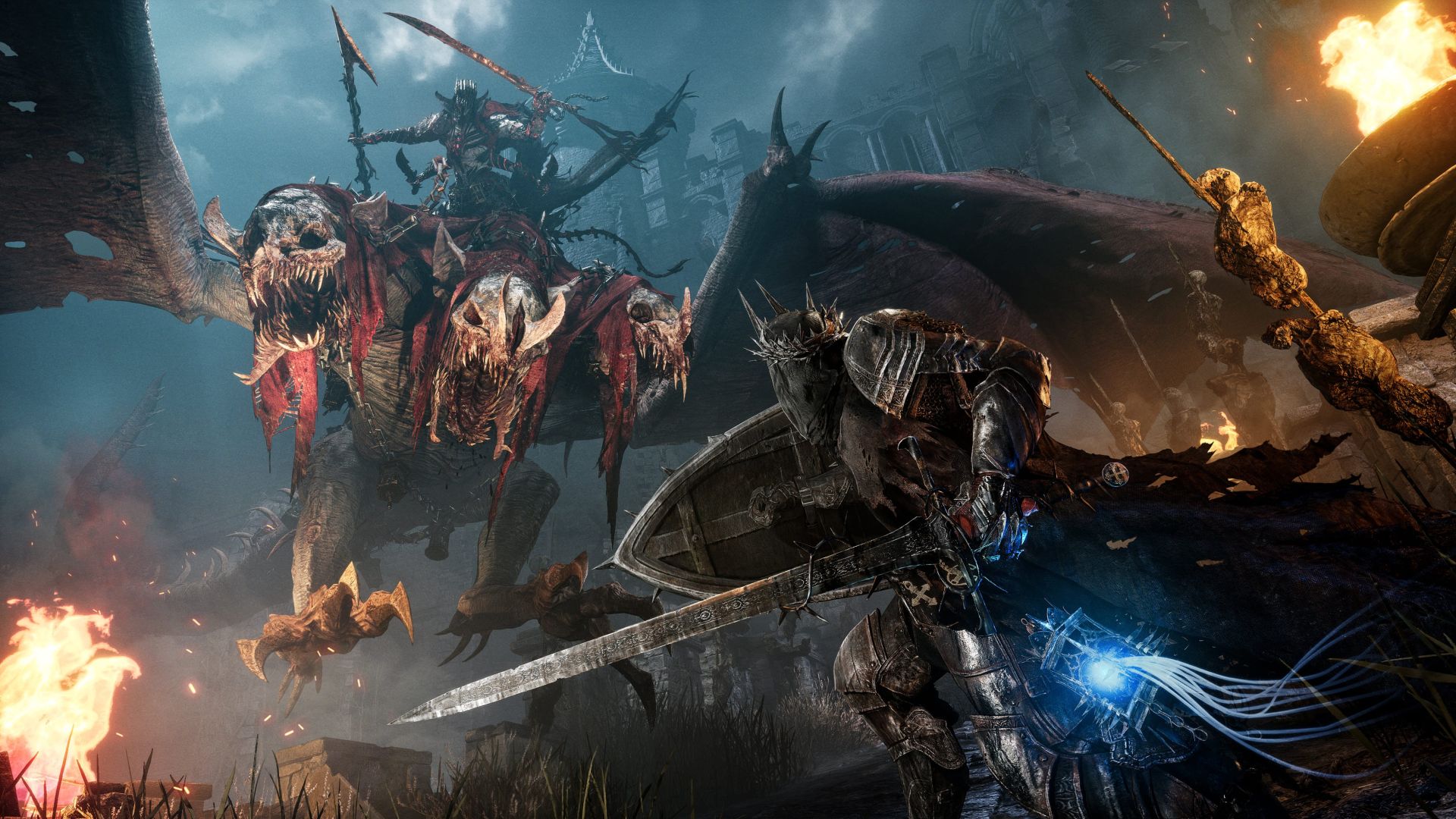
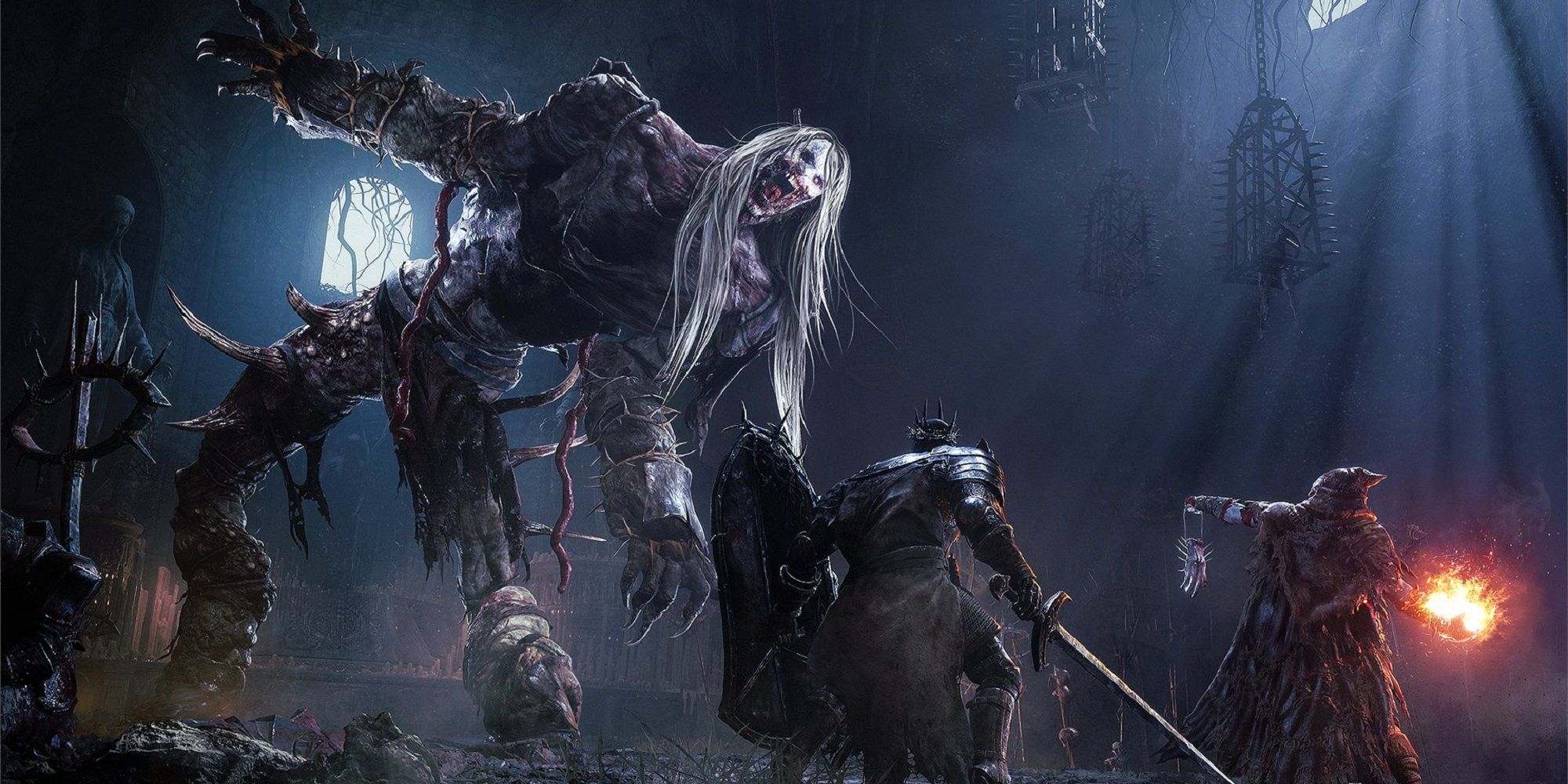
Combat focuses on precise timing, strategic positioning, and mastery of melee and magic-based abilities. With deep character customization, powerful weapons, and challenging boss fights, Lords of the Fallen delivers a demanding yet rewarding experience for fans of dark souls-like RPGs and atmospheric fantasy worlds.
Screenshots

Official Trailer
System Requirements
OS: Windows 10 64-bit
Processor: Intel i5-8400 / AMD Ryzen 5 2600
Memory: 12 GB RAM
Graphics: NVIDIA GTX 1060 (6GB) / AMD Radeon RX 590 (6GB)
DirectX: Version 12
Storage: 45 GB available space (SSD Preferred)
Processor: Intel i5-8400 / AMD Ryzen 5 2600
Memory: 12 GB RAM
Graphics: NVIDIA GTX 1060 (6GB) / AMD Radeon RX 590 (6GB)
DirectX: Version 12
Storage: 45 GB available space (SSD Preferred)
OS: Windows 10 64-bit
Processor: Intel i7-8700 / AMD Ryzen 5 3600
Memory: 16 GB RAM
Graphics: NVIDIA RTX 2080 / AMD Radeon RX 6700 (8GB VRAM)
DirectX: Version 12
Storage: 45 GB available space (SSD Required)
Processor: Intel i7-8700 / AMD Ryzen 5 3600
Memory: 16 GB RAM
Graphics: NVIDIA RTX 2080 / AMD Radeon RX 6700 (8GB VRAM)
DirectX: Version 12
Storage: 45 GB available space (SSD Required)
How to Install
1
Download all parts to the same folder
2
Extract using 7-Zip or WinRAR
3
Run setup.exe as Administrator
4
Follow the installation wizard
5
Launch the game from the desktop shortcut
Game Details
Category
Action
Size
33.40GB
Views
103
Downloads
137
Published
Jan 06, 2026
Updated
Oct 04, 2026

Comments (0)
to join the discussion