
💻 PC
📦 12.18GB
📅 2026
42 views
Flintlock: The Siege of Dawn
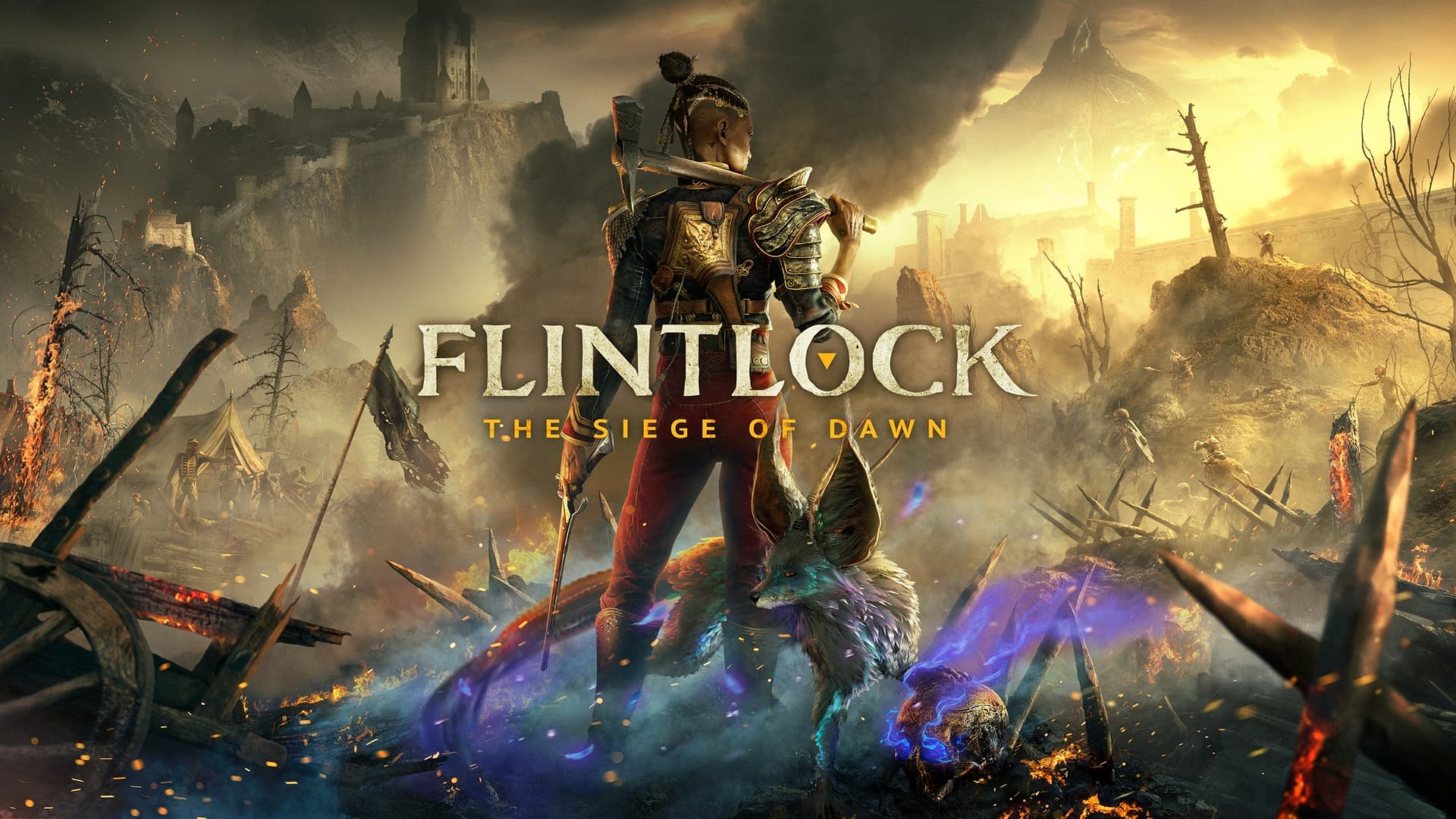
Flintlock: The Siege of Dawn is an action RPG that blends brutal melee combat, powerful gunplay, and dark fantasy storytelling. Fight gods, unleash magic, and take back the world in this explosive souls-like adventure.
About This Game
Flintlock: The Siege of Dawn is a high-intensity action RPG set in a dark fantasy world where the gods have unleashed chaos upon humanity. You play as Nor Vanek, a skilled warrior armed with an axe, flintlock pistol, and powerful magical abilities, accompanied by a mysterious fox-like companion named Enki.
The game combines fast-paced melee combat, ranged gunplay, and magic-based abilities into a stylish and strategic combat system. Inspired by souls-like mechanics but with a more fluid and aggressive fighting style, players must master dodging, combos, and supernatural powers to defeat towering enemies and god-like bosses.
With expansive landscapes, cinematic storytelling, RPG progression systems, and challenging boss battles, Flintlock: The Siege of Dawn delivers a gritty and visually striking experience where humanity fights back against divine destruction.
Screenshots
Official Trailer
System Requirements
OS: Windows 10 64-bit
Processor: Intel Core i5-8400 / AMD Ryzen 3 3300X
Memory: 8 GB RAM
Graphics: NVIDIA GeForce GTX 1060 / AMD Radeon RX 580 (6GB+ VRAM)
DirectX: Version 11
Storage: 30 GB available space (SSD recommended)
Processor: Intel Core i5-8400 / AMD Ryzen 3 3300X
Memory: 8 GB RAM
Graphics: NVIDIA GeForce GTX 1060 / AMD Radeon RX 580 (6GB+ VRAM)
DirectX: Version 11
Storage: 30 GB available space (SSD recommended)
OS: Windows 10 64-bit
Processor: Intel Core i7-8700K / AMD Ryzen 5 3600X
Memory: 16 GB RAM
Graphics: NVIDIA GeForce RTX 2060 Super / AMD Radeon RX 5700
DirectX: Version 12
Storage: 30 GB available space (SSD recommended)
Processor: Intel Core i7-8700K / AMD Ryzen 5 3600X
Memory: 16 GB RAM
Graphics: NVIDIA GeForce RTX 2060 Super / AMD Radeon RX 5700
DirectX: Version 12
Storage: 30 GB available space (SSD recommended)
How to Install
1
Download all parts to the same folder
2
Extract using 7-Zip or WinRAR
3
Run setup.exe as Administrator
4
Follow the installation wizard
5
Launch the game from the desktop shortcut
Game Details
Category
Action
Size
12.18GB
Views
42
Downloads
230
Published
Feb 20, 2026
Updated
Oct 01, 2026

Comments (0)
to join the discussion