
💻 PC
📦 3.31GB
📅 2026
459 views
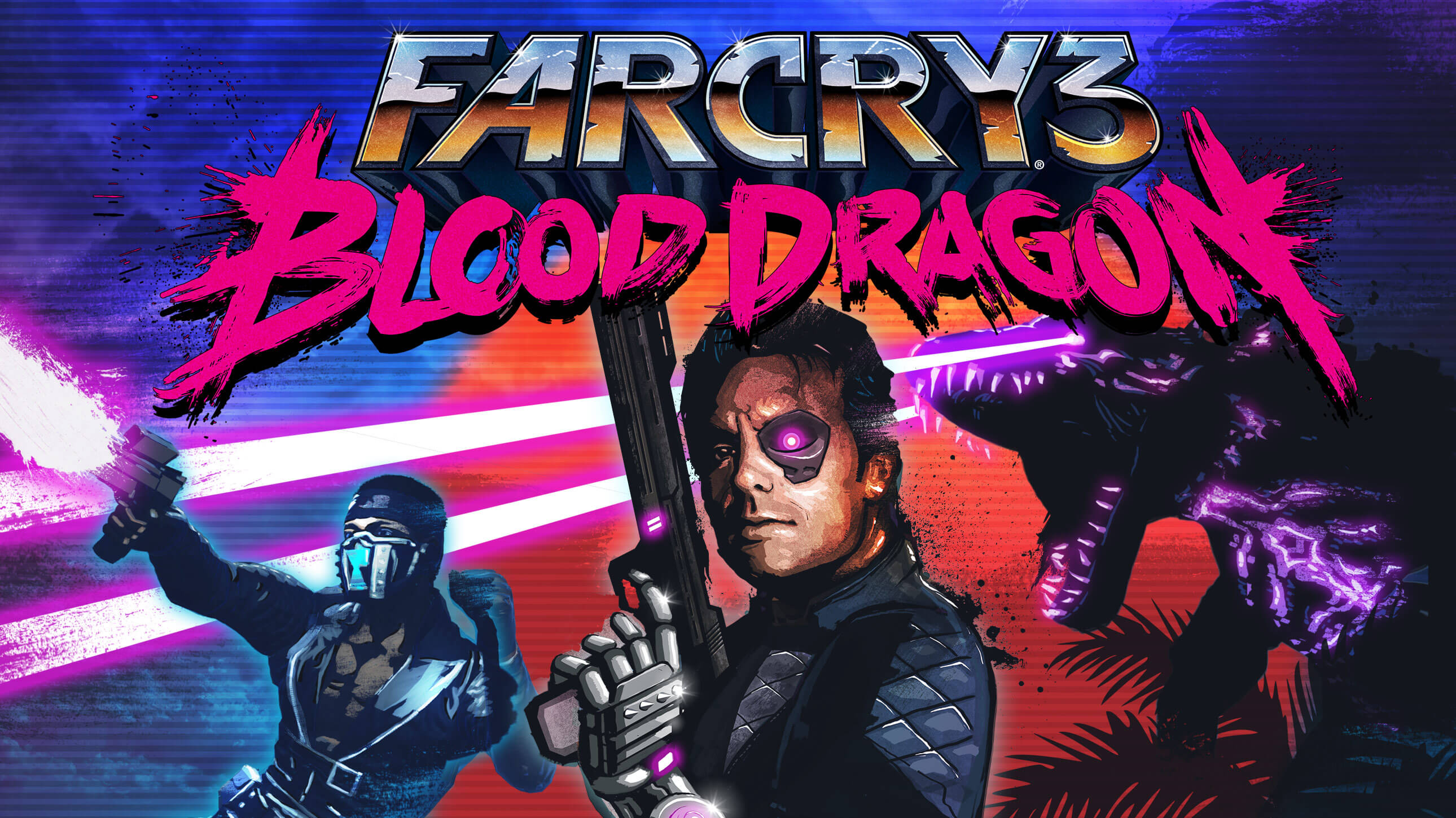
Far Cry 3 Blood Dragon
Far Cry 3: Blood Dragon is a neon-soaked standalone expansion that mixes retro 80s action, over-the-top humor, and explosive open-world shooter gameplay.
About This Game
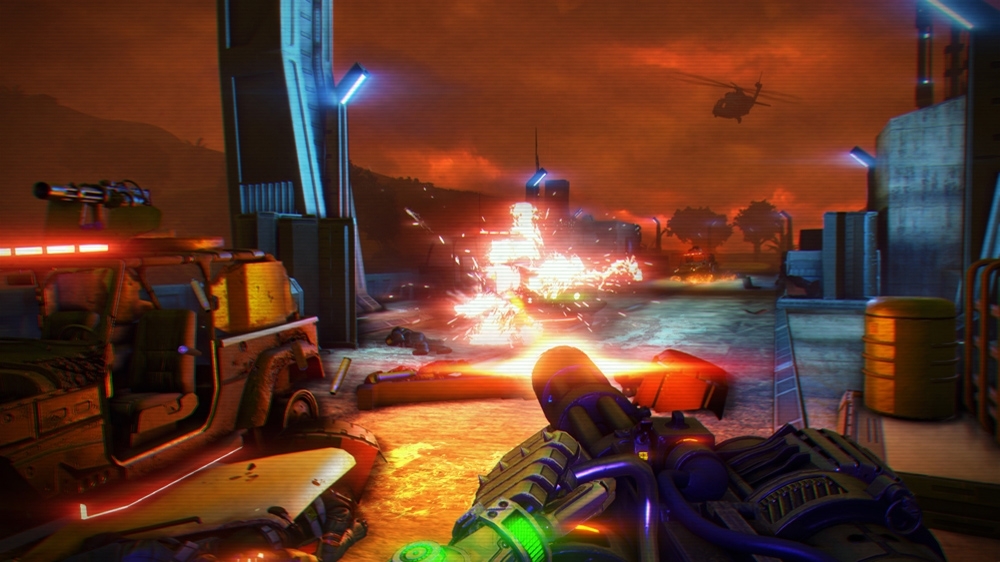
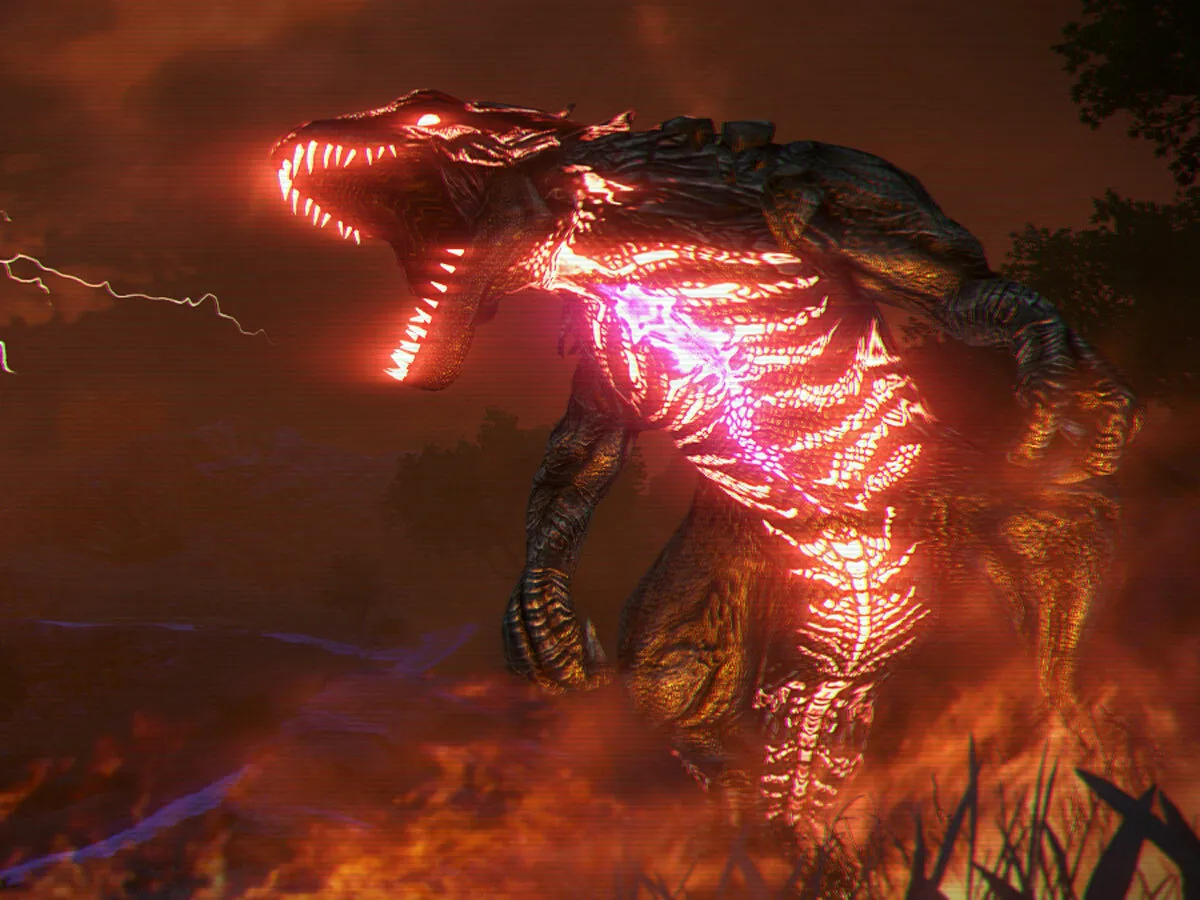
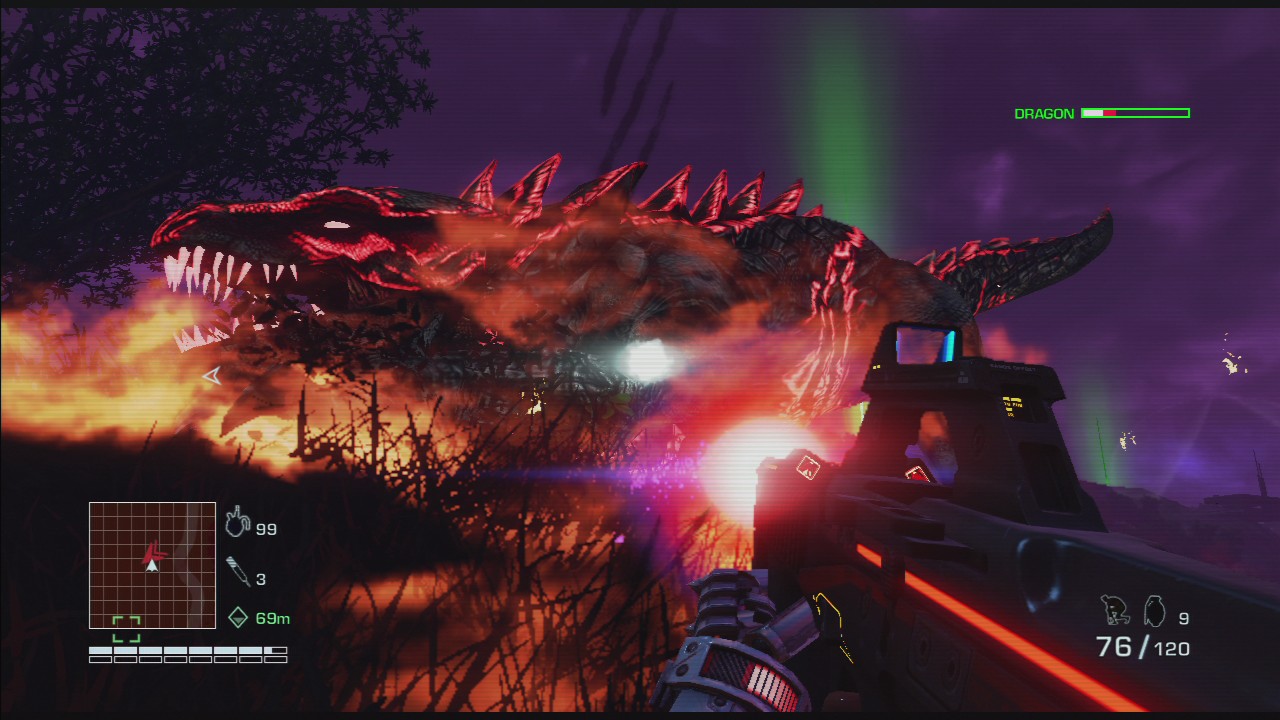
Far Cry 3: Blood Dragon is a standalone expansion set in a futuristic 2007 filled with neon lights, cybernetic soldiers, and laser-shooting dragons. Inspired by 1980s action movies, cartoons, and sci-fi tropes, the game delivers an intentionally over-the-top and humorous experience.
Players take control of Sergeant Rex “Power” Colt, a cyber-commando on a mission to stop a rogue military leader from using a powerful doomsday weapon. The game features fast-paced combat, stealth takedowns, and classic Far Cry open-world mechanics, all wrapped in a retro-futuristic style.
With its synth-heavy soundtrack, VHS-style visuals, and satirical storytelling, Far Cry 3: Blood Dragon stands out as one of the most unique and memorable entries in the Far Cry franchise, offering pure fun and nonstop action.
Screenshots

Official Trailer
System Requirements
OS: Windows XP (SP3) / Vista (SP2) / 7 (SP1) / 8 / 10 (64-bit)
Processor: Intel Core 2 Duo E6700 @ 2.6 GHz or AMD Athlon 64 X2 6000+ @ 3.0 GHz
RAM: 2 GB
Video Card: 512 MB DirectX 9.0c-compliant (NVIDIA 8800 GT or AMD HD 2900 or better)
Storage: 3 GB free space
DirectX: Version 9.0c
Processor: Intel Core 2 Duo E6700 @ 2.6 GHz or AMD Athlon 64 X2 6000+ @ 3.0 GHz
RAM: 2 GB
Video Card: 512 MB DirectX 9.0c-compliant (NVIDIA 8800 GT or AMD HD 2900 or better)
Storage: 3 GB free space
DirectX: Version 9.0c
OS: Windows XP (SP3) / Vista (SP2) / 7 (SP1) / 8 / 10 (64-bit)
Processor: Intel Core i3-530 @ 2.93 GHz or AMD Phenom II X2 550 @ 3.1 GHz or better
RAM: 4 GB
Video Card: 1024 MB DirectX 11-compliant or higher
Storage: 3 GB free space
DirectX: Version 11
Processor: Intel Core i3-530 @ 2.93 GHz or AMD Phenom II X2 550 @ 3.1 GHz or better
RAM: 4 GB
Video Card: 1024 MB DirectX 11-compliant or higher
Storage: 3 GB free space
DirectX: Version 11
How to Install
1
Download all parts to the same folder
2
Extract using 7-Zip or WinRAR
3
Run setup.exe as Administrator
4
Follow the installation wizard
5
Launch the game from the desktop shortcut
Game Details
Category
Action
Size
3.31GB
Views
459
Downloads
372
Published
Jan 03, 2026
Updated
Oct 03, 2026

Comments (0)
to join the discussion