
💻 PC
📦 5.40GB
📅 2026
174 views
Driver San Francisco
Driver: San Francisco is an open-world driving action game featuring high-speed chases, cinematic missions, and a unique vehicle-shifting mechanic across a detailed city.
About This Game
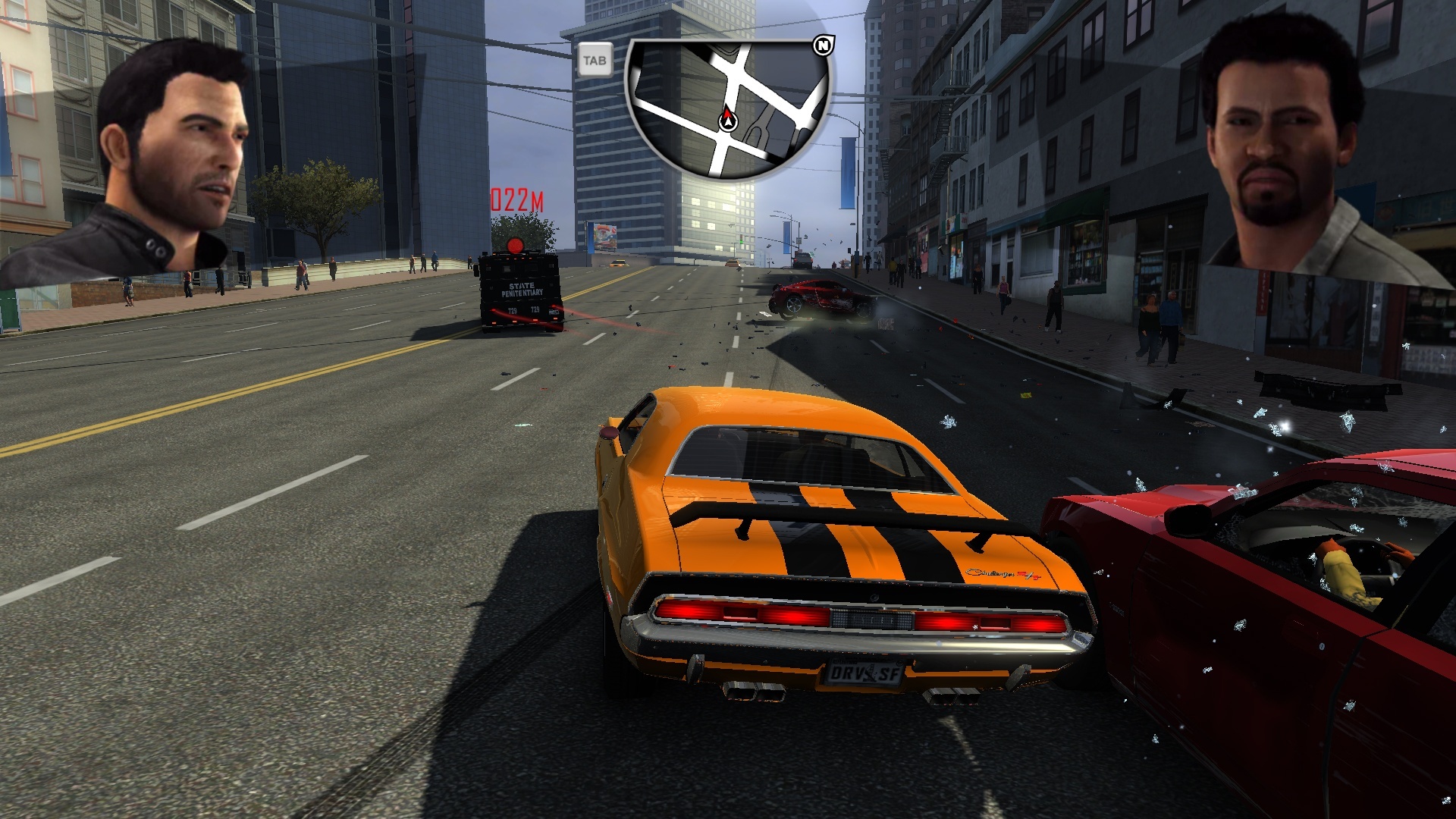
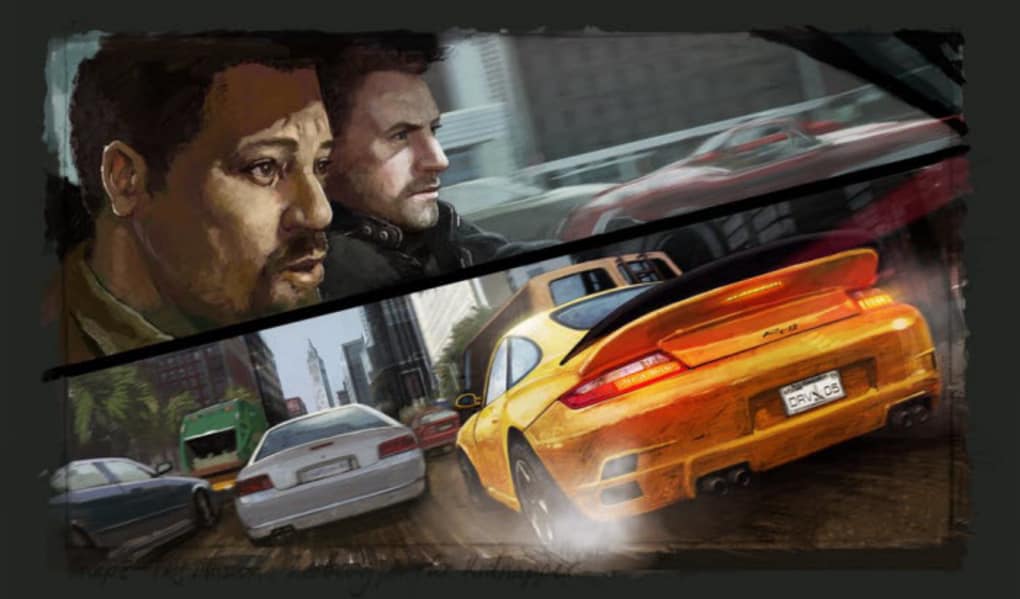
Driver: San Francisco reinvents the classic driving series with an innovative gameplay concept and a strong narrative focus. Players take on the role of undercover detective John Tanner, who finds himself in a coma after a major accident, experiencing the city through a unique out-of-body perspective.
The game’s standout feature is the “Shift” mechanic, allowing players to instantly switch control between any vehicle on the road. This ability transforms high-speed chases, missions, and exploration into a fast, strategic, and cinematic experience unlike any other driving game.
Set in a beautifully recreated version of San Francisco, the game offers a wide range of cars, diverse missions, and intense pursuit sequences. With its smooth driving physics, engaging story, and creative gameplay, Driver: San Francisco delivers a memorable and stylish driving adventure.
Screenshots

Official Trailer
System Requirements
OS: Windows XP / Vista / 7
CPU: Intel Pentium D 3.0 GHz or AMD Athlon 64 X2 4400+ 2.2 GHz
RAM: 1 GB (XP) / 2 GB (Vista/7)
GPU: 256 MB DirectX 9.0c compliant with Shader Model 4.0 (e.g., NVIDIA GeForce 8600 GT, ATI Radeon HD 2600 XT)
Storage: 10-11 GB
CPU: Intel Pentium D 3.0 GHz or AMD Athlon 64 X2 4400+ 2.2 GHz
RAM: 1 GB (XP) / 2 GB (Vista/7)
GPU: 256 MB DirectX 9.0c compliant with Shader Model 4.0 (e.g., NVIDIA GeForce 8600 GT, ATI Radeon HD 2600 XT)
Storage: 10-11 GB
OS: Windows 7/8/10 (with compatibility mode for install)
CPU: Intel Core 2 Quad Q6600 2.4 GHz or AMD Athlon II X4 620 2.6 GHz (or better: Core 2 Quad Q9450/Phenom II X4 940)
RAM: 3 GB
GPU: 512 MB DirectX 9.0c compliant (e.g., GeForce 9 series/Radeon HD 3000 series or better)
Storage: 11 GB
CPU: Intel Core 2 Quad Q6600 2.4 GHz or AMD Athlon II X4 620 2.6 GHz (or better: Core 2 Quad Q9450/Phenom II X4 940)
RAM: 3 GB
GPU: 512 MB DirectX 9.0c compliant (e.g., GeForce 9 series/Radeon HD 3000 series or better)
Storage: 11 GB
How to Install
1
Download all parts to the same folder
2
Extract using 7-Zip or WinRAR
3
Run setup.exe as Administrator
4
Follow the installation wizard
5
Launch the game from the desktop shortcut
Game Details
Category
Action
Size
5.40GB
Views
174
Downloads
297
Published
Jan 01, 2026
Updated
Oct 02, 2026

Comments (0)
to join the discussion