

💻 PC
📦 3.65GB
📅 2026
147 views
DARK SOULS Prepare To Die
DARK SOULS: Prepare To Die Edition is a brutally challenging action RPG featuring deep lore, unforgiving combat, and a dark fantasy world filled with danger and mystery.
About This Game
DARK SOULS: Prepare To Die Edition is the definitive version of the legendary action role-playing game that redefined difficulty and atmospheric storytelling. Set in the decaying world of Lordran, players must explore interconnected environments filled with deadly enemies, hidden secrets, and powerful bosses.
Combat is slow, deliberate, and highly skill-based, rewarding patience, timing, and strategic decision-making. Every enemy encounter carries risk, and death is an integral part of learning and progression. The Prepare To Die Edition includes additional content such as the Artorias of the Abyss DLC, expanding the story and introducing new areas, enemies, and bosses.
With its rich lore told through environmental storytelling, iconic level design, and intense gameplay, DARK SOULS delivers an unforgettable experience that challenges both reflexes and determination, earning its place as one of the most influential games of all time.
Screenshots
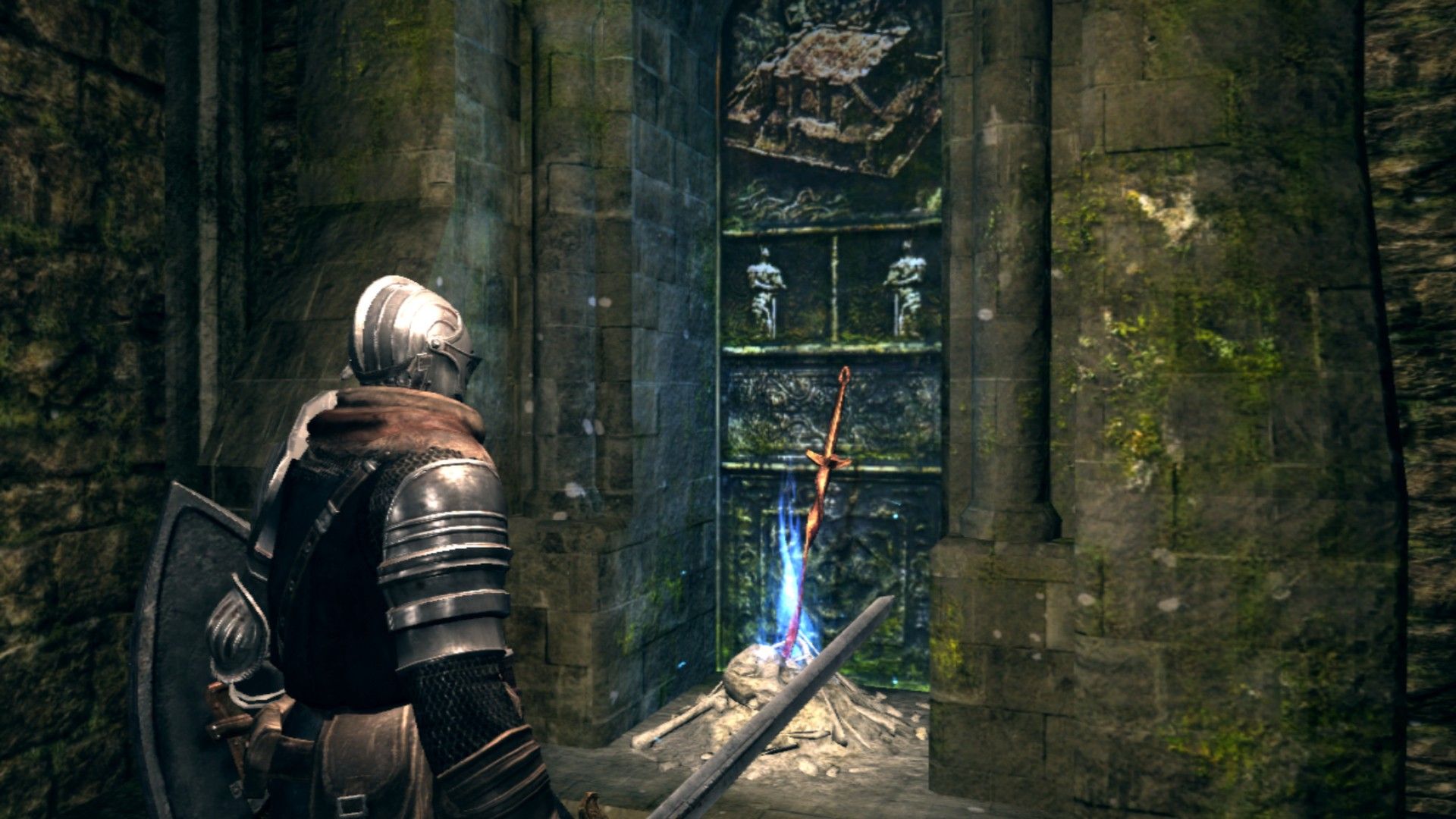
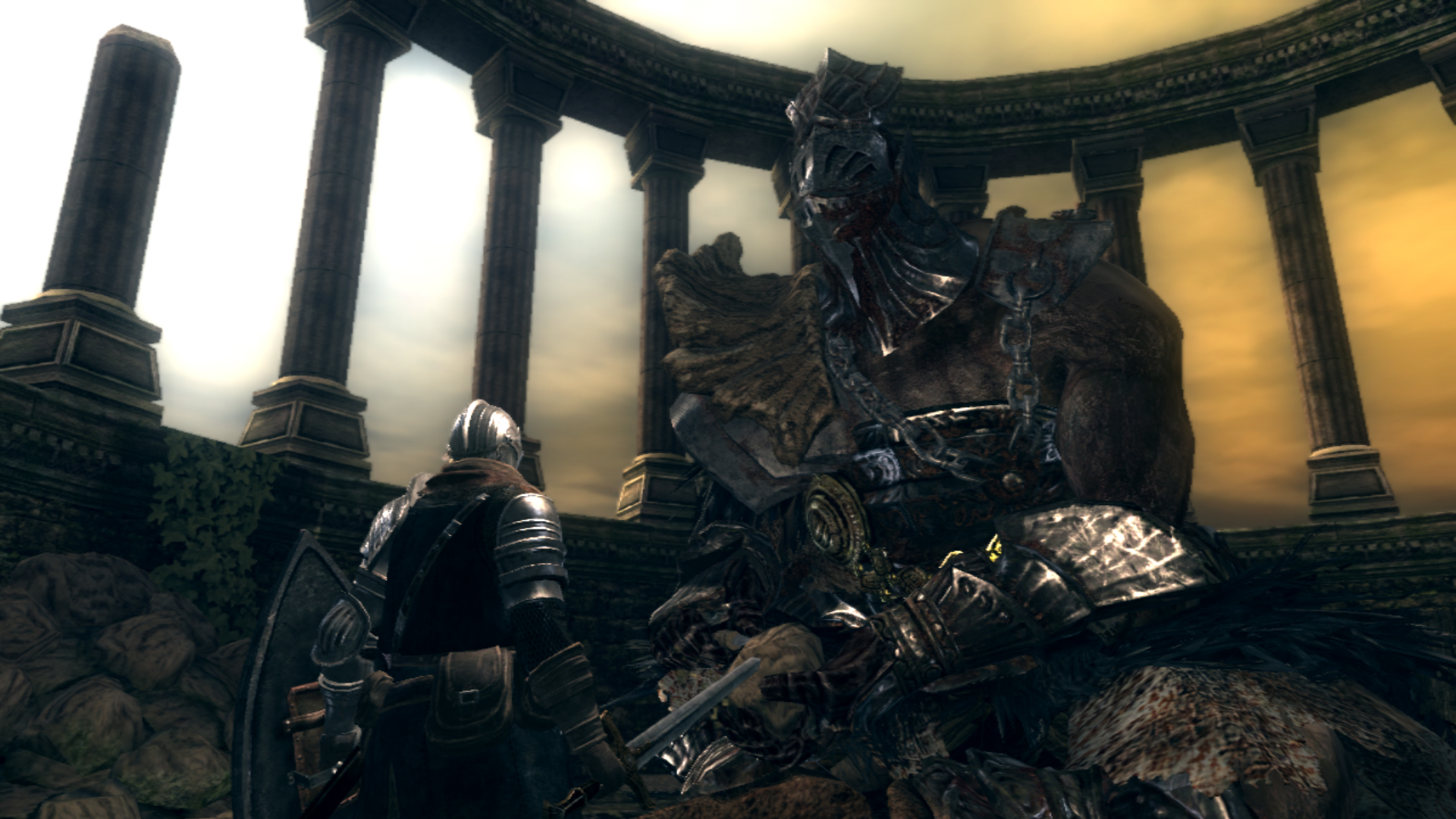
Official Trailer
System Requirements
OS: Windows XP, Windows Vista, Windows 7, or newer.
Processor: Intel Core 2 Duo E6850 (3.0 GHz+) or AMD Phenom II X2 545 (3.0 GHz+).
Memory (RAM): 2 GB.
Graphics Card: GeForce 9800 GTX+ or ATI Radeon HD 4870+.
DirectX: 9.0c.
Hard Drive Space: 4 GB.
Sound: DirectX Compatible.
Controller: Microsoft Xbox 360 Controller for Windows (or equivalent) highly recommended.
Processor: Intel Core 2 Duo E6850 (3.0 GHz+) or AMD Phenom II X2 545 (3.0 GHz+).
Memory (RAM): 2 GB.
Graphics Card: GeForce 9800 GTX+ or ATI Radeon HD 4870+.
DirectX: 9.0c.
Hard Drive Space: 4 GB.
Sound: DirectX Compatible.
Controller: Microsoft Xbox 360 Controller for Windows (or equivalent) highly recommended.
No recommended requirements listed.
How to Install
1
Download all parts to the same folder
2
Extract using 7-Zip or WinRAR
3
Run setup.exe as Administrator
4
Follow the installation wizard
5
Launch the game from the desktop shortcut
Game Details
Category
Action
Size
3.65GB
Views
147
Downloads
307
Published
Jan 01, 2026
Updated
Oct 03, 2026

Comments (0)
to join the discussion