

💻 PC
📦 42.54 GB
📅 2026
445 views
Call of Duty: Black Ops III
Call of Duty: Black Ops III delivers fast-paced futuristic combat with advanced movement, intense multiplayer modes, and a dark, immersive sci-fi storyline set in a cyber-enhanced world.
About This Game
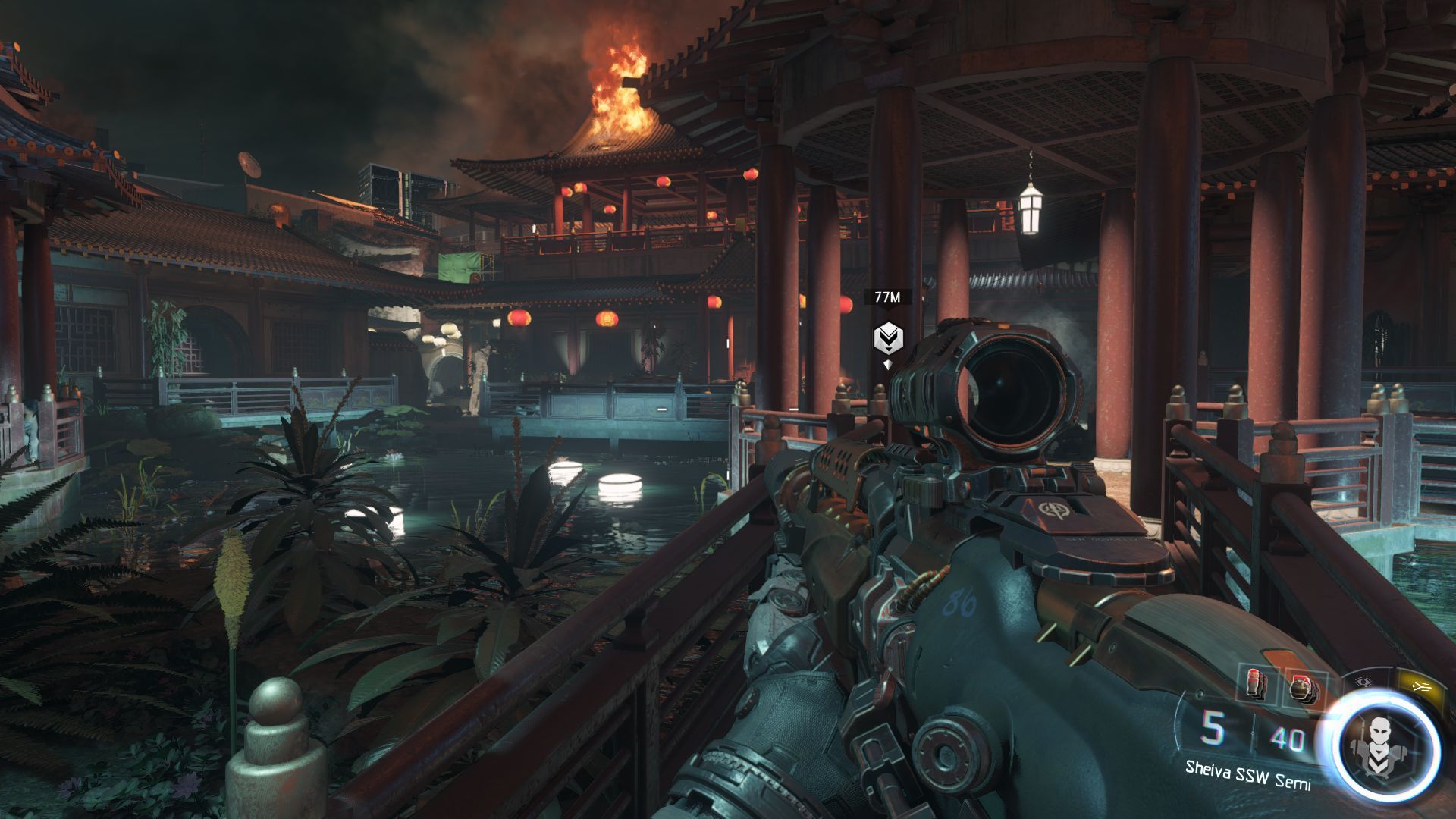
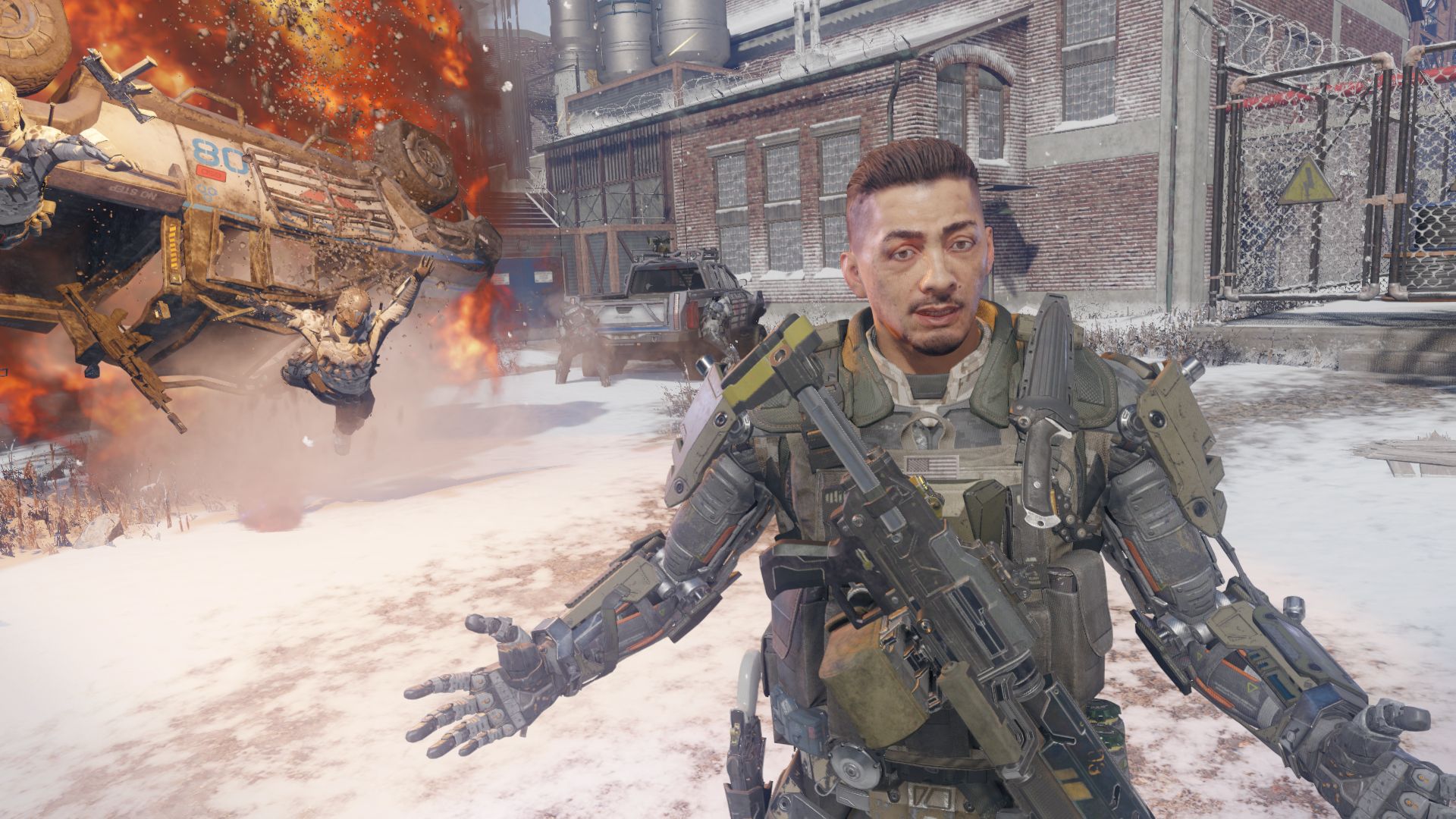
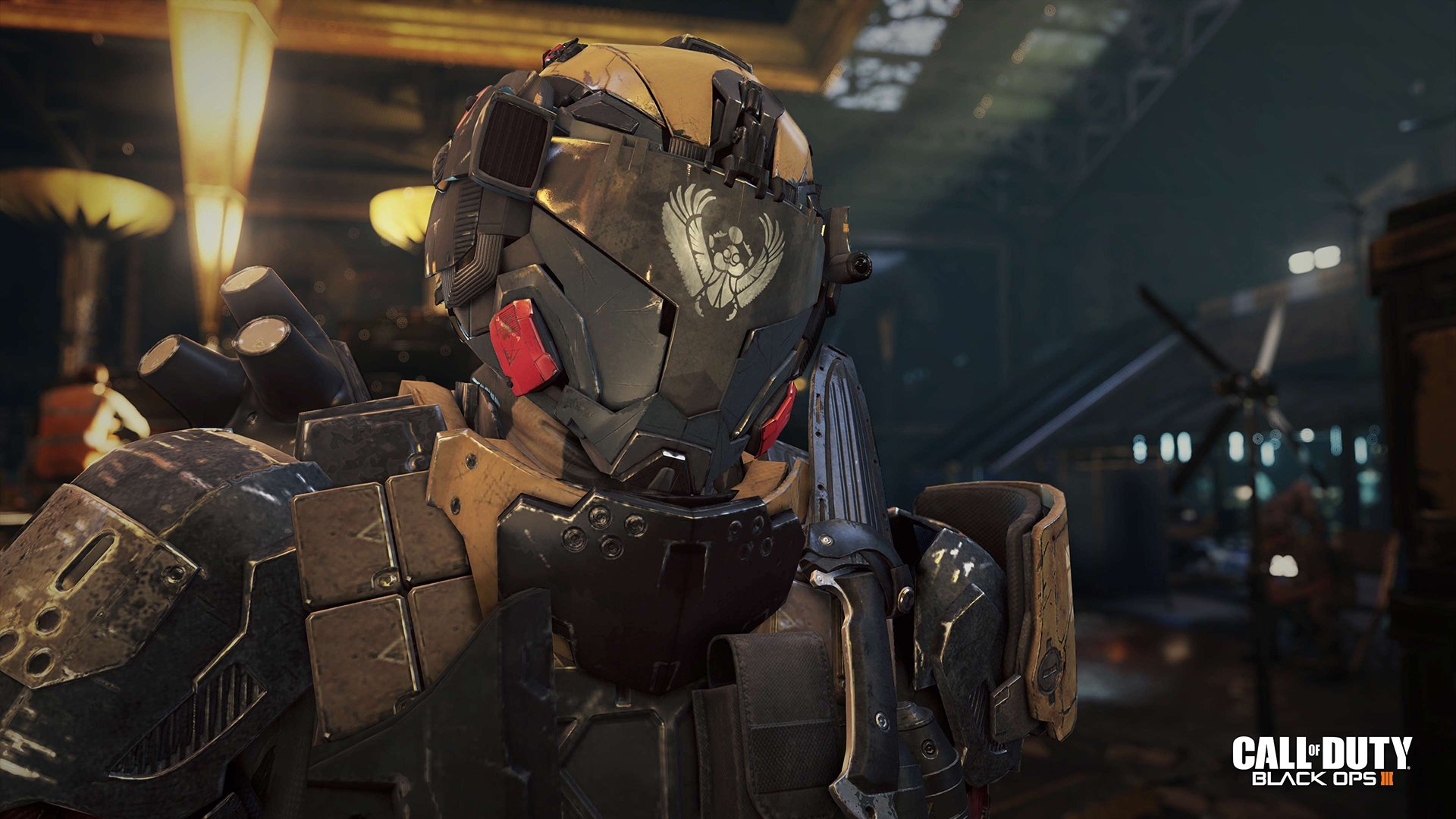
Call of Duty: Black Ops III is a futuristic first-person shooter that pushes the Black Ops series into a dark and technologically advanced era. Set in the year 2065, the game explores a world where soldiers are enhanced with cybernetic abilities, blurring the line between humanity and machine.
The campaign features a unique co-op experience, allowing up to four players to fight together through a complex and psychological storyline filled with moral choices and unexpected twists. Advanced movement mechanics such as wall-running, thrust jumps, and sliding bring unmatched speed and verticality to combat.
Multiplayer introduces the Specialist system, where each character has unique weapons and abilities that change gameplay strategies. With a wide range of maps, weapons, customization options, and competitive modes, Black Ops III offers deep replayability. The iconic Zombies mode also returns, delivering a haunting narrative, new mechanics, and intense survival gameplay for fans of the series.
Screenshots


Official Trailer
System Requirements
OS: Windows 7, 8, 8.1 (64-bit)
Processor: Intel Core i3-530 @ 2.93 GHz / AMD Phenom II X4 810 @ 2.60 GHz
Memory: 6 GB RAM
Graphics: NVIDIA GeForce GTX 470 @ 1GB / ATI Radeon HD 6970 @ 1GB
DirectX: Version 11
Network: Broadband Internet connection
Storage: ~60 GB available space
Sound: DirectX-compatible sound card
Processor: Intel Core i3-530 @ 2.93 GHz / AMD Phenom II X4 810 @ 2.60 GHz
Memory: 6 GB RAM
Graphics: NVIDIA GeForce GTX 470 @ 1GB / ATI Radeon HD 6970 @ 1GB
DirectX: Version 11
Network: Broadband Internet connection
Storage: ~60 GB available space
Sound: DirectX-compatible sound card
No recommended requirements listed.
How to Install
1
Download all parts to the same folder
2
Extract using 7-Zip or WinRAR
3
Run setup.exe as Administrator
4
Follow the installation wizard
5
Launch the game from the desktop shortcut
Game Details
Category
Action
Size
42.54 GB
Views
445
Downloads
341
Published
Jan 01, 2026
Updated
Oct 03, 2026

Comments (0)
to join the discussion