

💻 PC
📦 8.16 GB
📅 2025
3,439 views
Call of Duty Black Ops
The story of Call of Duty: Black Ops 1 unfolds during the Cold War and the Vietnam War, focusing on Alex Mason, a soldier involved in covert CIA operations.
About This Game
Call of Duty: Black Ops is a 2010 first-person shooter game developed by Treyarch and published by Activision. It was released worldwide in November 2010 for Microsoft Windows, the PlayStation 3, Wii, and Xbox 360, with a separate version for Nintendo DS developed by n-Space. Aspyr later ported the game to OS X in September 2012. It is the seventh title in the Call of Duty series and a sequel to Call of Duty: World at War.
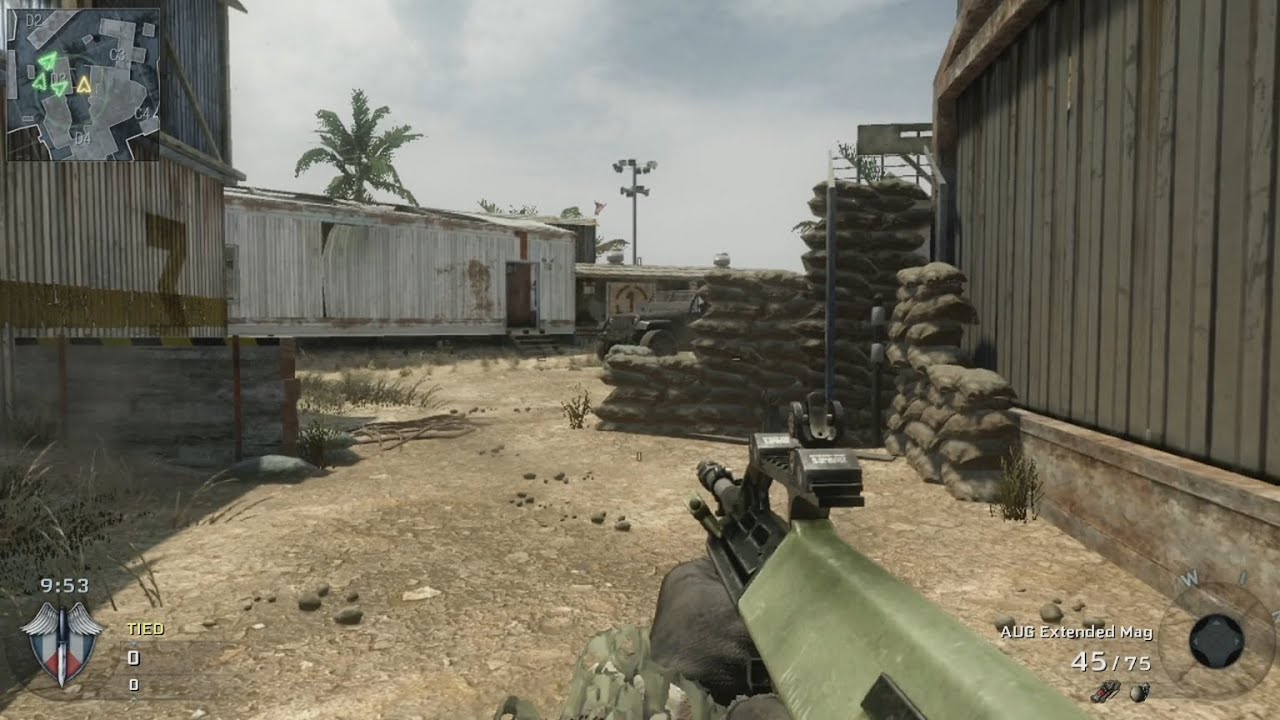
Screenshots
System Requirements
OS *: Windows® Vista / XP / 7
Processor: Intel® Core™2 Duo E6600 or AMD Phenom™ X3 8750 or better
Memory: 2GB
Graphics: Shader 3.0 or better 256MB NVIDIA® GeForce® 8600GT / ATI Radeon® X1950Pro or better
DirectX®: DirectX® 9.0c
Hard Drive: 12GB*
Sound: DirectX® 9.0c-compatible
*Call of Duty®: Black Ops requires an initial hard drive space of approximately 24GB to download and install the game via digital download (8GB of compressed files, 8GB of decompressed files and 8GB of installed files). Upon installing the game, 16GB (compressed and decompressed files) may be deleted from the hard drive. Please make note of where the compressed and decompressed files are being saved on your hard drive in order to later locate these temporary files for removal.
* Starting January 1st, 2024, the Steam Client will only support Windows 10 and later versions.
Processor: Intel® Core™2 Duo E6600 or AMD Phenom™ X3 8750 or better
Memory: 2GB
Graphics: Shader 3.0 or better 256MB NVIDIA® GeForce® 8600GT / ATI Radeon® X1950Pro or better
DirectX®: DirectX® 9.0c
Hard Drive: 12GB*
Sound: DirectX® 9.0c-compatible
*Call of Duty®: Black Ops requires an initial hard drive space of approximately 24GB to download and install the game via digital download (8GB of compressed files, 8GB of decompressed files and 8GB of installed files). Upon installing the game, 16GB (compressed and decompressed files) may be deleted from the hard drive. Please make note of where the compressed and decompressed files are being saved on your hard drive in order to later locate these temporary files for removal.
* Starting January 1st, 2024, the Steam Client will only support Windows 10 and later versions.
No recommended requirements listed.
How to Install
1
Download all parts to the same folder
2
Extract using 7-Zip or WinRAR
3
Run setup.exe as Administrator
4
Follow the installation wizard
5
Launch the game from the desktop shortcut
Game Details
Category
Action
Size
8.16 GB
Views
3,439
Downloads
1,818
Published
Dec 23, 2025
Updated
Oct 04, 2026

Comments (0)
to join the discussion