

💻 PC
📦 18.87GB
📅 2026
53 views
Borderlands The Pre Sequel
Borderlands: The Pre-Sequel delivers explosive looter-shooter action with low-gravity combat, insane humor, and a story set between Borderlands 1 and 2 on Pandora’s moon.
About This Game
Borderlands: The Pre-Sequel is a high-energy first-person looter-shooter that bridges the story between Borderlands and Borderlands 2. Set on the moon of Pandora, the game explores the rise of Handsome Jack and reveals how he became one of gaming’s most iconic villains.
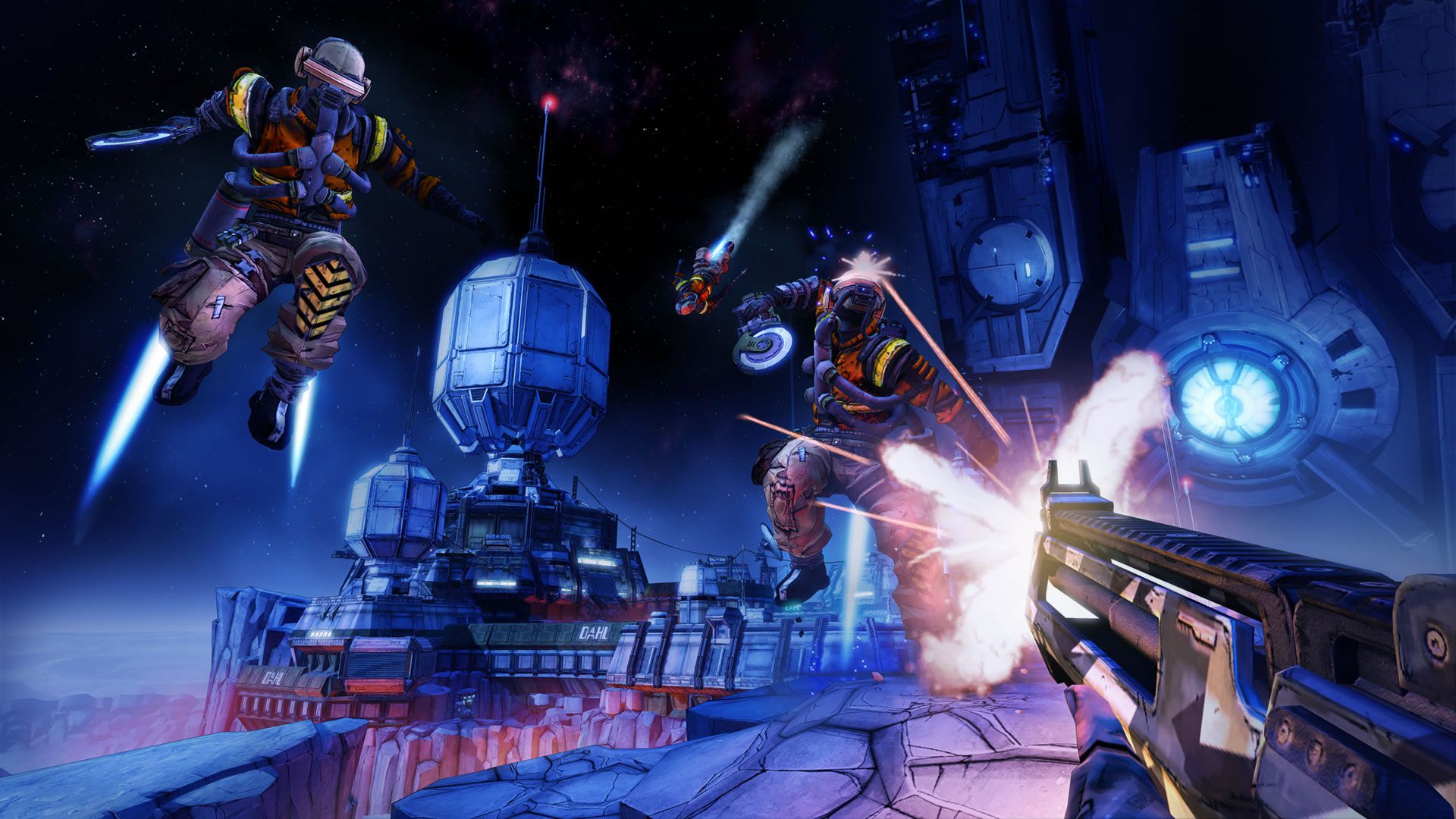
The game introduces unique low-gravity gameplay, allowing players to jump higher, slam down with powerful attacks, and manage oxygen while fighting enemies in space. New movement mechanics add verticality and strategy to combat, while laser weapons bring fresh elemental damage types into the chaotic gunplay.
Players can choose from a cast of distinctive characters, each with unique abilities, skill trees, and playstyles that encourage experimentation and replayability. Packed with outrageous humor, massive weapon variety, RPG progression, and cooperative multiplayer, Borderlands: The Pre-Sequel delivers a wild and unforgettable sci-fi adventure.
Screenshots
Official Trailer
System Requirements
OS: Windows XP SP3 (Steam now needs Win 10+ for client)
Processor: 2.4 GHz Dual Core Processor
Memory: 2048 MB RAM
Graphics: NVIDIA GeForce 8500 / ATI Radeon HD 2600 (256MB VRAM)
DirectX: Version 9.0
Storage: 13 GB available space
Processor: 2.4 GHz Dual Core Processor
Memory: 2048 MB RAM
Graphics: NVIDIA GeForce 8500 / ATI Radeon HD 2600 (256MB VRAM)
DirectX: Version 9.0
Storage: 13 GB available space
OS: Windows XP SP3/Vista/Win 7/Win 8 (Steam now needs Win 10+)
Processor: 2.3 GHz Quad Core processor
Memory: 2048 MB RAM
Graphics: NVIDIA GeForce GTX 560 / ATI Radeon HD 5850 (1GB VRAM)
DirectX: Version 10
Storage: 20 GB available space
Processor: 2.3 GHz Quad Core processor
Memory: 2048 MB RAM
Graphics: NVIDIA GeForce GTX 560 / ATI Radeon HD 5850 (1GB VRAM)
DirectX: Version 10
Storage: 20 GB available space
How to Install
1
Download all parts to the same folder
2
Extract using 7-Zip or WinRAR
3
Run setup.exe as Administrator
4
Follow the installation wizard
5
Launch the game from the desktop shortcut
Game Details
Category
Action
Size
18.87GB
Views
53
Downloads
118
Published
Jan 01, 2026
Updated
Sep 29, 2026

Comments (0)
to join the discussion