
💻 PC
📦 2.32GB
📅 2025
234 views
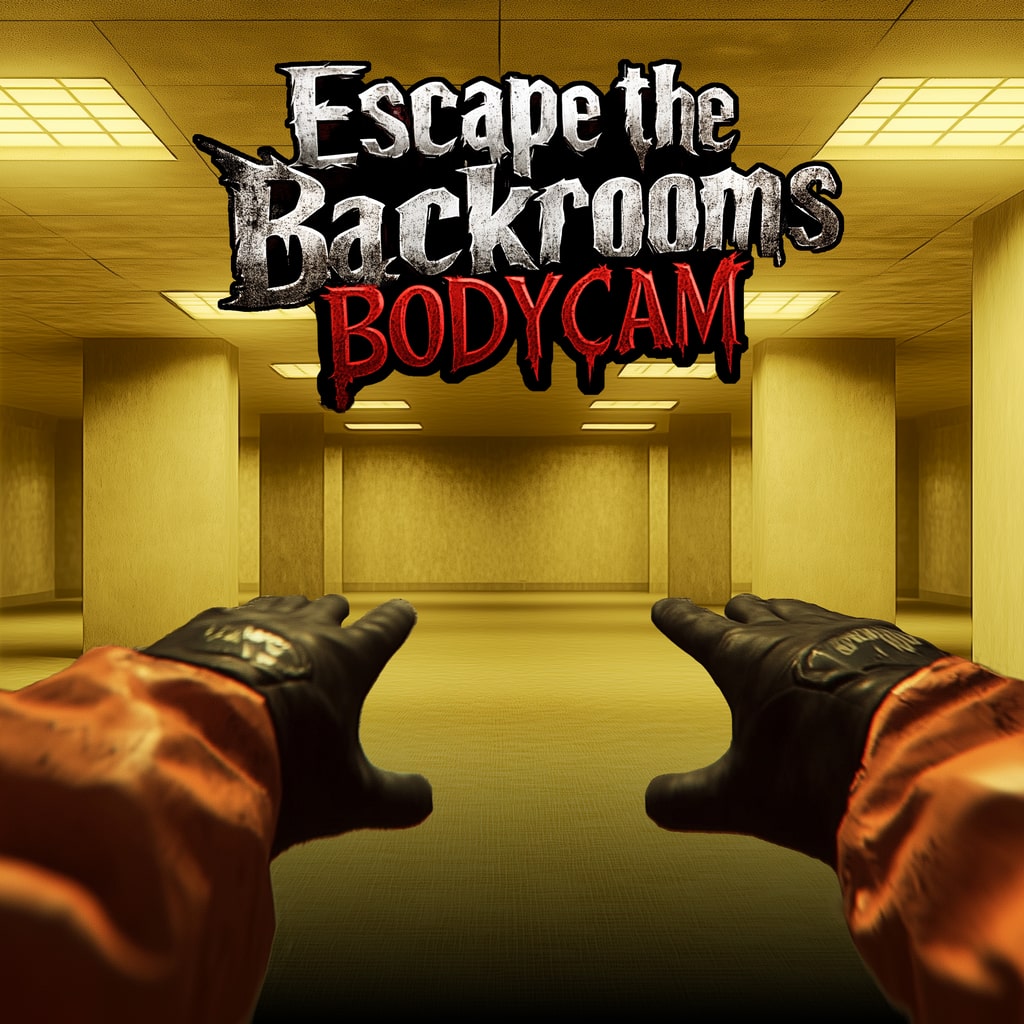
Backrooms Bodycam
Backrooms: Bodycam is a first-person horror game where you explore the endless, eerie corridors of the Backrooms, documenting its mysteries while surviving lurking threats.
About This Game
Backrooms: Bodycam is a first-person survival horror game inspired by the Backrooms internet mythos. Players assume the role of an investigator equipped with a bodycam, tasked with exploring the infinite, maze-like environment of the Backrooms.
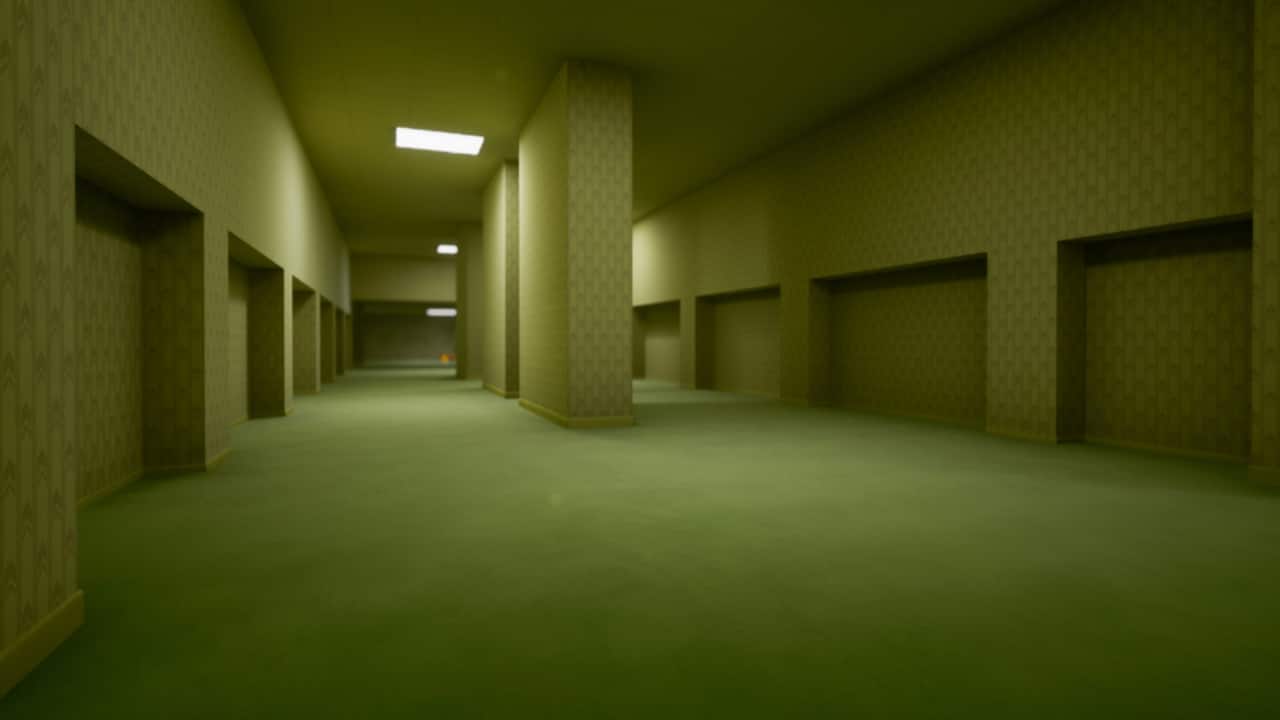
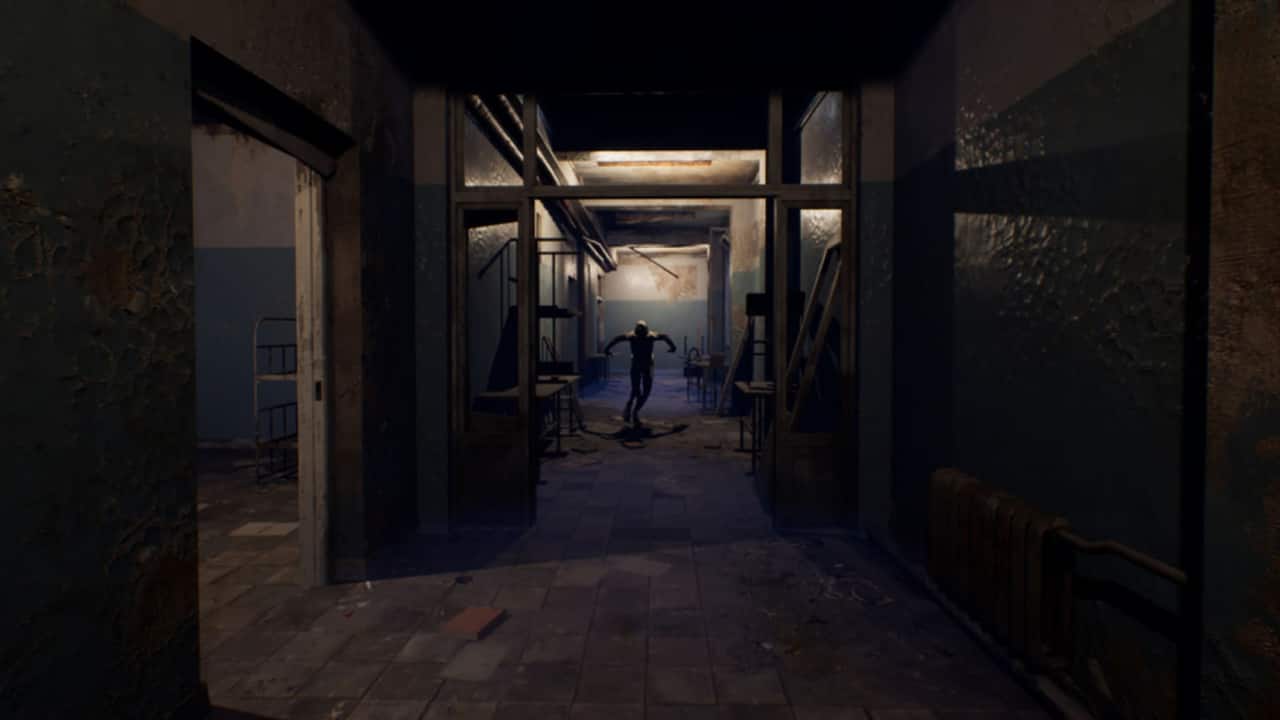
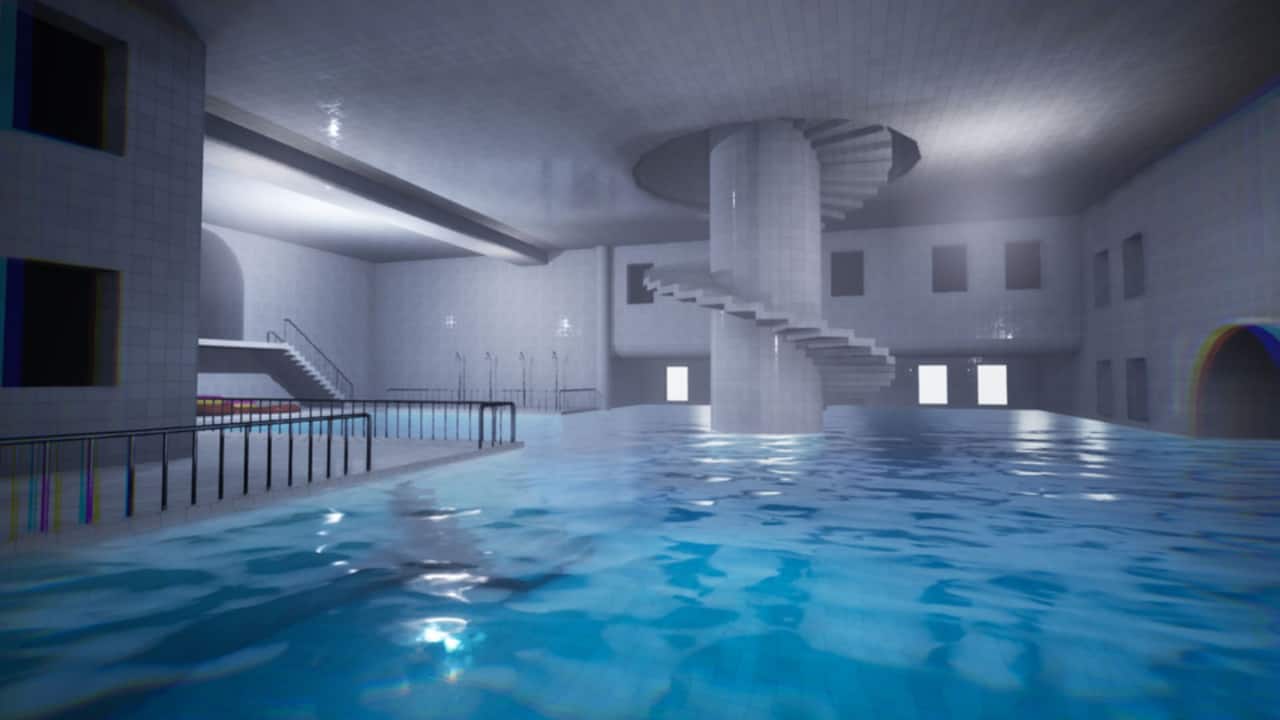
The game focuses on atmosphere, tension, and psychological horror, with dimly lit hallways, flickering lights, strange sounds, and unpredictable entities. Players must carefully navigate the environment, recording anomalies and uncovering hidden lore, all while avoiding or outsmarting hostile creatures that lurk in the shadows.
With immersive sound design, procedural exploration, and a sense of isolation, Backrooms: Bodycam delivers a nerve-wracking experience that captures the dread of being lost in a surreal, infinite world where danger is always just around the corner.
Screenshots
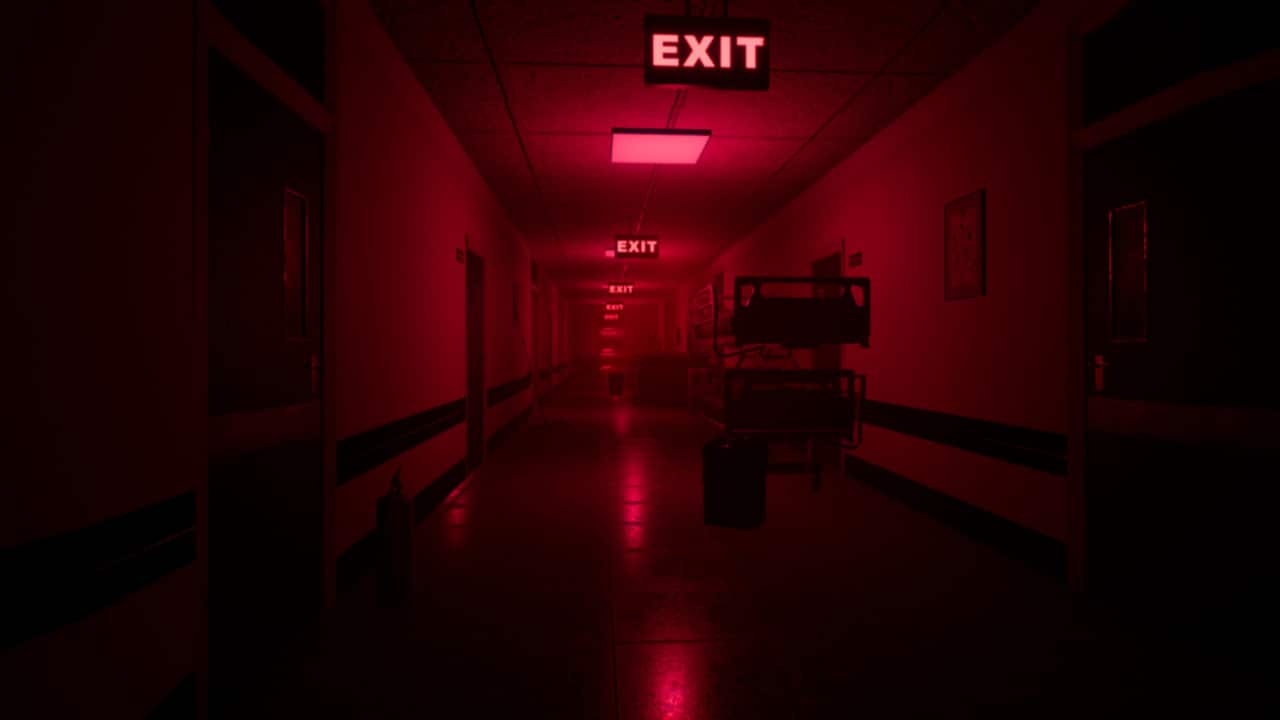
Official Trailer
System Requirements
OS: Windows 7 (64-bit) or newer.
Processor: Intel Core i5-4460 / AMD Ryzen 5 5500 or better.
Memory: 8 GB RAM.
Graphics: GTX 1050 / AMD 500 Series or better (2GB VRAM).
Storage: 2-3 GB available space (varies slightly by game version).
Processor: Intel Core i5-4460 / AMD Ryzen 5 5500 or better.
Memory: 8 GB RAM.
Graphics: GTX 1050 / AMD 500 Series or better (2GB VRAM).
Storage: 2-3 GB available space (varies slightly by game version).
OS: Windows 10/11.
Processor: Intel Core i5-11400 / AMD Ryzen 5 2600 or better.
Memory: 16 GB RAM.
Graphics: RTX 3060 / RX 570 Series or better (12GB AMD, 8GB NVIDIA).
Storage: 2-3 GB available space (plus SSD recommended for performance).
Processor: Intel Core i5-11400 / AMD Ryzen 5 2600 or better.
Memory: 16 GB RAM.
Graphics: RTX 3060 / RX 570 Series or better (12GB AMD, 8GB NVIDIA).
Storage: 2-3 GB available space (plus SSD recommended for performance).
How to Install
1
Download all parts to the same folder
2
Extract using 7-Zip or WinRAR
3
Run setup.exe as Administrator
4
Follow the installation wizard
5
Launch the game from the desktop shortcut
Game Details
Category
Action
Size
2.32GB
Views
234
Downloads
227
Published
Dec 31, 2025
Updated
Oct 04, 2026

Comments (0)
to join the discussion